12
2.1.5 External SD card for recording
A Class 10 micro SD card is inserted into the reader of every delivered control box.
The number of recordings depends on their duration. However as an indication, taking the example
of an average recording of 500KB, the SD card can hold up to 8000 recordings.
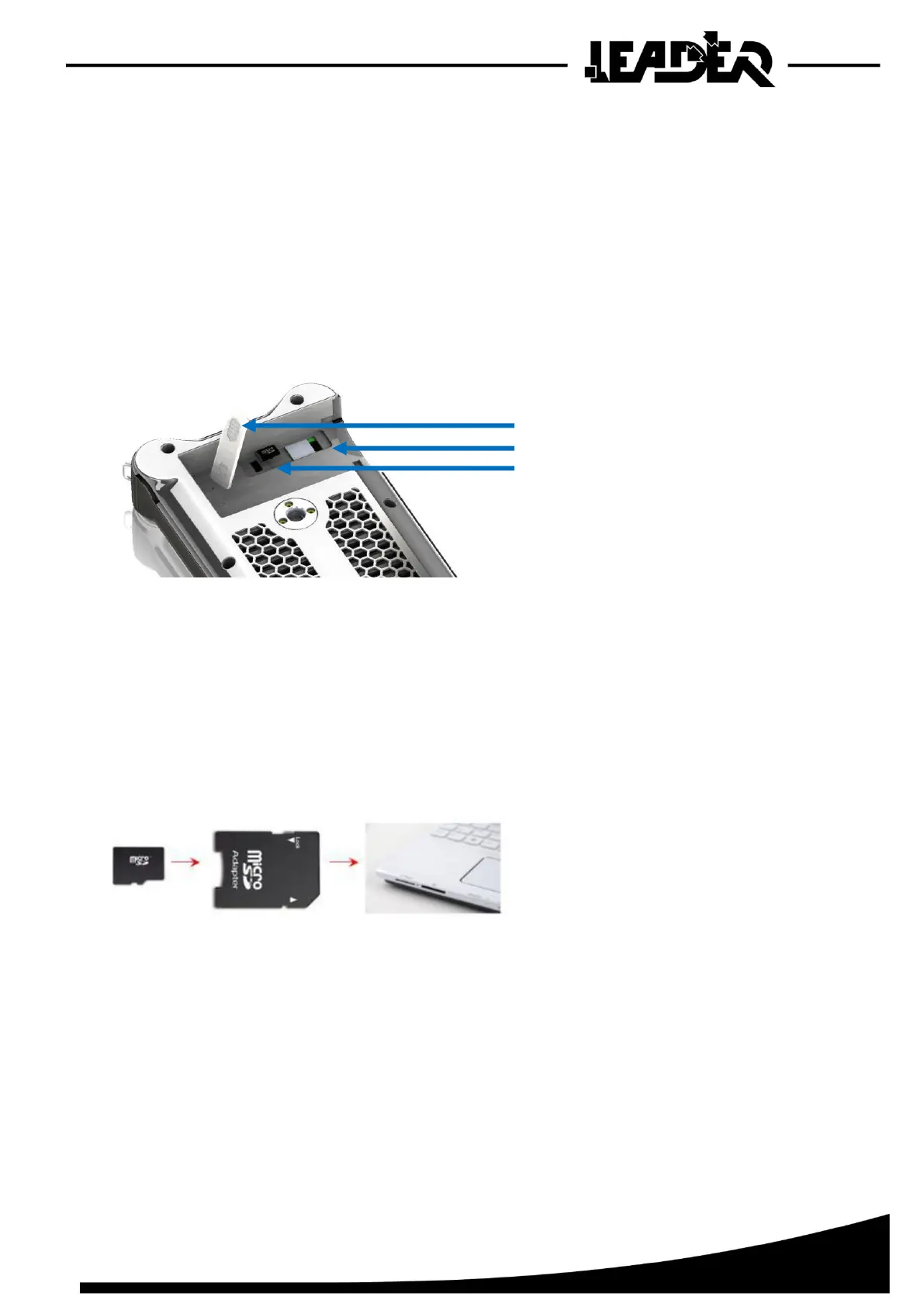
The micro SD card reader is located under a panel on the back of the box. To access it, remove
the battery pack.
Recordings cannot be deleted from the control box. You must use a computer. To do this, insert
the micro SD card into the micro SD adapter (adapter supplied). Then insert the adapter into a
computer with a card reader. Open the corresponding folder to delete the files. The recordings
cannot be viewed on a computer.


 To Next Page