33
If there is no SD card inserted or an SD card inserted with no recording files, the “File” mode
cannot be accessed.
“Auto” mode: When the mode is selected, the box connects automatically to the sensor
using WiFi or USB. It prioritises the USB connection.
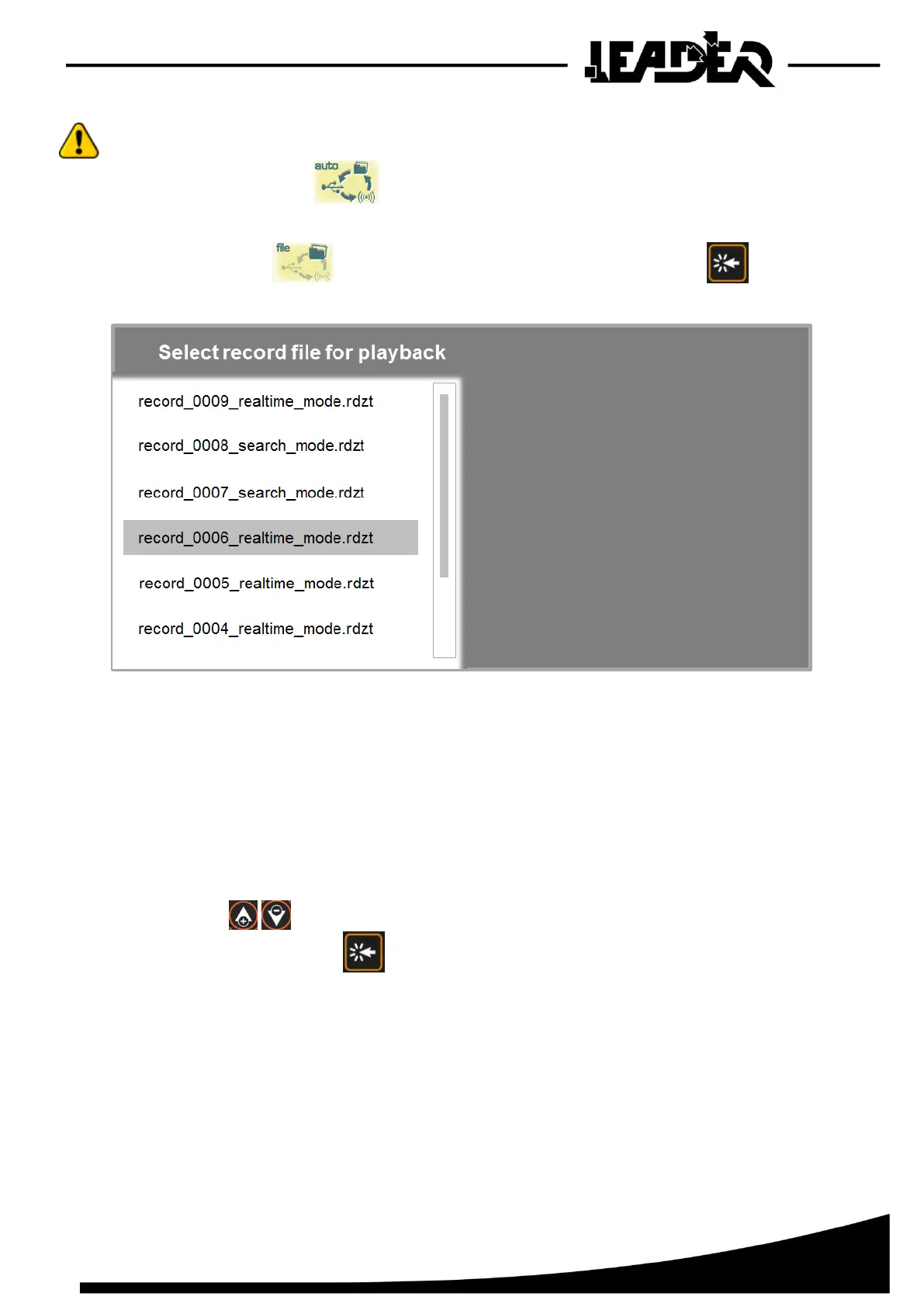
“File” mode: When mode is selected, you must confirm by pressing
A screen appears listing the recordings on the SD card and allowing you to read each of the files.
_0001_realtime
-File name: Name of the file which flashes when reading the recording.
-File size: Size of the recording file.
-Duration: Duration of the recording.
-Min dist: Adjustment of minimum distance during recording launch.
-Max dist: Adjustment of maximum distance during recording launch.
-Data capturing On or OFF: Status of the sensor during start-up of the recording
(If sensor in “Automatic” or “Real time” mode, Data capturing = On)
-Mode: Recording in “Real time search” mode or “Automatic search” mode
-Record format version 9: Software information (for use by LEADER technician)
Use the arrows to navigate in the list and delete the desired file.
Open the file by clicking with .
The recording is then opened and displayed full screen. The recording is the exact copy of
the screen during recording.
A flashing message “record_0001_xxx_mode” appears on the screen and helps clarify that it is a
file reading (1).
If the recording was made in “Automatic” search mode, the flashing message will display
“record_0001_search_mode”, if the recording was made in “Real time” mode, the flashing
message will display “record_0001_realtime_mode”.


 To Next Page