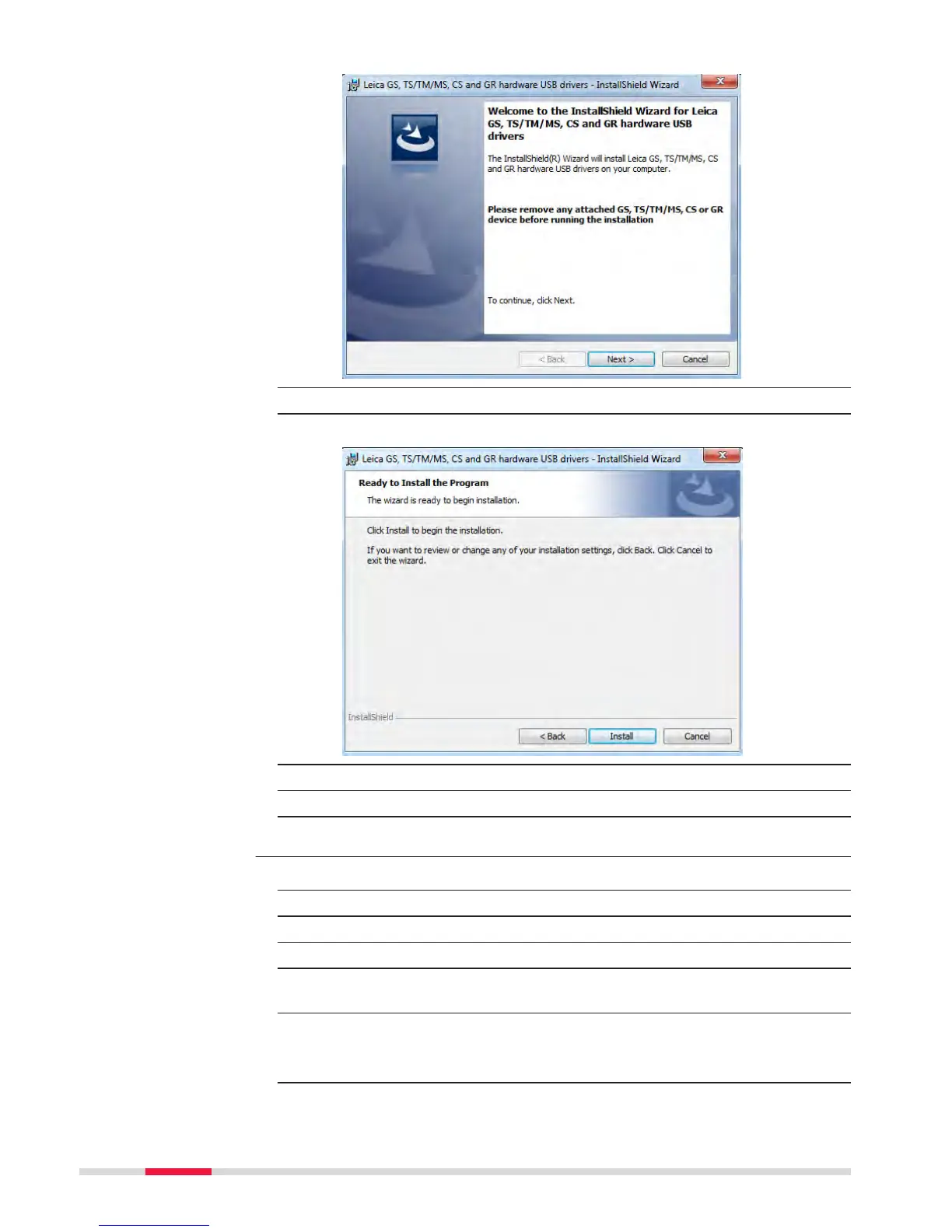
4. Next>.
5. The Ready to Install the Program window appears.
6. Install. T
he drivers will be installed on your PC.
7. The InstallShield Wizard Completed window appears.
8. Click Finish to exit the wizard.
1. Start the PC.
2. Plug the cable into the instrument.
3. Turn on the instrument.
4. Plug the cable into the USB port of the PC.
5. Press the Windows Start button at the bottom left corner of the
s
creen.
6. Type the IP address of the device into the search field.
•
\\192.168.254.1
\ for field controller
•
\\192.168.254.3\ for other instruments
7. Press En
ter.
Connect to PC via USB
c
able step-by-step
42 Operation



 To Next Page