☞
Do not force the USB stick into the port.
4. If desired, store the lid of the USB stick on the underside of the com-
par
tment lid.
5. Close the lid and turn the knob to the horizontal position to lock the
compartment.
6. To remove the USB stick, open the lid of the compartment and slide
the USB stick out of the port.
4.8 LED Indicators
Description
T
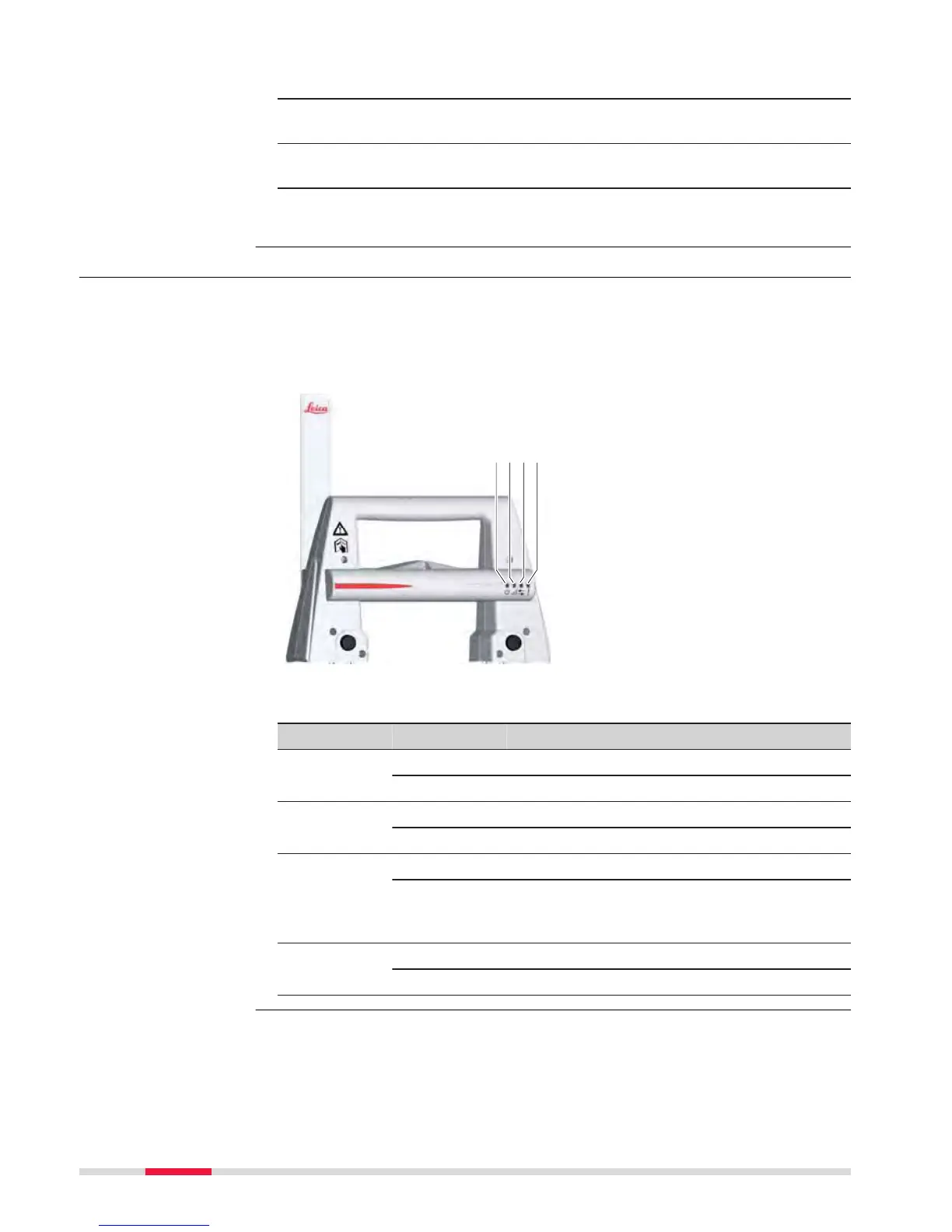
he RadioHandle has Light Emitting Diode indicators. They indicate the basic
RadioHandle status.
Diagram of the LED Indicators
a Power LED
b
Link LED
c Data Transfer LED
d Mode LED
Description of the LED Indicators
IF the is THEN
Power LED off power is off.
green power is on.
Link LED off no radio link to field controller.
red radio link to field controller.
Data Transfer
LED
off no data transfer to/from field controller.
green or
gr
een
flashing
data transfer to/from field controller.
Mode LED off data mode.
red configuration mode.
LED indicators on
Ra
dioHandle
46 Operation



 To Next Page