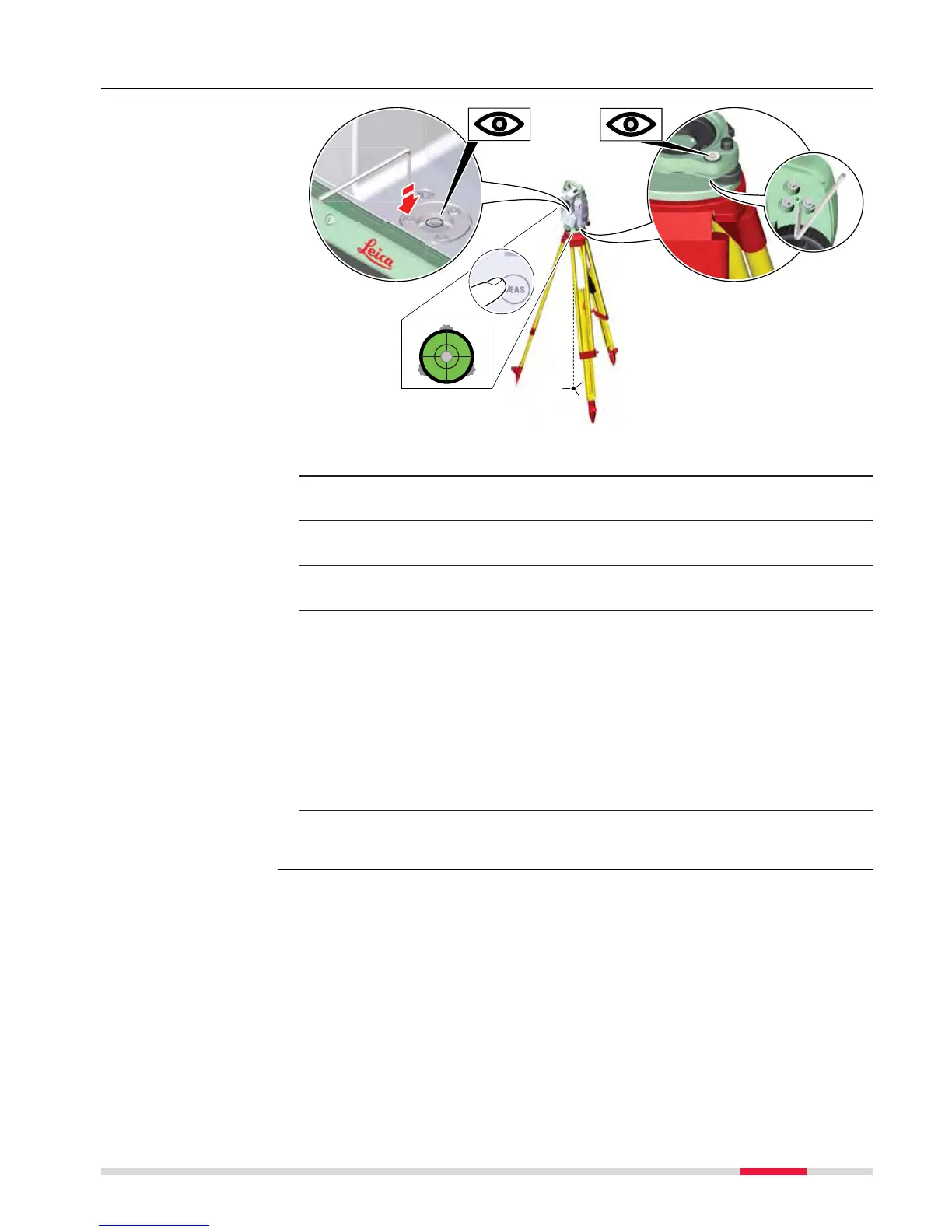
1. Place and secure the instrument into the tribrach and onto a tripod.
2. Using the tribrach footscrews, level the instrument with the elec-
tr
onic level.
3. Select Settings\TS instrument\Level & compensator to access
the Level & Compensator panel.
4. Check the position of the circular level on the instrument and tri-
brach.
5.
a If both circular levels are centred, no adjustments are neces-
sary
b If one or both circular levels are not centred, adjust as follows:
Instrument: If it extends beyond the circle, use the supplied allen
key to centre it with the adjustment screws. Turn the instrument by
200 gon (180°). Repeat the adjustment procedure if the circular
level does not stay centred.
Tribrach: If it extends beyond the circle, use the supplied allen key
to centre it with the adjustment screws.
☞
After the adjustments, all adjusting screws must have the same tight-
ening tension and no adjusting screw should be loose.
Adjusting the circular
level s
tep-by-step
Check & Adjust 55



 To Next Page