5.4006.8501.0 B
Description and Operation 4-21
Display
Description
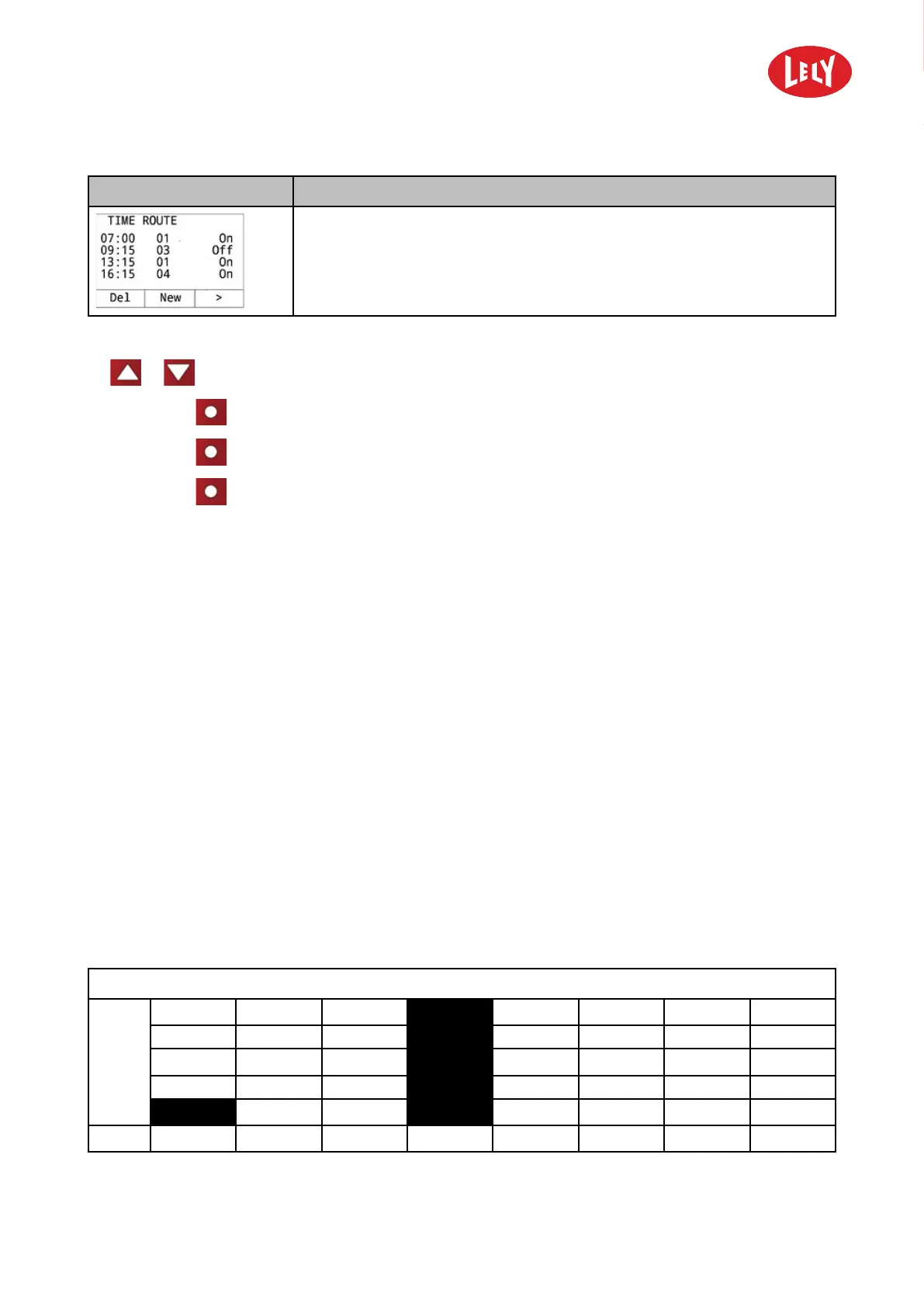
• Time path; start times of set routes.
Buttons
•
or to select a route in the time path.
• Soft button
Del to delete a route from the time path.
• Soft button
New to add a new route to the time path.
• Soft button
> to select the next variable.
4.3.2.4 Blockage Route
This menu is used to temporary block one or more routes. If you do not want the vehicle to drive in a
particular part of the barn, block the routes that go through that part. Blocked routes will be skipped
from the time path.
This option can be used if a part of the barn is reconstructed or if a cow is calving.
4.3.2.5 Route Analysis
The menu Route analysis has the following options:
• Fail. problty.
• Failure analys.
Fail. problty gives a quick overview of the reliability per route. Failure analys gives detailed information
and shows per route the action numbers that have a high risk of failure. It also gives an indication of the
fault (see Analyse the Reliability of a Route on page 7-3).
Failure Probability per Route
The display Fail. problty displays for each route, numbered from 1 - 16, the probability of a failure on a
scale from 0 - 5. In the next figure route 1 has a low risk and route 4 a very high risk.
1–2 Failures/route
5
3
1
1
2 3
4 5 6 7
8
in n o vato rs in ag ricu ltu r e


 To Next Page
 Loading...