5.1501.8502.0 A
Operating Instructions 5-17
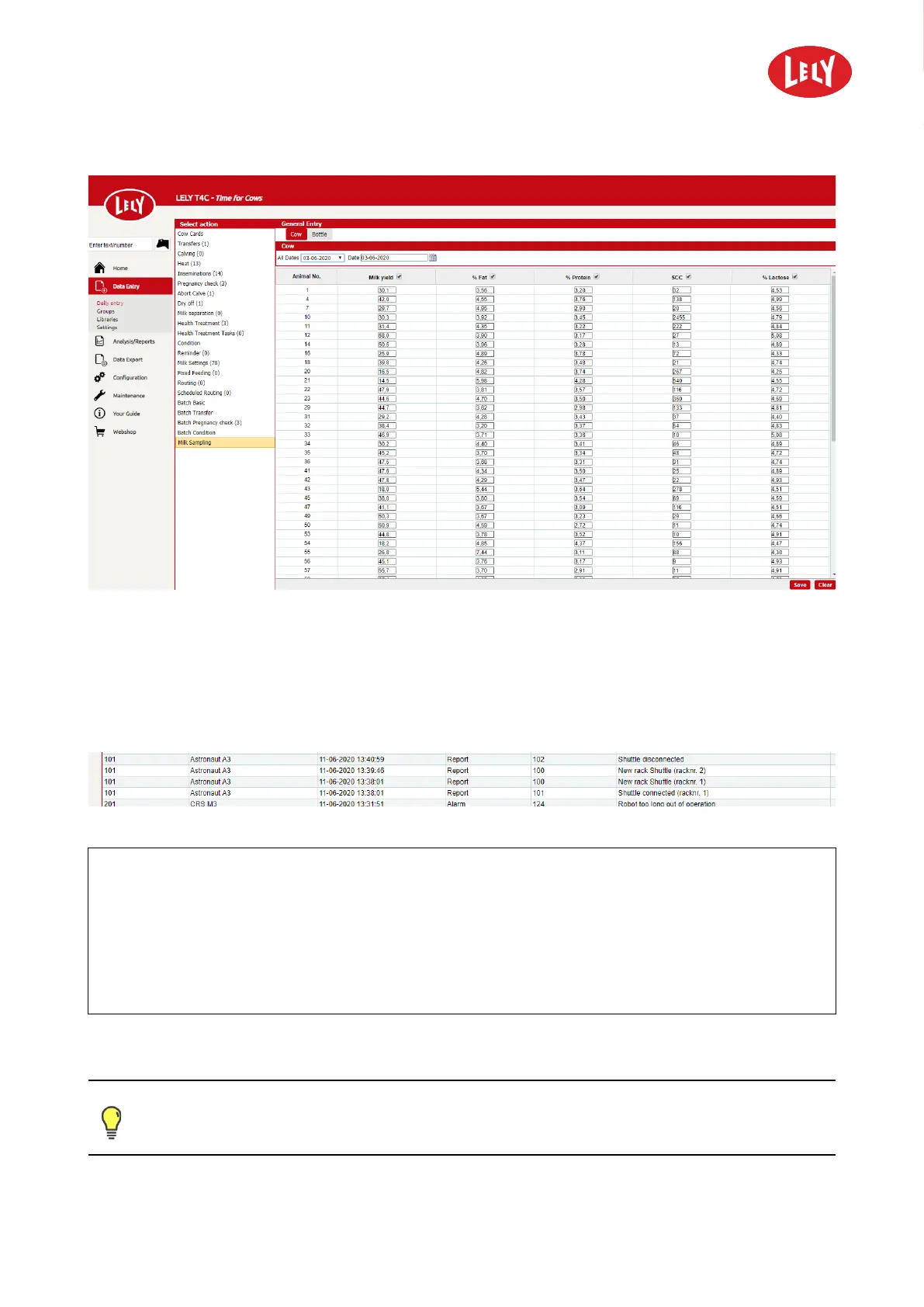
Figure 23. Sampling results
5.5.3.2 Display Device Indications in T4C
1. In T4C go to: Analysis/Reports > Device Indications.
2. All indications (Reports and ALARMS) are shown in this page (see figure 24 on page 5-17).
Figure 24. Device indications
KEY:
• Shuttle disconnected.
• Shuttle connected.
• New rack Shuttle (racknr. X).
• ind. 99: Sample rack almost full (racknr. X).
• The Indication is generated when the number of bottles entered in No. of empty bottles for alarm is left. The value 0
disables the indication.
Once the sampling period has ended, a list must be printed out from T4C for the appropriate authorities.
Please refer to the T4C Operator Manual and T4C Your Guide for detailed information.
in n o vato rs in agriculture





 To Next Page