Communicating with the Device
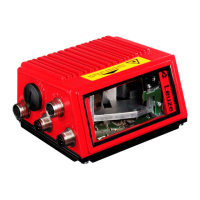
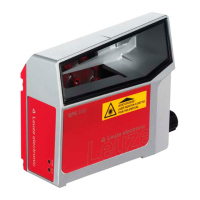
Leuze electronic BCL 8 45
TNT 35/7-24V
Installation directory
Figure 9.2: Installation directory
Confirm your entry with Next, then follow the installation routine.
For further details please refer to online help of the "BCLConfig" software.
After the successful installation, double-click on the file "BCLconfig.exe" to activate the
configuration program.
Select the BCL 8 from the list at the left. The following window for the graphical configuration
is displayed:
Figure 9.3: BCL 8 configuration software


 To Next Page
 Loading...