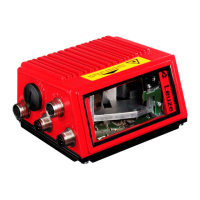
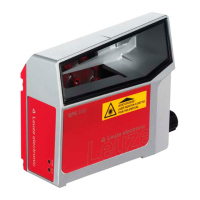
Important Parameters
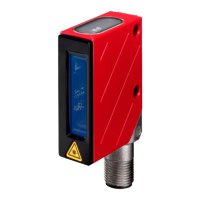
Leuze electronic BCL 8 47
TNT 35/7-24V
10.1.1 Properties window – Decode tab
Figure 10.2: Standard settings for the Properties window – Decode tab
Quiet zone size
Quiet zone: the area to the left and right of the bar code
Module: width of the narrowest line in the bar code
According to the code specifications, each bar code must have a
quiet zone which is 10 times as wide as the module of the bar
code.
Ex: for a code having a module of 0.5mm, 5mm blank space must
be present at both the left and right of the code.
By default, the scanner checks a quiet zone which is 7 times
greater than the module. This means 7x or greater is acceptable
for the scanner.
Reading security
(equal scans)
Specifies how often a code must be decoded before the result is
valid and output. This value should only be increased for test pur-
poses or for codes with low security.
No time correlation
between two identical
scans
If this parameter is set, a gap between two identical labels is
ignored and they are treated as a single label.
No position
correlation between
two identical scans
If this parameter is set, then the position of a bar code label in the
reading beam is not taken into account. Identical labels are treated
as a single label.


 To Next Page
 Loading...