Device description
Leuze electronic BPS 307i 16
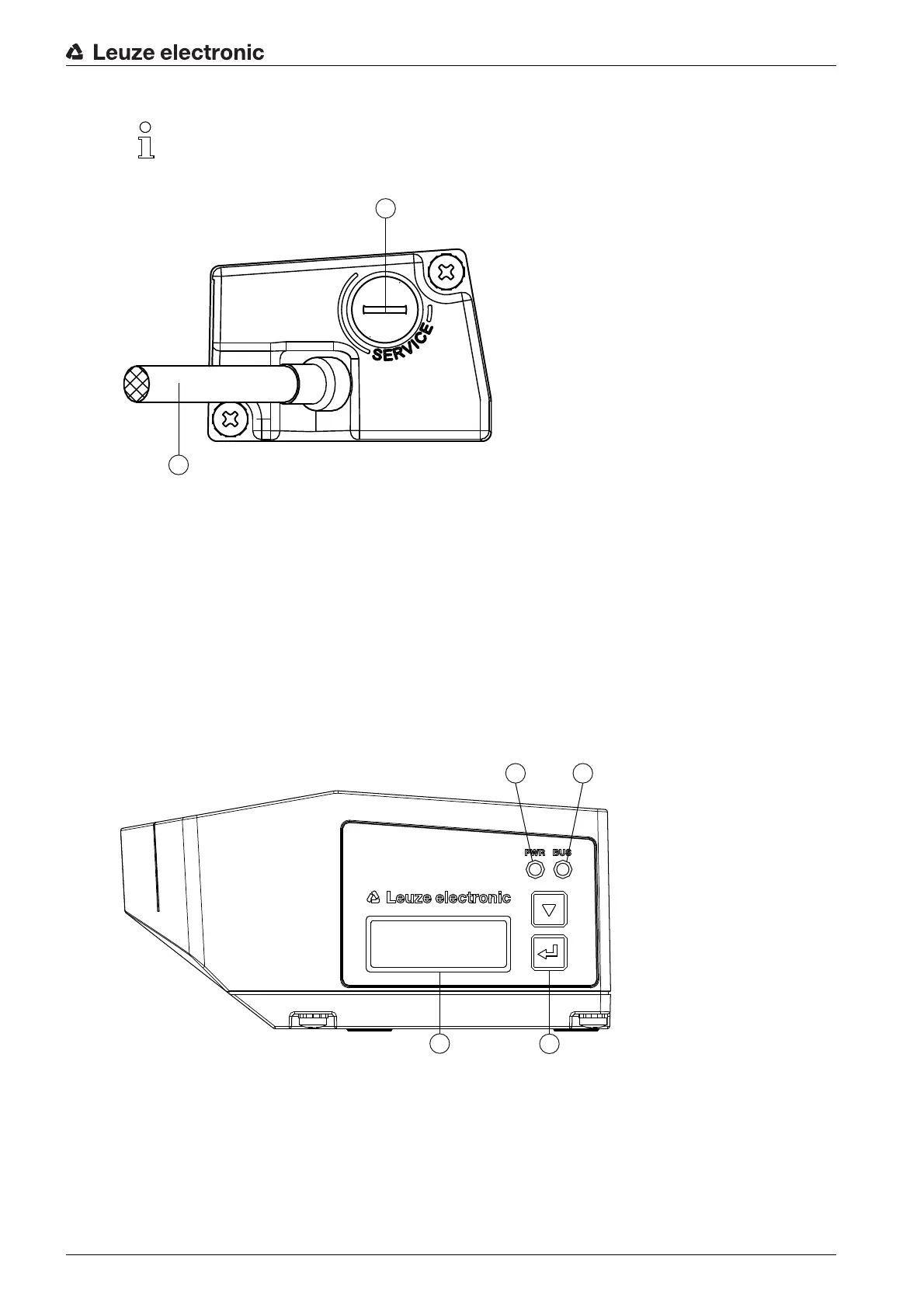
1 SERVICE: Mini-B USB socket (behind protective cap)
2 Connection cable
Figure 3.5: Connection hood KB 307-3000
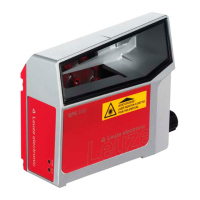
3.3 Display elements
The BPS is available optionally with display, two control buttons and LEDs or with only two LEDs as indi-
cators on the device housing.
3.3.1 LED indicators
The device housing features the following multicolor LED indicators as primary display element:
•PWR
•BUS
1PWR LED
2LED BUS
3 Display
4 Control buttons
Figure 3.6: Indicators on the device housing
To connect, the system plugs (JST) at the end of the cable must be removed.
No parameter memory is integrated in connection hood KB 307.


 To Next Page