Diagnostics and troubleshooting
Leuze electronic BPS 307i 72
Table 10.1: PWR LED displays – causes and measures
10.3 Error messages on the display
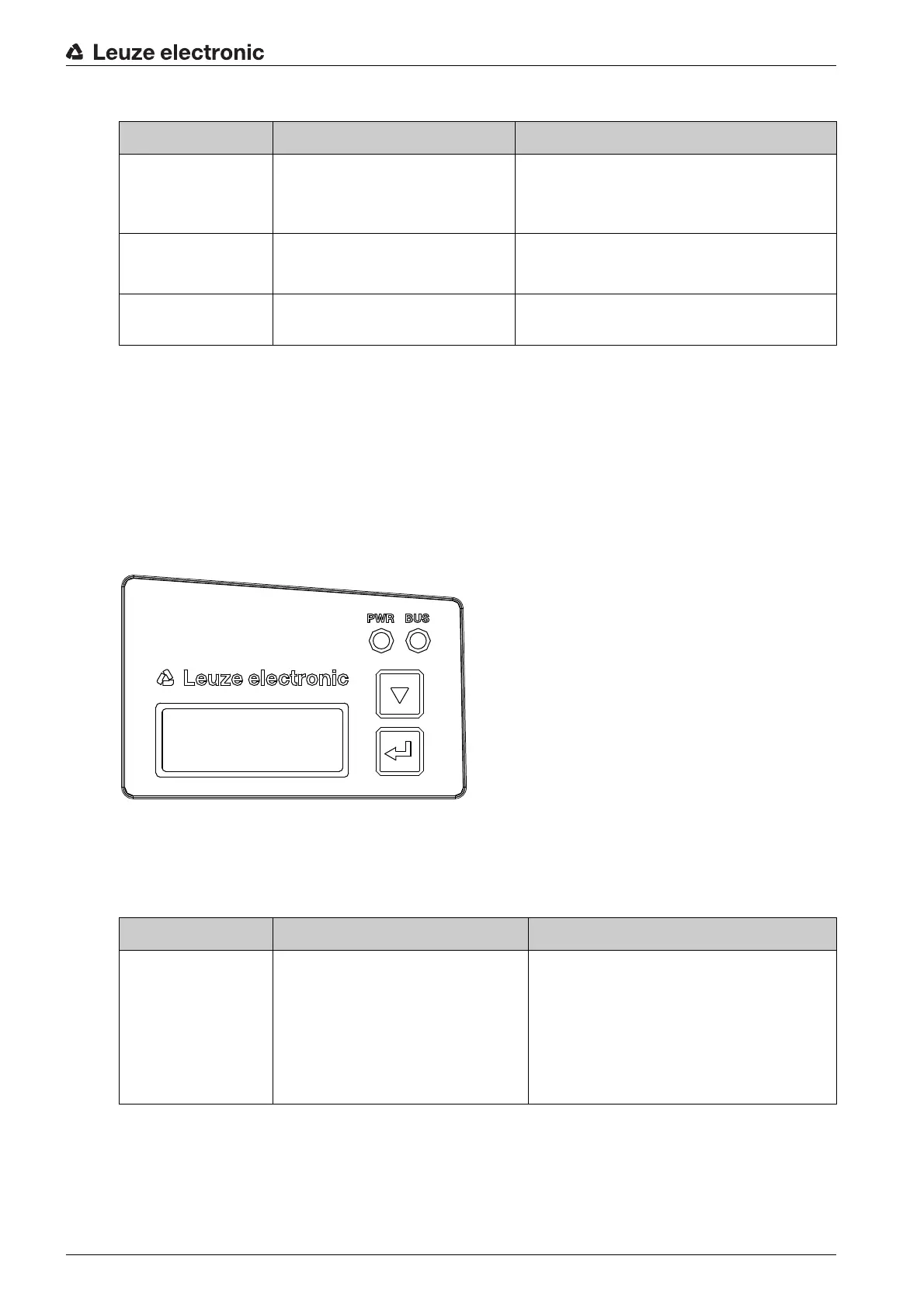
Via the optional display of the BPS, the device outputs the following possible error status information while
it has the
BPS Info
device status:
•
System OK
BPS operating error-free.
•
Warning
Warning message. Query the device status in the webConfig tool.
•
Error
Device function is not ensured.
Figure 10.2: Example: Device status/error status information on the display
10.4 Checklist for causes of errors
Table 10.2: Service interface errors – causes and measures
Error Possible cause Measures
Off
• No supply voltage connected
to the device
• Hardware error
• Check supply voltage
• Contact Leuze electronic customer ser-
vice (see chapter 12 "Service and sup-
port")
Red, flashing
• No bar code in the scanning
beam
• No valid measurement value
• Query BCB diagnostic data and carry out
the resulting measures (see table 10.5)
Orange, continuous
light
• Device in
Service
mode • Reset the device to
Process
mode using
the webConfig tool
BPS Info
System OK
Error Possible cause Measures
webConfig does not
start
• Incorrectly connected intercon-
nection cable
• Connected BPS is not recog-
nized
• No communication via USB ser-
vice interface
• Old webConfig configuration in
the browser cache
• Check interconnection cable
• Install USB driver
• Clear browser history


 To Next Page