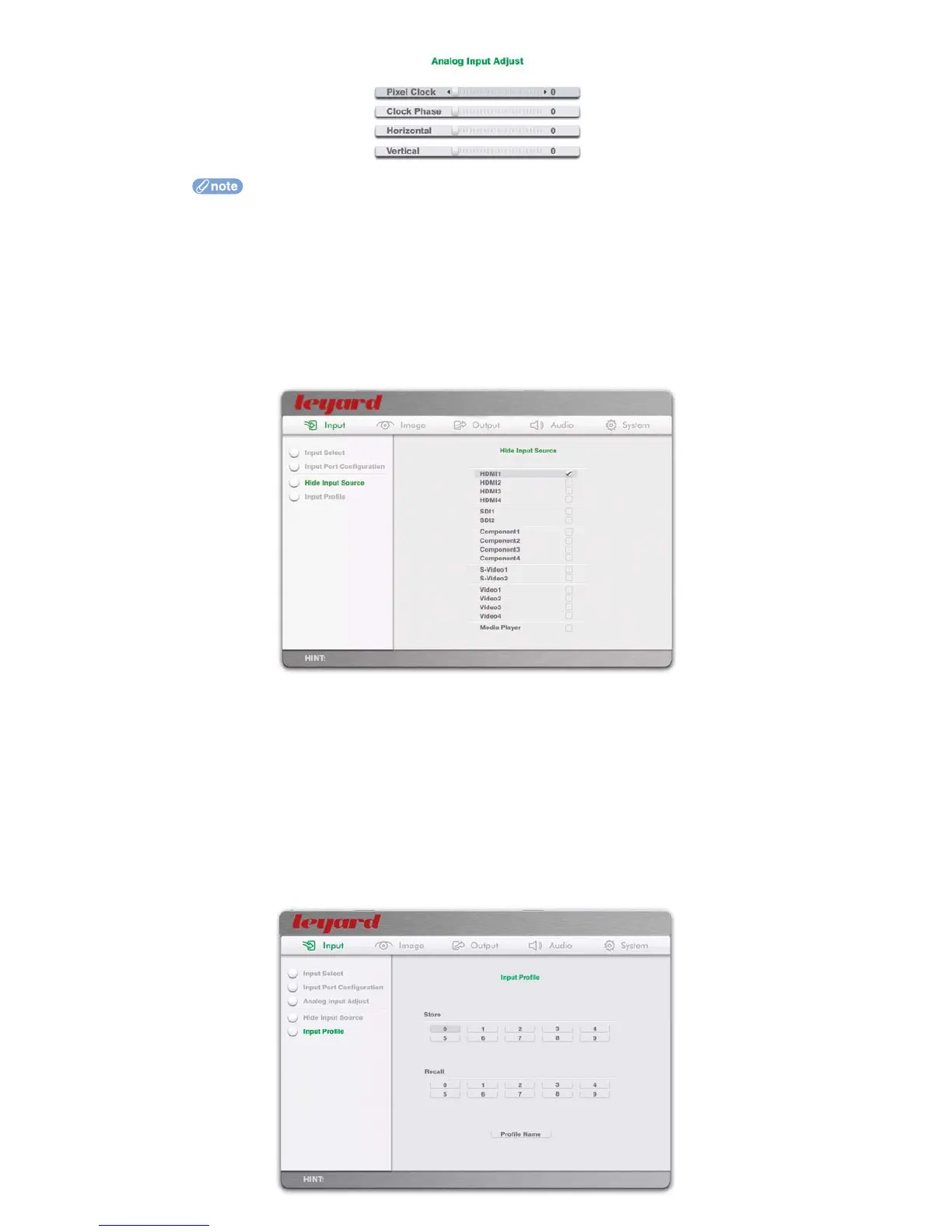
Use the Left/Right arrow remote control keys to adjust the sliders
Use the Up/Down arrow remote control keys to select between Pixel Clock, Position and
Clock Phase
When OK is pressed on the remote control, the whole OSD is hidden and only the slider
control is shown at the lower left corner of the display
Pressing Back on the remote control will return you to the full OSD, or simply press the
Menu key to exit from OSD mode
5.1.4 HIDE INPUT SOURCE
Leadshow 3G has a comprehensive set of input connections. For ease of use it may be more convenient to
remove any unused inputs from the OSD and LCD front panel menu selections.
5.1.5 INPUT PROFILE
Input profiles store input configuration parameters, which include:
Current input source
Input Port Hide/Show settings
Input Port Configuration
Passthru or normal processing (see Section 5.5.3 for details)
Input Analog Adjust parameters
32



 To Next Page