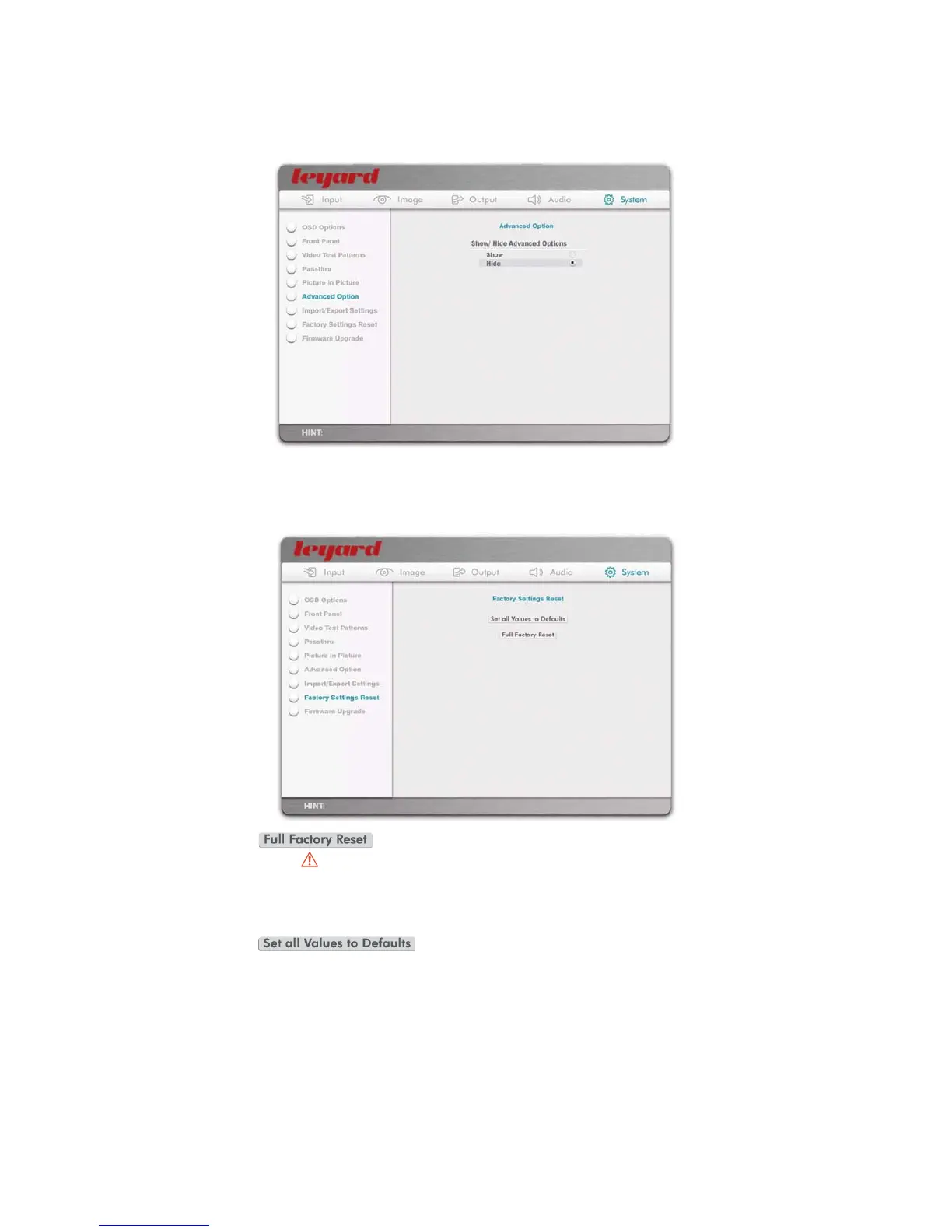
5.5.4 ADVANCED OPTION
This option controls whether advanced options are shown or hidden inside the OSD. Please refer
to Section 7 for details of advanced OSD options available.
5.5.5 FACTORY SETTINGS RESET
This option resets all settings to Factory Default.
When the action button is pressed, you will be presented with a Cancel/
Proceed option. Warning: All Leadshow 3G custom settings and firmware upgrades will be lost
by performing a Full Factory Reset. See Section 5.5.7 for details on how to save part or all of
your custom settings.
ahtiwdetneserpeblliwuoy,desserpsinottubnoitcaehtnehW Cancel/
Proceed option. Proceeding will reset all values to their defaults. However, custom settings such
as Profiles, Macros, and Customized Resolutions will remain available in the menus.
53



 To Next Page