High values of smoothness can reduce the “Staircase” effect when the resolution of the input
video source is low, or when it has a certain degree of pixelization
Low values of smoothness can make the image look sharper
Following are some suggestions for setting Smooth Scaling:
Set 0, when:
your source is HD, and
you have a high resolution display device
the fill factor* of your display device is high (e.g. CRT, LCOS, or SXRD projector)
Set 1, when:
your source is HD, but
your display device resolution is not high, or
the fill factor* of your display device is low (e.g. LCD projector, Plasma display)
Set 2, when:
your source is SD, and
your display device resolution is not high, or
the fill factor* of your display device is low
Set 3, when:
Your source is SD, and
Your display device resolution is low, and
The fill factor* of your display device is low
Set a negative value if:
You don’t care about pixelization, and
You want the image to look sharp
* Fill factor is the size of a pixel, divided by the size of the gap between two pixels plus the size of a pixel. (or the size
of a pixel, divided by the distance between two pixels).
7.6 FAROUDJA PROCESSOR CHIP ADVANCED OPTIONS
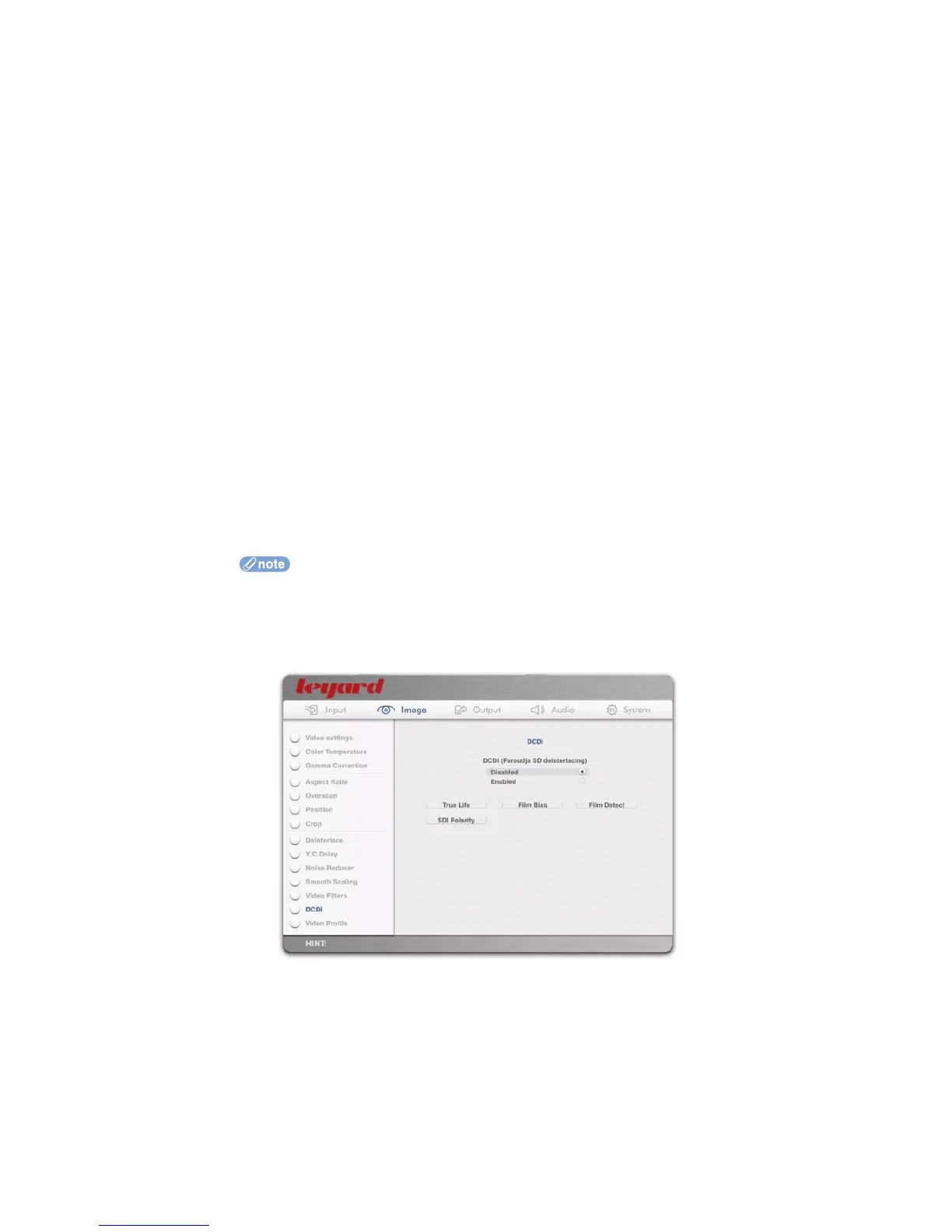
When DCDi is enabled (see Section 5.2.10), advanced options are available.
61



 To Next Page