EasyManua.ls Logo

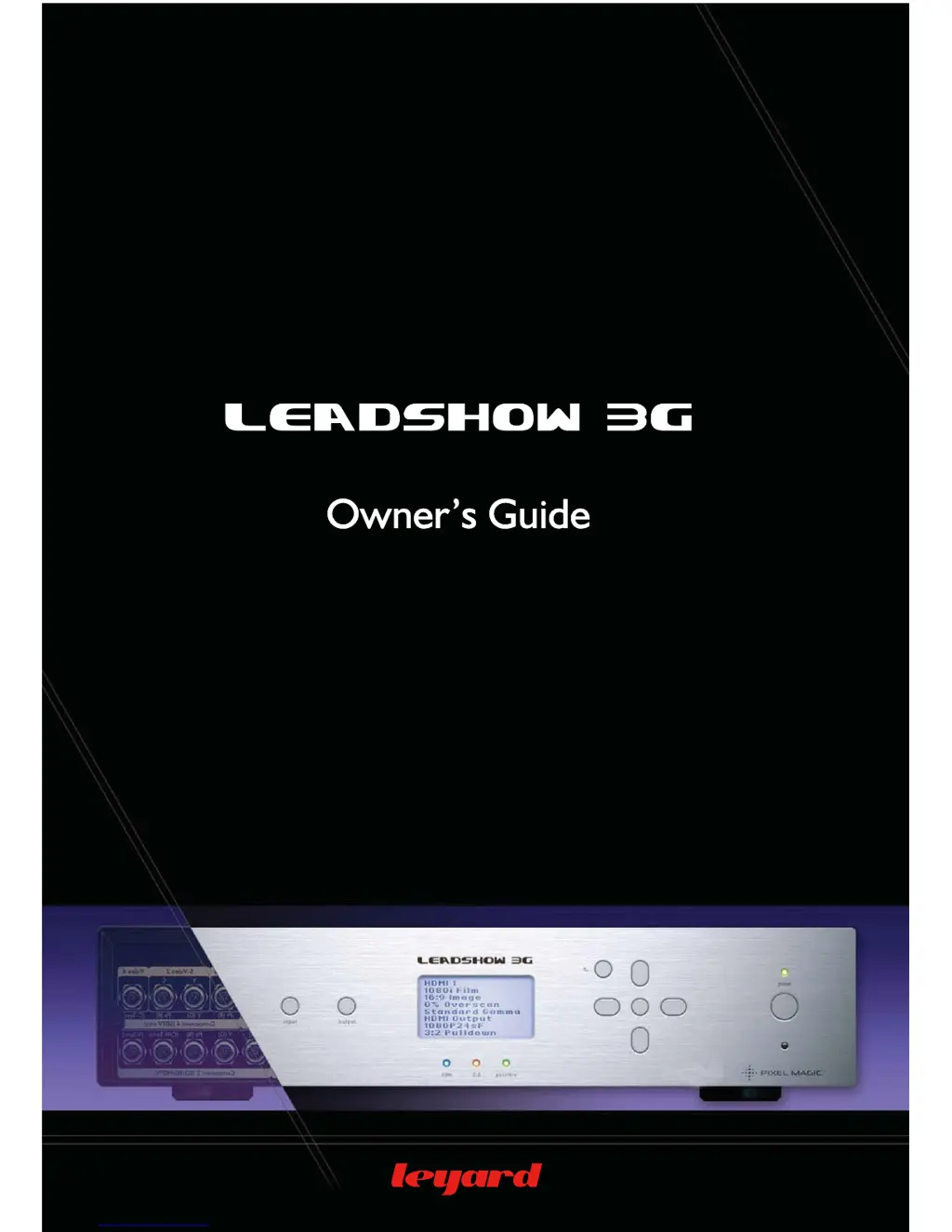
Leyard Leadshow 3G - User Manual

Leyard Leadshow 3G
83 pages
Print Icon
To Next Page IconTo Next Page
Loading...

Table of Contents

Questions and Answers

Summary

Safety Information

Warning

Contains essential warnings about fire and electric shock risks, emphasizing precautions.

Important Safety Instructions

Lists crucial safety guidelines for operating the apparatus, covering installation, usage, and maintenance.

Additional Safety Instructions

3. Hardware Installation

4. Basic Setup

4.1 CONFIGURE YOUR VIDEO SOURCE

Instructions on configuring the video source settings for optimal performance with Leadshow 3G.

4.3 SELECT INPUT VIDEO SOURCE

How to select the active video source using the remote or front panel controls.

4.4 SELECT PRIMARY OUTPUT PORT

4.5 SET OUTPUT FORMAT;RESOLUTION

Guide to setting the output resolution and format for connected display devices.

4.6.1 PIXEL PERFECT

4.6.3 BASIC CALIBRATIONS

Covers fundamental calibration steps for video level and color balance.

4.6.3.1 CALIBRATE THE VIDEO LEVEL AND COLOR BALANCE OF YOUR DISPLAY;PROJECTOR

4.6.3.2 CALIBRATE THE VIDEO LEVEL AND COLOR BALANCE OF YOUR VIDEO SOURCES

Steps to calibrate video sources for optimal color and level balance with the Leadshow 3G.

4.7.2 48 HZ;72 HZ CADENCE LOCK

4.7.3 BASIC CALIBRATION

Basic calibration procedures applicable to CRT projectors.

5. Leadshow 3 G Configuration

5.1 INPUT SUB-MENU

Details all configurable options related to the video inputs of Leadshow 3G.

5.1.1 INPUT SELECT

Allows selection of the active video source from available input ports.

5.1.2 INPUT PORT CONFIGURATION

5.1.5 INPUT PROFILE

5.2 IMAGE SUB-MENU

Contains all primary image adjustment settings for the Leadshow 3G.

5.3 OUTPUT SUB-MENU

5.3.3 OUTPUT RESOLUTION

5.4.1 AUDIO INPUT SELECT

5.4.4 OUTPUT PORT CONFIGURATION

5.5 SYSTEM SUB-MENU

Encompasses all system-level settings for the Leadshow 3G.

5.5.5 FACTORY SETTINGS RESET

5.5.6 FIRMWARE UPGRADE

Instructions for upgrading the device's firmware via USB.

7. ADVANCED OSD OPTIONS

7.2 ADVANCED GAMMA CORRECTION

Provides advanced gamma adjustment capabilities for fine-tuning image response.

7.2.1 USER DEFINED GAMMA CURVE

7.6 FAROUDJA PROCESSOR CHIP ADVANCED OPTIONS

7.7.4 OUTPUT PORT CONFIGURATION WHEN IN PASSTHRU MODE

7.8 AUDIO DELAY PROFILE

7.10 PICTURE IN PICTURE;PICTURE BY PICTURE

7.11 DYNAMICVPTM

Automates actions based on input video format for output configuration.

8. TROUBLESHOOTING

No Picture

Solutions for when the display shows no image, checking cables and settings.

Remote Control not working

Troubleshooting steps for a non-functional remote control.

No Sound

Picture is displayed but is unstable

Addresses issues with unstable or flickering video output.

Picture is displayed but the color is wrong

Solutions for incorrect color reproduction or tinting of the image.

Picture is displayed but it is very washed out (or excessively dark)

Picture is displayed but it is shifted to the right (or left)

Troubleshoots image shifting horizontally on the screen.

Objects in the image appear to be too tall or too wide

Leyard Leadshow 3G Specifications

General IconGeneral
BrandLeyard
ModelLeadshow 3G
CategoryReceiver
LanguageEnglish