7. ADVANCED OSD OPTIONS
7.1 HDMI INPUT CONFIGURATION
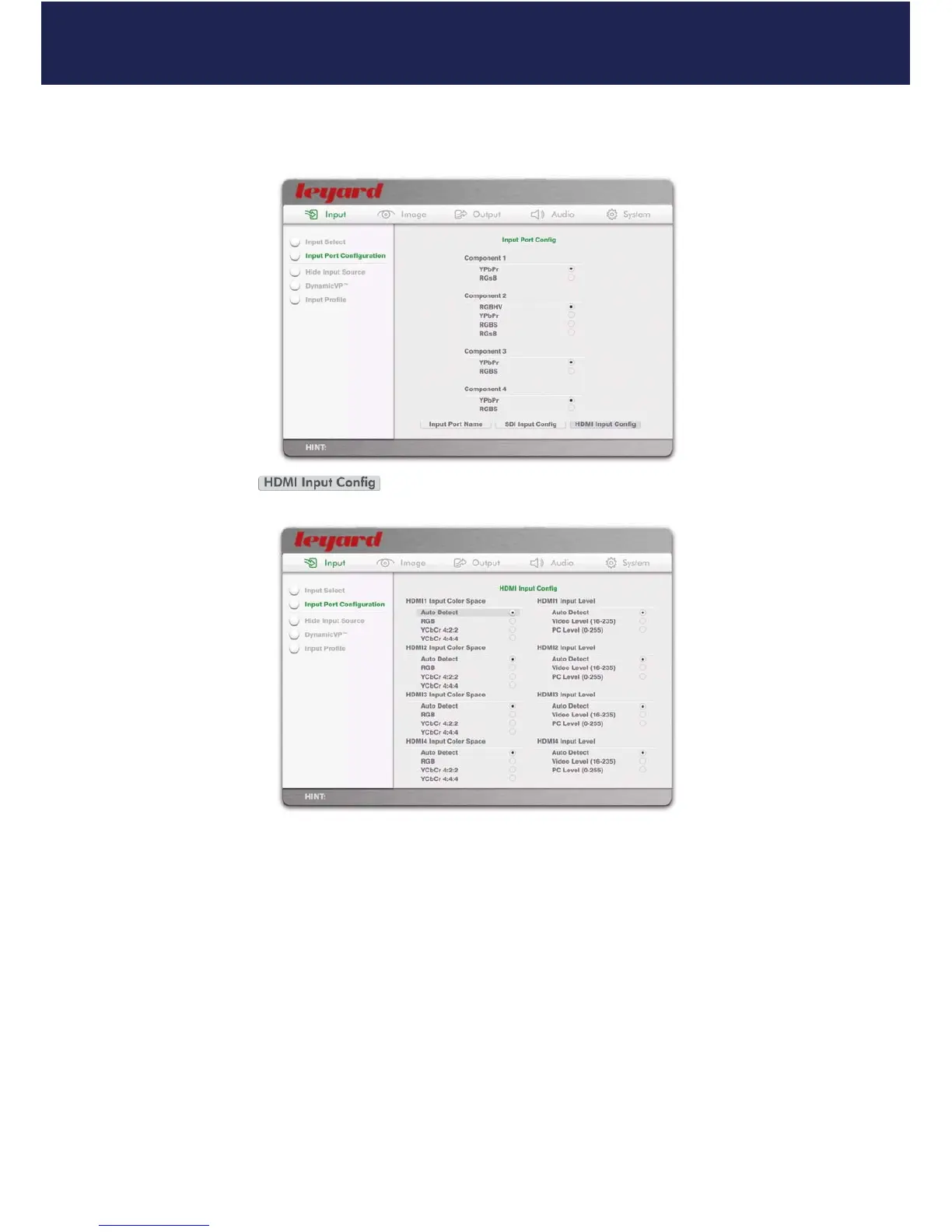
This option is used to set the input format of the HDMI input ports.
When the action button is pressed, the OSD turns to the following HDMI
Input Configuration page:
Default is Auto Detect (both Color Space and Video Level), which means the input video
format of HDMI ports are auto detected. The video format detected should be correct
provided that the source device is standard. Alternatively you can force Leadshow 3G to
handle the input video format as defined
When Input Color Space is set to Auto Detect, Leadshow 3G will take the color space
information embedded in the HDMI video signal. If no color space information is present,
RGB will be used
16-235 Video Level will normally be the correct selection for DVD players and similar
equipment. 16-235 is also called Consumer Level
0-255 PC Level will normally be the correct selection for computer input. This may also
be correct for some earlier consumer electronics since manufacturers often used the
wrong level
If the picture is excessively dark or very washed out, try changing the HDMI input level to
correct it
57



 To Next Page