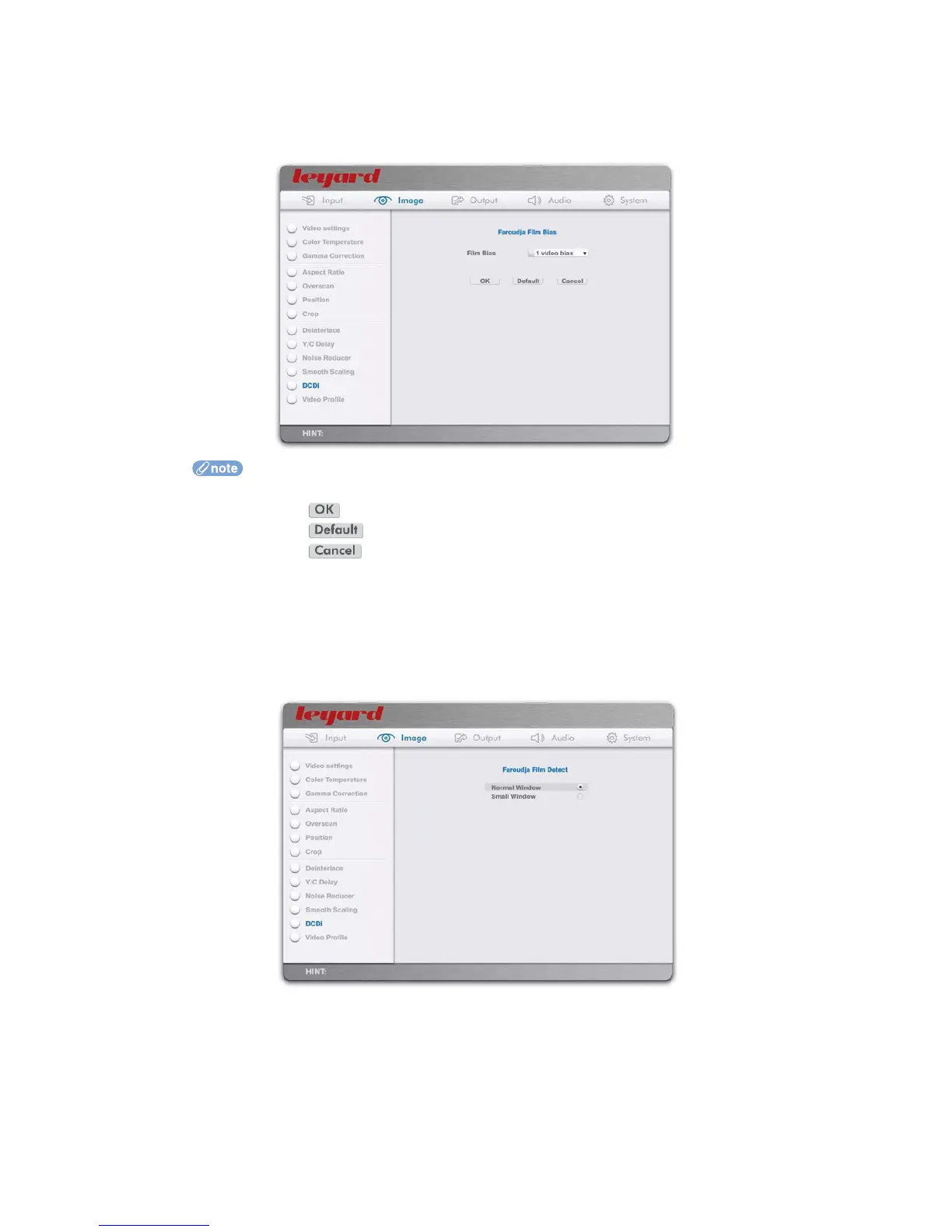
7.6.2 FILM BIAS
This option adjusts the deinterlacer’s level of bias towards either film mode or video mode while
operating in any automatic detection mode.
Select Film Bias in the dropdown list
Press the action button to apply the changes
Press the action button to reset to default
Press the action button to exit without change
7.6.3 FILM DETECT
This option selects the area of video that the deinterlacer should inspect when determining
whether film or video mode is appropriate. Normal Window allows film detection over the whole
picture area, whereas Small Window limits the detection area to the upper 80% of the picture to
help avoid miss-detection due to scrolling sub titles.
7.7 ADVANCED OUTPUT PORT CONFIGURATION
This option defines the characteristics of output ports.
For HDMI output ports, you can define the following:
Color Space
Output Level
Sync Polarity
63



 To Next Page