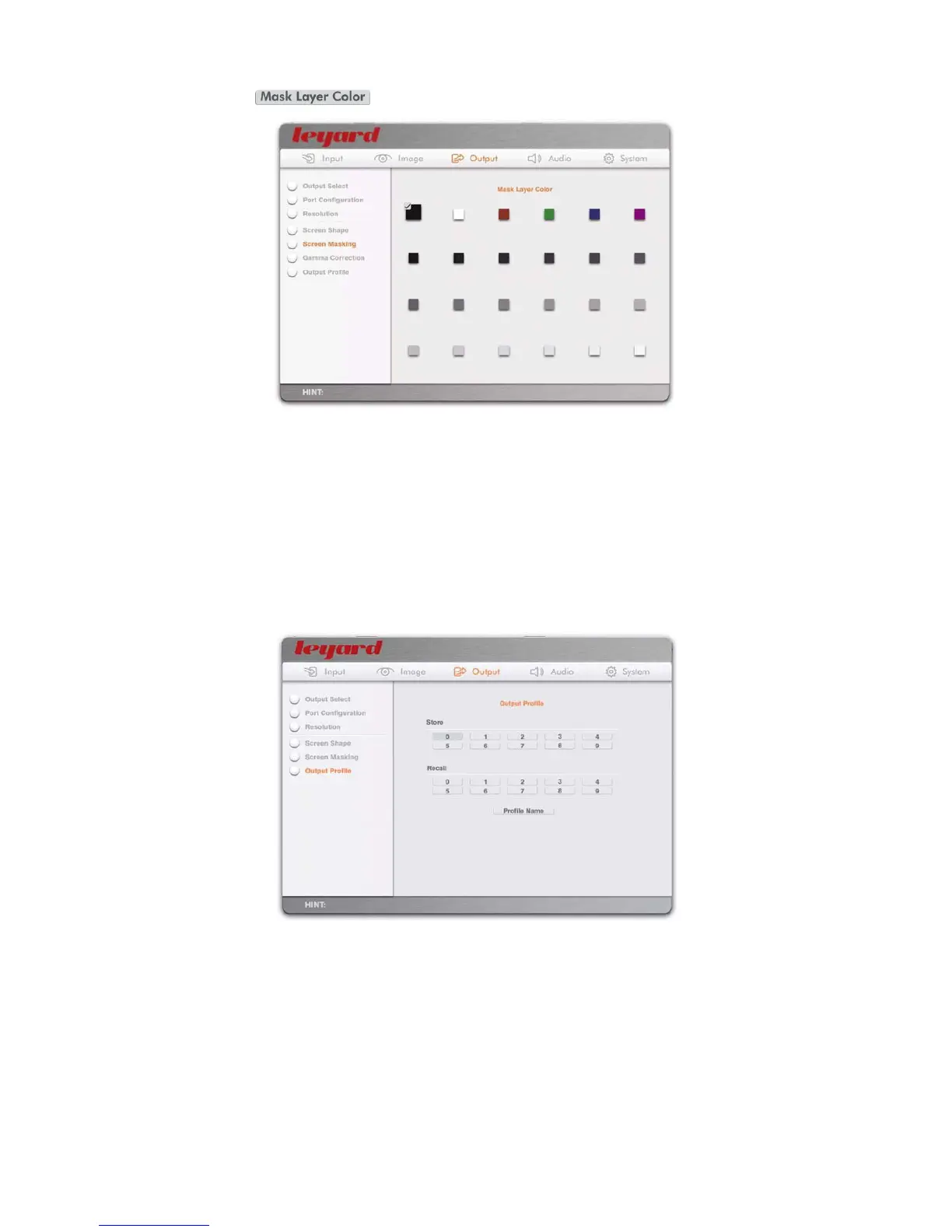
When the action button is pressed, the OSD turns to the following page:
The mask layer color can be defined by selecting the color and pressing OK
Default mask layer color is Black
5.3.6 OUTPUT PROFILE
This stores output configuration parameters, which include:
Current primary output port
Port configuration of current primary output port
Output resolution
Screen shape
Screen masking; mask layer color
Store the output profile by selecting a number and pressing OK
Recall any profile by selecting the number and pressing OK
47



 To Next Page