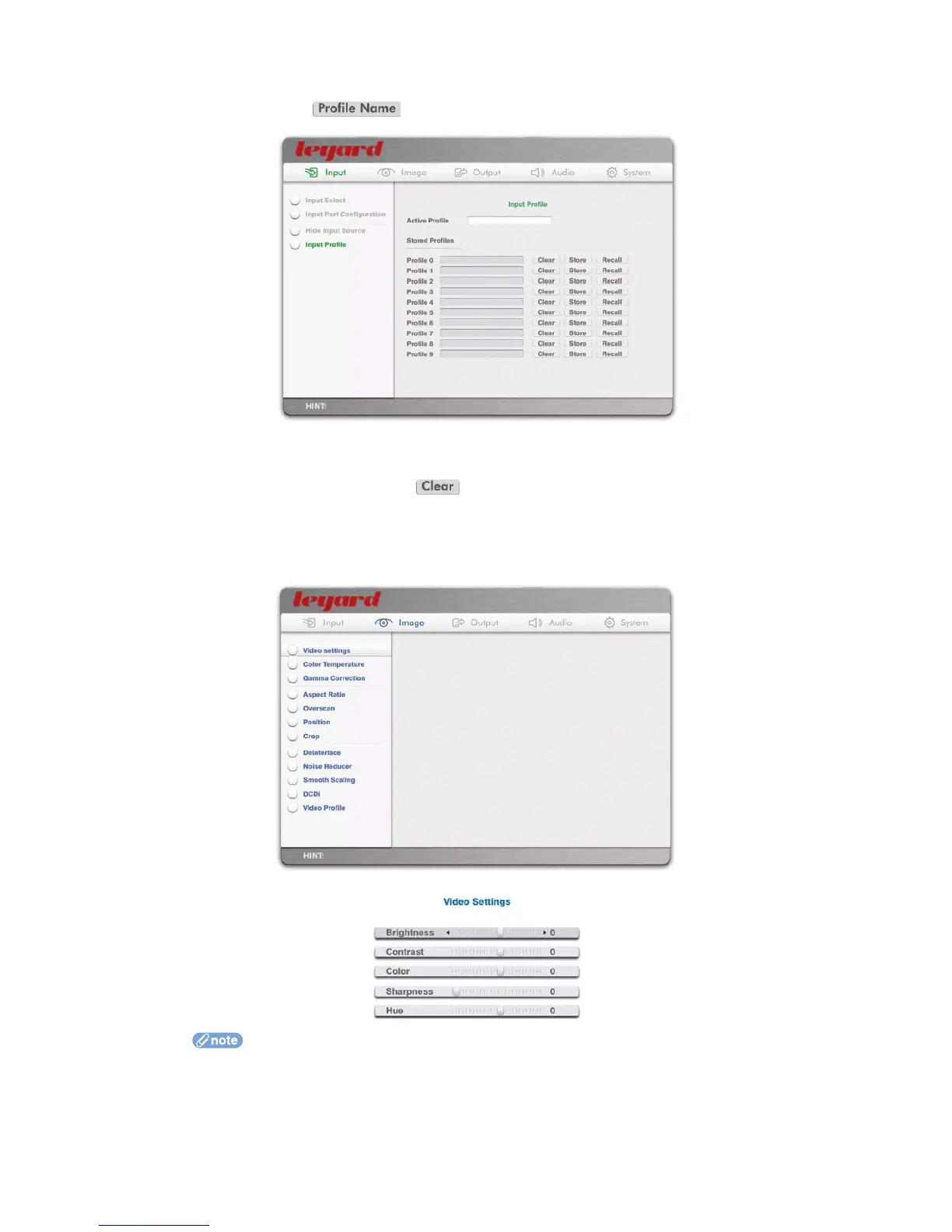
Store the input profile by pressing any of the profile numbers under Store
Recall any input profile by pressing the desire profile number under Recall
By pressing the action button, the OSD turns to the following page:
You can define names for each input profile
Maximum number of characters in the text box is 20
Clear the name by pressing the action button
5.2 IMAGE SUB-MENU
The Image sub-menu consists of all primary image adjustments.
5.2.1 VIDEO SETTINGS
Use the Left/Right arrow remote control keys to adjust the sliders
Use the Up/Down arrow remote control keys to select between Brightness, Contrast,
Saturation, Sharpness and Hue
When OK is pressed on the remote control, the whole OSD is hidden and only the slider
control is shown at the lower left corner of the display
Pressing Back on the remote control will return you to the full OSD, or simply press the
Menu key to exit from OSD mode
33



 To Next Page