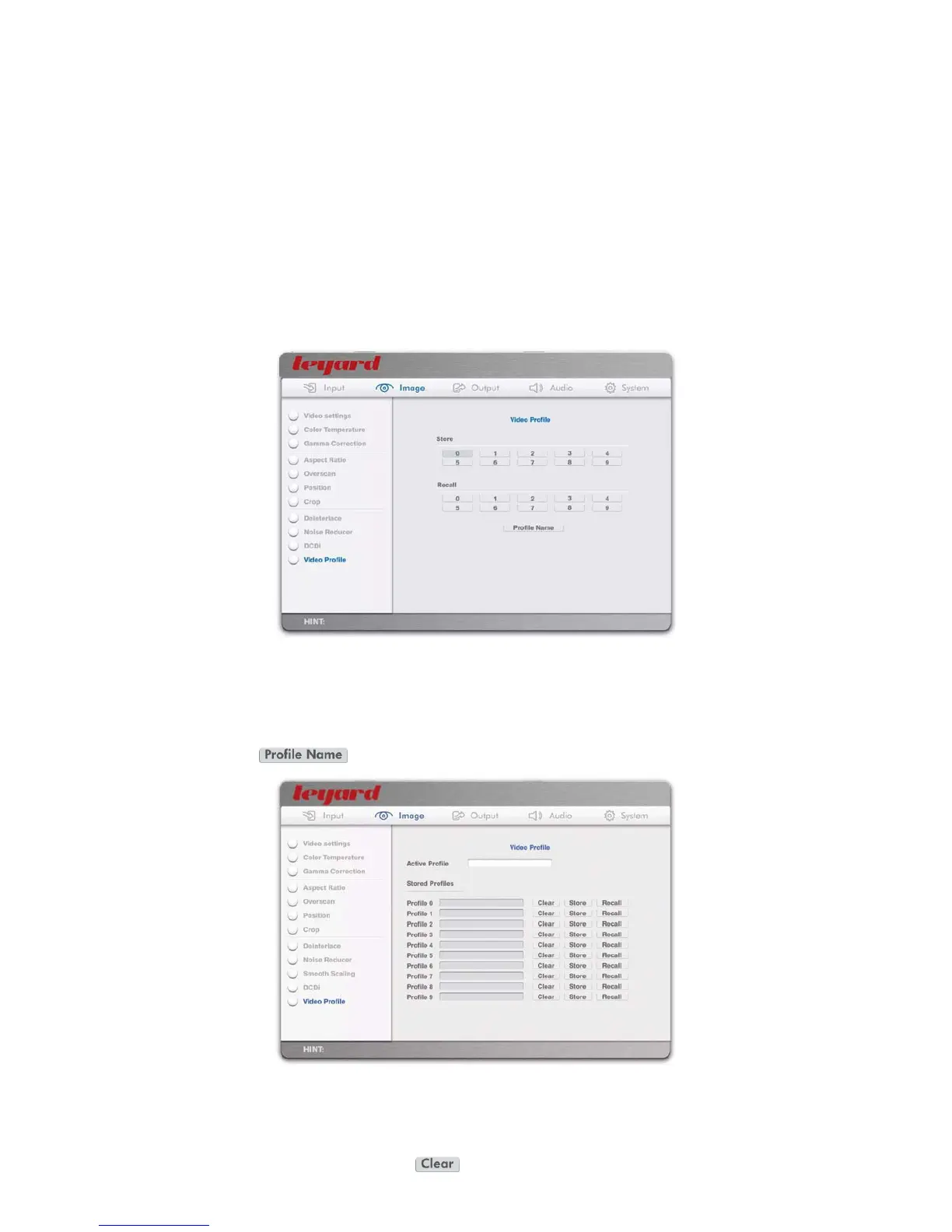
5.2.11 VIDEO PROFILE
This option stores video image configuration parameters, which include:
Image Aspect Ratio
Overscan
Image Position
Image Crop
Video settings: Brightness, Contrast, Sharpness, Saturation, Hue
Color Temperature settings
Deinterlacing modes
DCDi Enabled/Disabled (bypass FLI2300)
Y/C delay
Noise Reducer setting
Store the video profile by pressing any of the profile numbers under Store
Recall any video profile by pressing the desired profile number under Recall
Each input source has its own 10 profiles. In other words, profile 1 for HDMI 1 is not the same
as profile 1 for HDMI 2
When the action button is pressed, the OSD turns to the following page:
You can define names for each video profile. This feature allows you to name the video profile
to help with identification, for example TV, Sports, HDTV, PAL movies, NTSC movies, Japanese
MTV etc
Maximum number of characters in the text box is 20
Clear the name by pressing the action button
41



 To Next Page