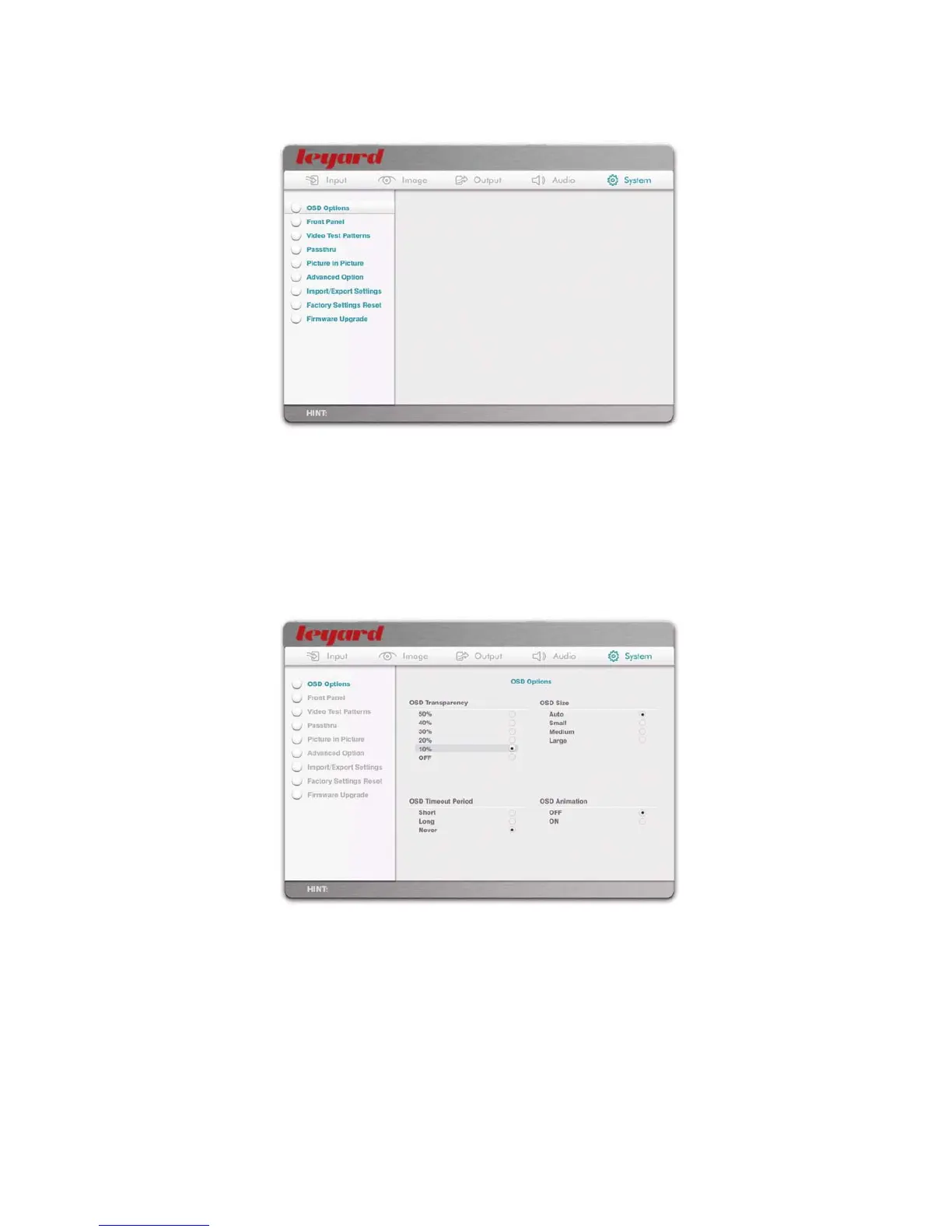
5.5 SYSTEM SUB-MENU
The System sub-menu consists of all options related to the system settings of Leadshow 3G.
5.5.1 OSD OPTIONS
You can change some characteristics of the OSD, such as:
The transparency of the OSD
The size of the OSD*
Whether the OSD animation effects
#
are ON or OFF
The time-out period of the OSD, i.e. how long before the OSD automatically exits if no
remote control key is pressed
* When output resolution is below 960p (e.g. 720p, or 1024 x 768), OSD size Medium and Large will be the same. When output
resolution is below 720p (e.g. 1024 x 576, or 480p), OSD size Small, Medium, and Large are all the same. Choosing Auto will let
Leadshow 3G to select an appropriate size OSD for you
# Animation effects include:
Fade in and fade out when OSD menu appears and disappears
Slide out of menu options and dropdown options
51



 To Next Page