Editing Favorites
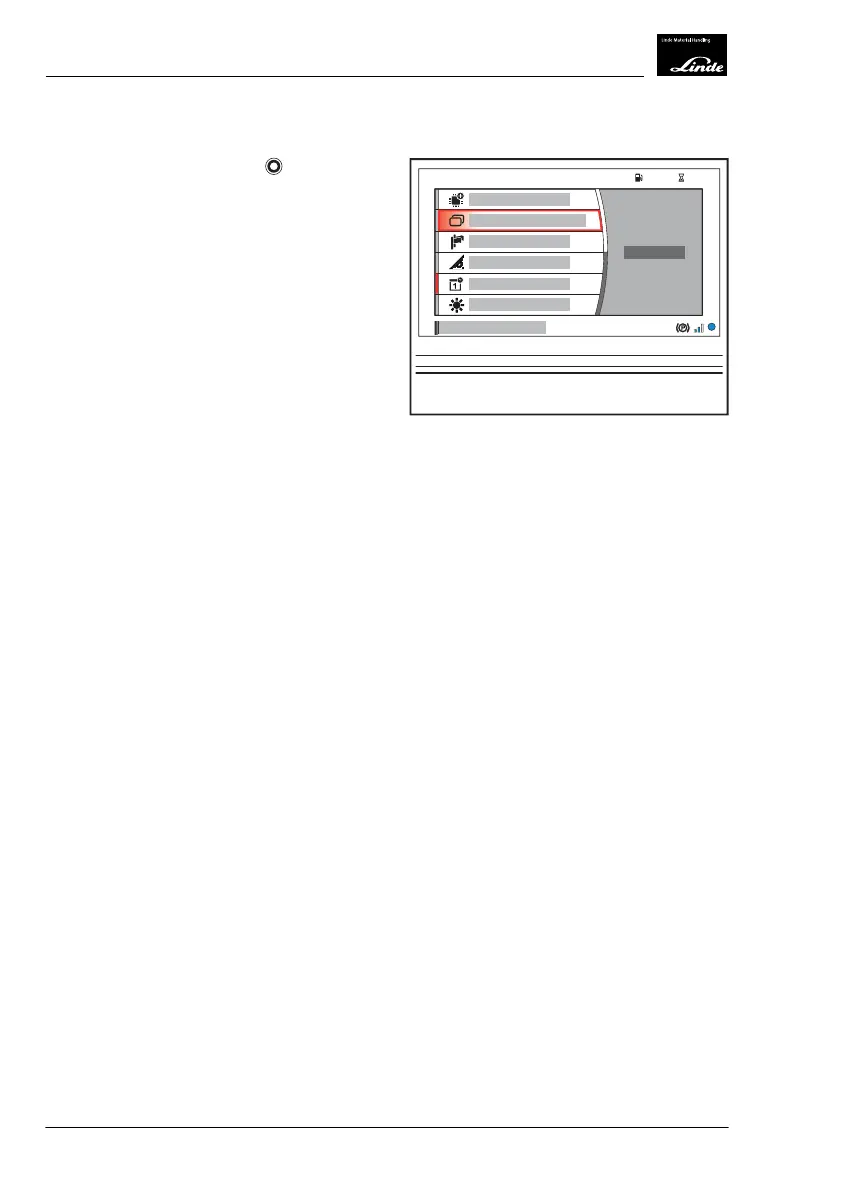
Turn the rotary-push button to the rel-
evant position and press it to confirm the
"Edit Favorites" selection (1).
See the section entitled "Displaying favorites"
and the subsection entitled "Editing favorites"
for details of how to proceed.
EFF
h
104575
%
1
Display_2189
4
Operation
Premium Display Unit (optional equipment)
132 Operating Instructions-1202 series LP 12028011590US-11/2022 - 04


 To Next Page