Setting the Units
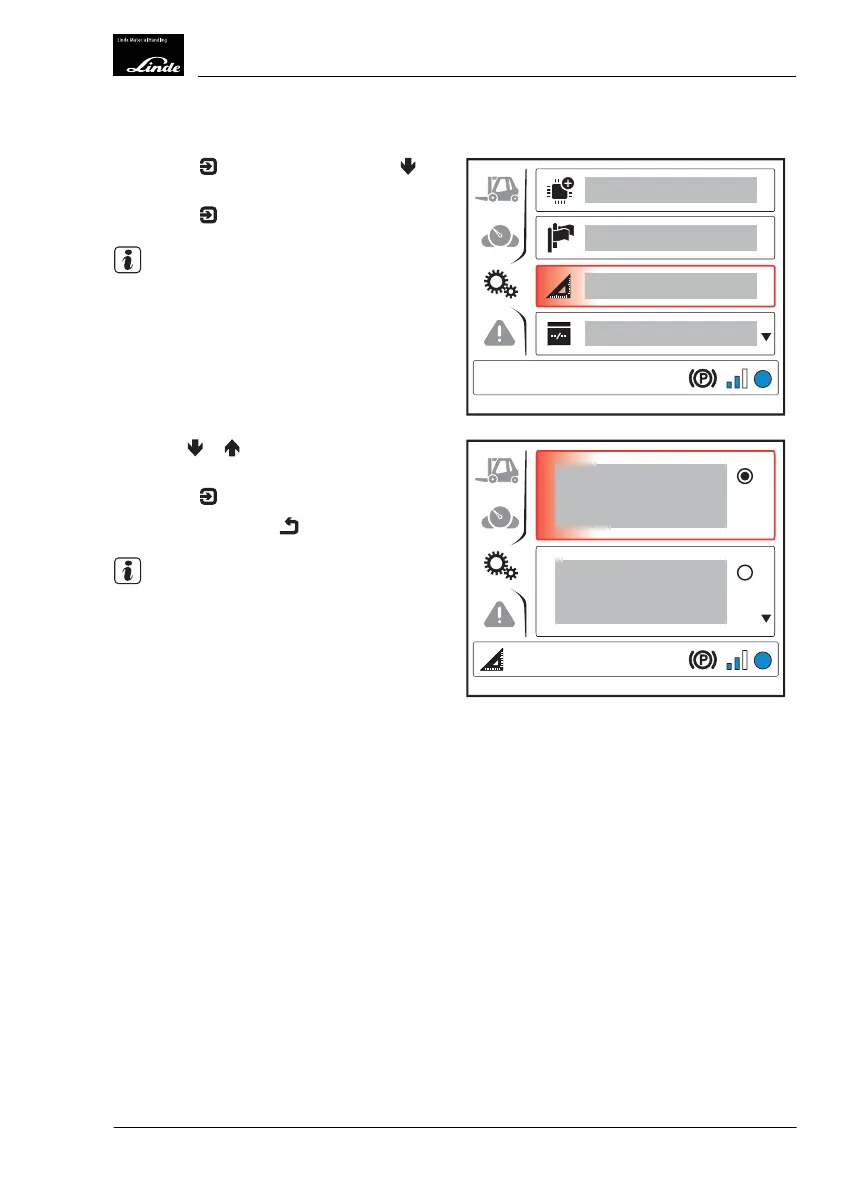
Press the button and then press the
button to select the "Units"(1) menu item.
Press the
button.
NOTE
The "Units" symbol appears at the bottom left
of the display.
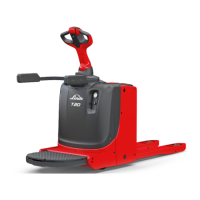
Use the or buttons to select the de-
sired units.
Press the
button to confirm.
Push the back button
.
NOTE
A custom combination of units can be speci-
fied via the diagnostic program.
EFF
1
Display_1141
EFF
Display_1142
Operation
4
Display Unit
77Operating Instructions-1202 series LP 12028011590US-11/2022 - 04



 To Next Page