Resetting the Trip Odometer
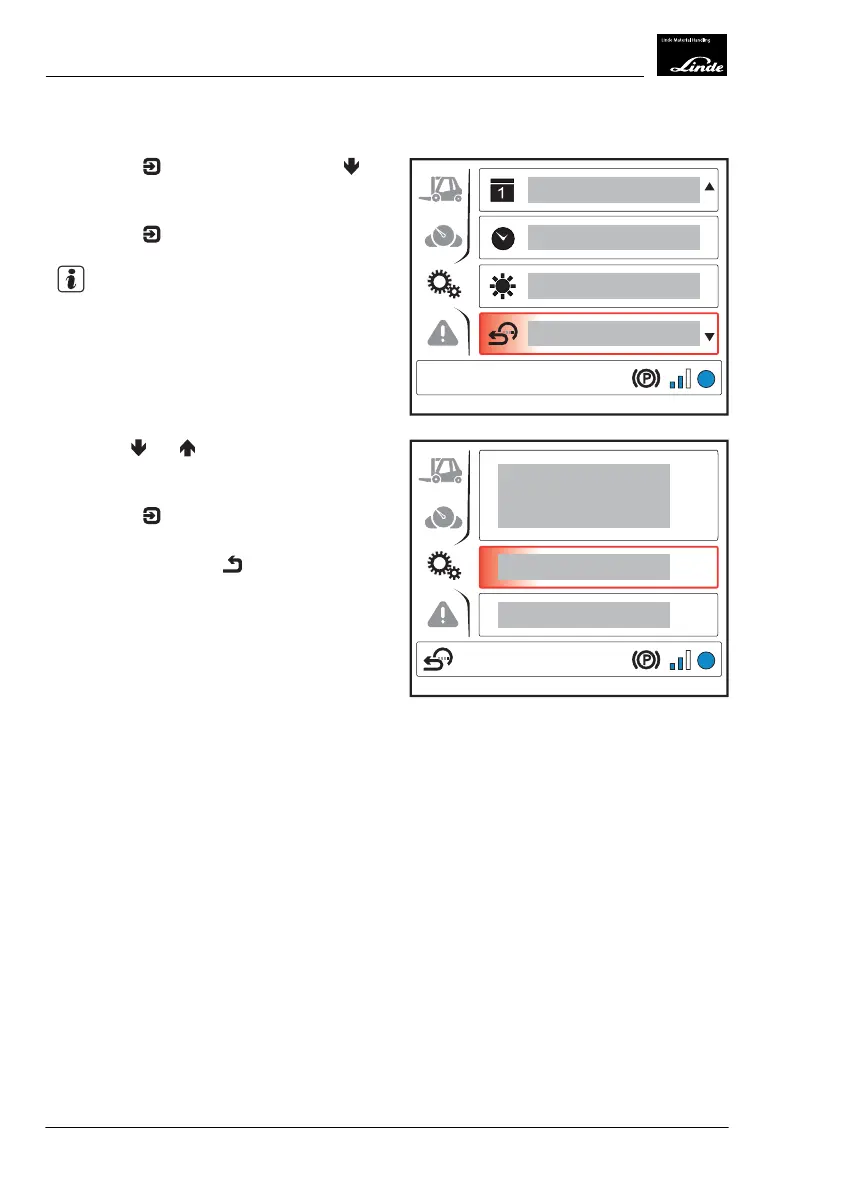
Press the button and then press the
button to select the "Reset trip odometer"
(1) menu item.
Press the
button.
NOTE
The "Reset trip odometer" symbol is displayed
at the bottom left of the display.
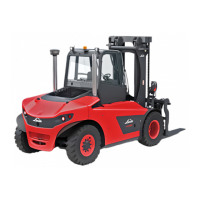
Use the and buttons to choose
between "Reset" or "Back" (cancel the
process).
Press the
button to confirm your selec-
tion.
Push the back button
.
EFF
1
Display_1151
EFF
Display_1152
4
Operation
Display Unit
82 Operating Instructions-1202 series LP 12028011590US-11/2022 - 04


 To Next Page