CHAPTER 1: ALARMS 1-8
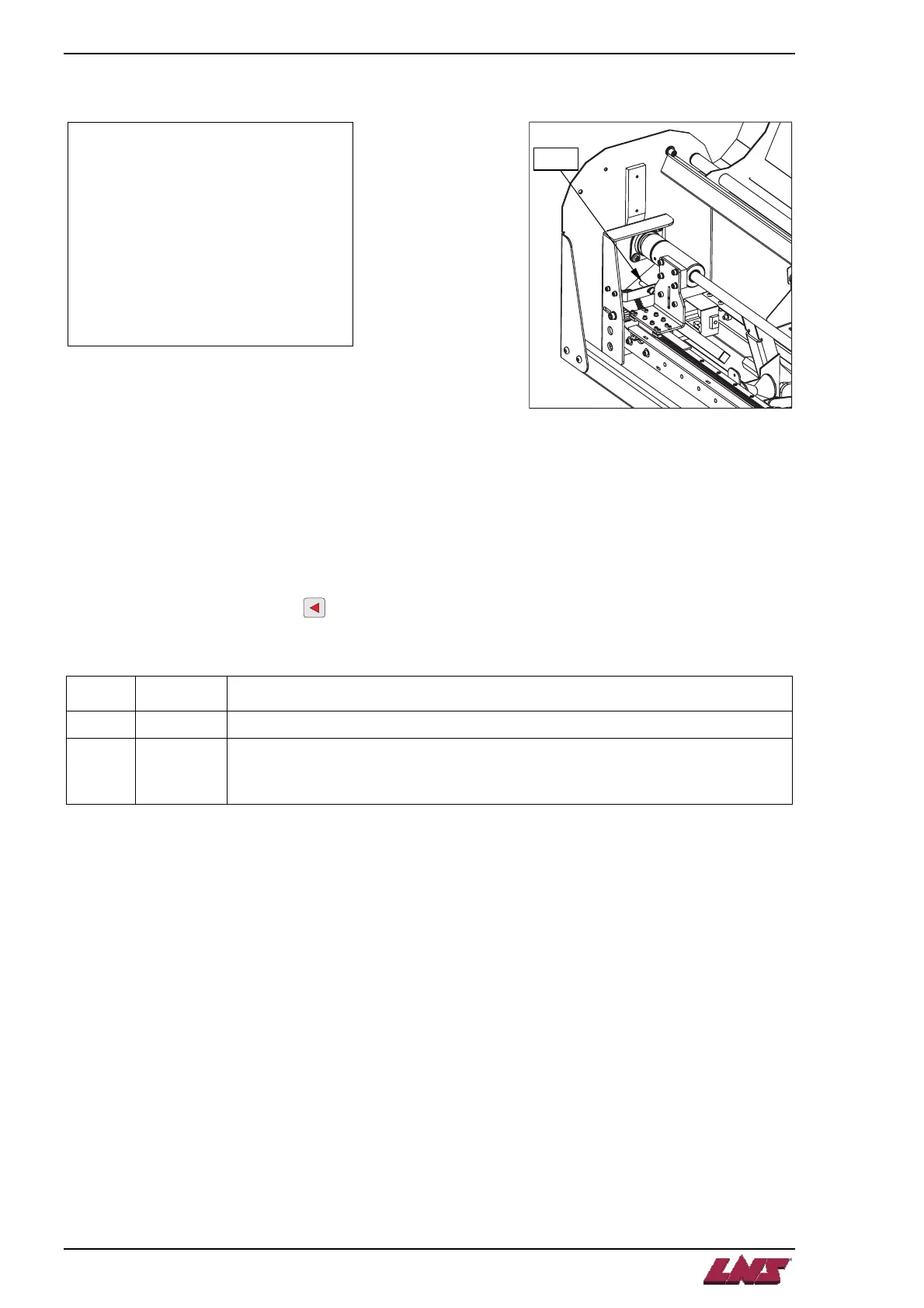
A12 – Home position proximity switch SQ5 signal missing
HOME POSITION
PROXIMITY SWITCH SQ5
SIGNAL MISSING!
- DEFECTIVE
- MIS-ADJUSTED
A12
S
5
Description:
The « home position proximity switch SQ5 signal missing » alarm occurs whenever the PLC does not
detect input (I27 – SQ5) when the encoder reads the home position (0.0 mm). The problem is generated
when the switch is defective or mis-adjusted.
Solution:
In the working screen, press the
key on the remote control. Press the key corresponding to Page
Down until the INPUTS page is displayed:
Case Input Solution
1 SQ5 = 1 Press the STOP button on the remote control to reset the alarm.
2 SQ5 = 0
• Check that the SQ5 switch is adjusted correctly.
• Check the belt tension.
• Reference back the origin points (home position).
QUICK LOAD SERVO 65/80














 To Next Page