4 Weighing - Overview
7
4 Weighing - Overview
When ready to weigh, the LR810 displays Ready on the top display.
There may be other information on the top display, depending on the mode
of operation.
The total (or target) weight is shown on the second line of the top display
and on the large bottom display.
Before Weighing a Load
Before weighing, make sure that:
• The bucket or forks are rolled fully back for each lift.
• The loader is on level ground.
• The loader is stationary (for best accuracy).
• The lift arms start well below the trigger point. This ensures that all
aceleration and load bounce has been eliminated well before the
trigger sequence begins.
• The LR810 is correctly zeroed.
Weighing a Load
>
>>
>
To weigh a load
Raise the load smoothly through the trigger point, using normal engine revs.
For best results, operate the lift lever before accelerating the engine so that
the machine does not rock as it lifts.
As you raise the load past the trigger point, the LR810 beeps and the TRIG
light comes on to show that the weight has been measured.
The lifted weight is briefly displayed on the top line of the top display and
on the bottom (large number) display.
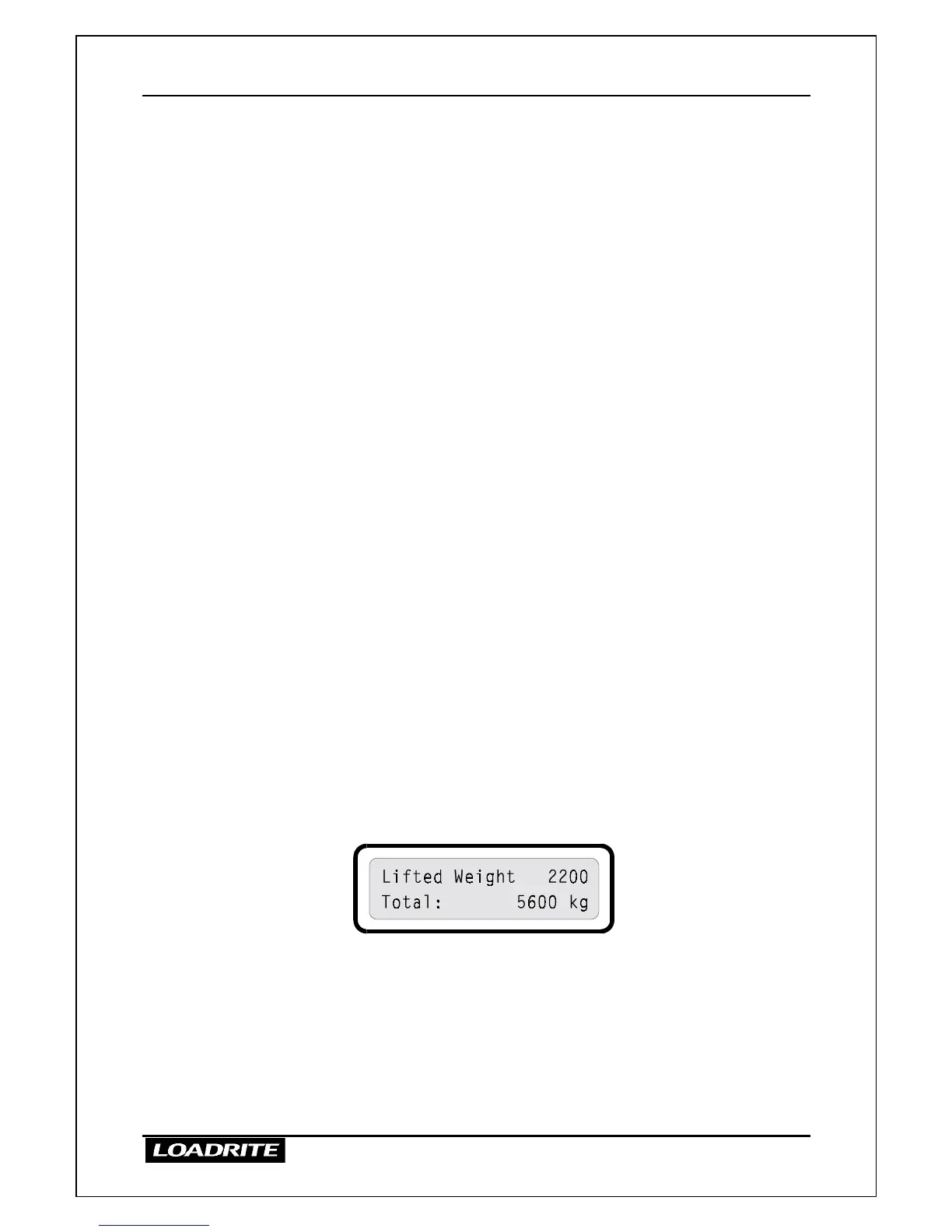
In the diagram above, the lifted weight is 2200kg and the total so far is
5600kg.
While the TRIG light remains on (few seconds), you can:
• Press ADD, to add the displayed weight to the running totals.
• Press SUB, to reduce the running totals by the displayed weight.
• Press ZERO to zero the measuring system.



 To Next Page