15 Operator Menu Options
30
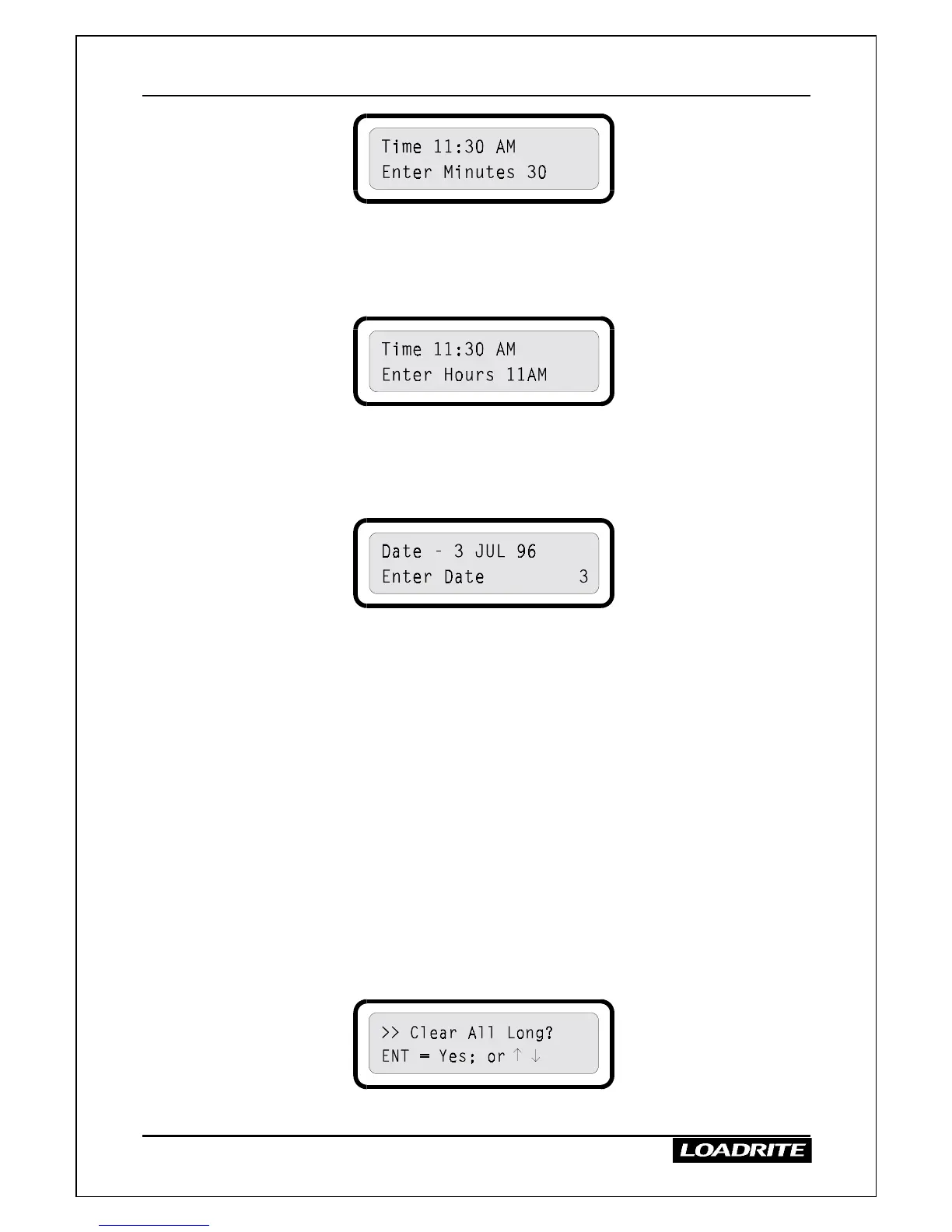
Enter the correct minutes using the number keys.
(You can clear mistakes using the CLEAR ENTRY key.)
When the minutes are correct, press ENT.
5. The display prompts you to enter the hours.
Enter the correct hours using the number keys.
Toggle between AM and PM using the
≤
and
keys
When the hours are correct, press ENT.
6. The LR810 displays the date and prompts you to enter the date.
Enter the date as prompted (day 1-31, month 1-12, year 0-99), pressing
ENT between each part.
7. Finally, the LR810 displays the complete time and date for a few
seconds before returning to the Ready state.
Note: at any time while entering the time and date you can press EXIT to
return the LR810 to the Ready state without altering the current time and
date.
Clearing Long Totals
This option allows you to clear the long totals for all products in one go.
For an explanation of long totals, see page 10.
>
>>
>
To clear the long totals
1. When the LR810 is Ready, press MENU.
2. Press
≤
or
to reach the Clear All Long option.
3. To clear the totals, press ENT.



 To Next Page