6 Target Mode
11
6 Target Mode
Target mode allows you to enter a target weight and then load up to that
weight in a series of lifts.
Each time you lift and add a weight, the LR810 displays the remaining
amount to reach the target.
Target mode is used typically when loading a truck to its optimum payload.
Target mode is an optional feature which can be enabled when the LR810 is
installed.
>
>>
>
To select target mode and enter the target weight
1. Make sure the LR810 is Ready and you have finished (cleared) the last
target operation.
2. Press TARG.
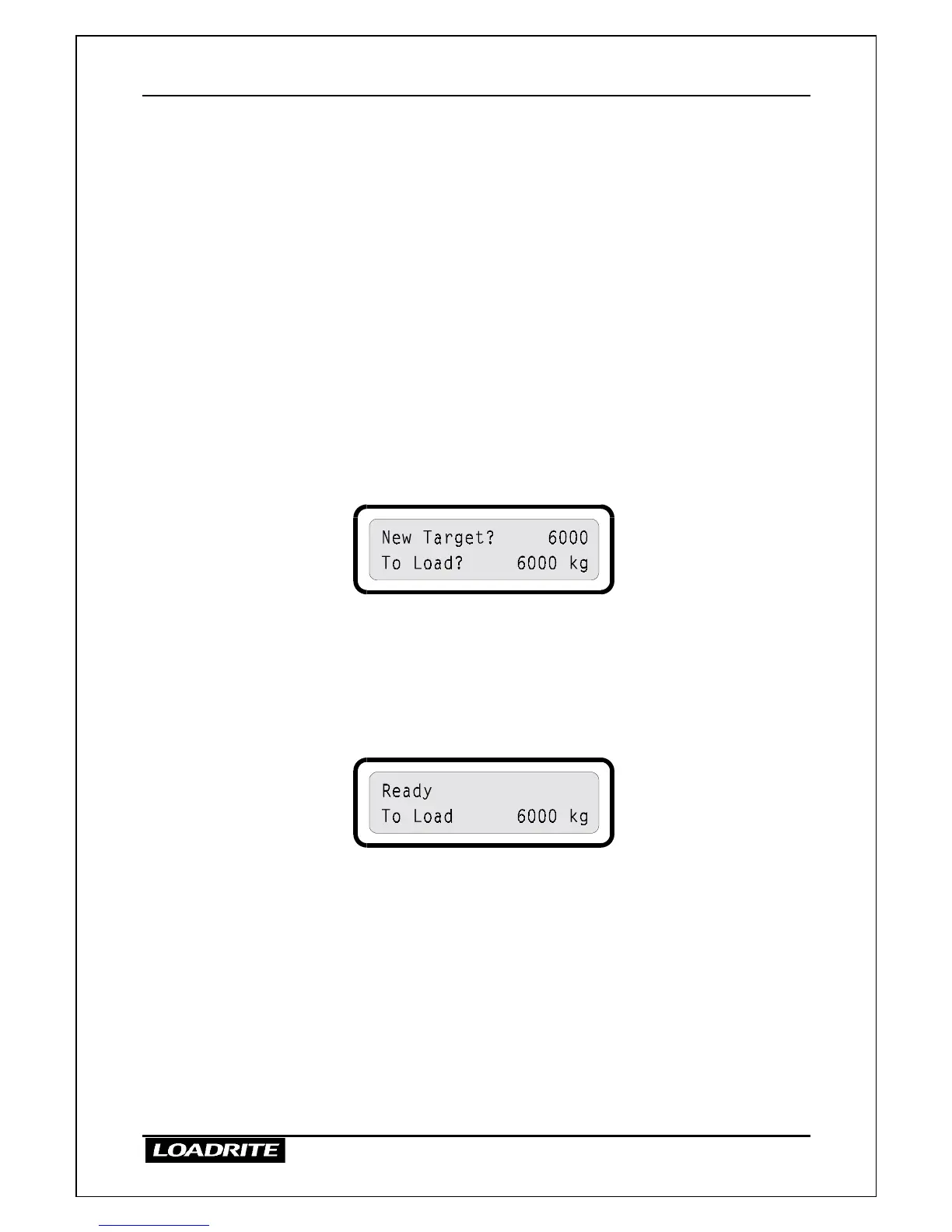
The indicator prompts you to enter a new target weight.
3. Enter the new target using the number keys 0 to 9, or simply press
ENT to select the displayed target weight again.
You can use the CLEAR ENTRY key to correct any errors made while
entering the number.
The indicator displays the amount “To Load” to reach the target and
goes to the Ready state.
>
>>
>
To reset to the target weight
When you have completed a load, you need to clear the “To Load” amount
for the current product before starting another target operation.
1. Press CLEAR.
The LR810 resets to the last entered target weight and resets the short
total for the current product to zero.



 To Next Page