6 Target Mode
12
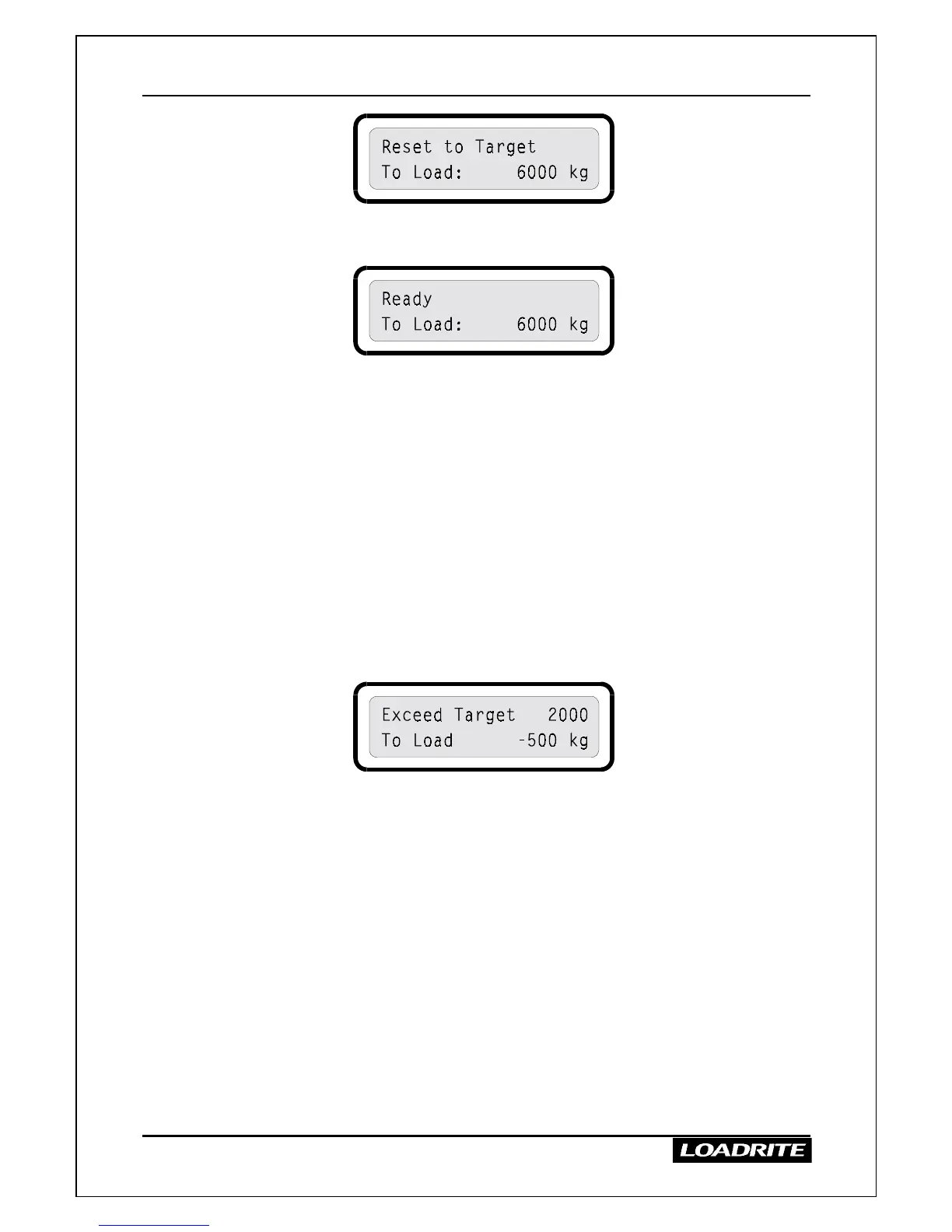
2. The LR810 returns to the Ready state with the new “To Load” amount
displayed.
At this stage you can press TARG to enter a new target weight or continue
weighing with the current target weight.
Target Mode Notes
• If you have lifted and added any weights, you must clear the totals
before you can reset or change the target weight.
• During a target weight operation, you can check the amount added so
far by pressing TOTAL to switch to total mode. You can then return
to target mode by pressing TARG.
• During a target weight session, you can review the target weight and
the weight still to go by pressing and holding down TARG.
• If the total of the weights added exceeds the target by a certain
percentage, the LR810 beeps and displays a negative weight to load.
You can still add the weight to the totals in the normal way.



 To Next Page