5 Total Mode
10
Long Total
The long total is typically used for accumulating the weights lifted over a
longer period; for example a shift or a day.
>
>>
>
To display the long total
• Press LONG.
The long total is displayed while the LONG key is held down and for
3 seconds after it is released.
>
>>
>
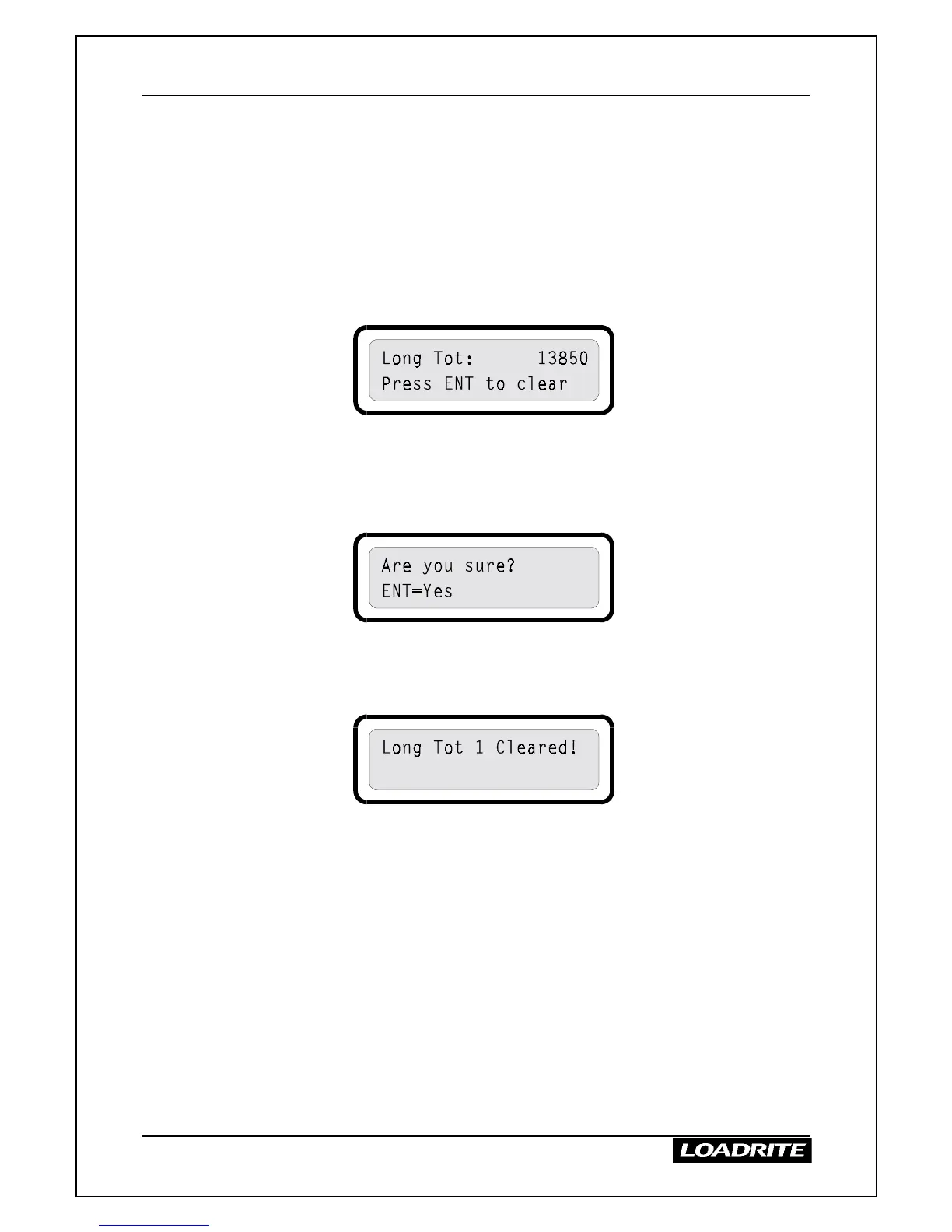
To clear the long total
1. While the long total is displayed, press ENT.
The LR810 prompts you to confirm:
2. To clear, press ENT.
The indicator clears the long total for the current product and then
displays the following message.
(In this example, the long total for product number 1 was cleared.)
The next ADD operation starts a new long total for the current
product.
Clearing Totals for all Products
To clear the short totals for all products, you need to select each product in
turn and clear the short total as described above.
You can clear the long totals in the same way, or use the MENU option
Clear All Long. See page 30.
Multiple products are described on page 13.



 To Next Page