10 Adding, Subtracting and Recalling
18
10 Adding, Subtracting and Recalling
Adding a Weight
The ADD function adds the lifted weight to the short and long totals for the
current product.
>
>>
>
To add a new load
1. Lift the load smoothly until the LR810 beeps and the TRIG light
comes on. (The lower display shows the lifted weight.)
2. While the TRIG light is on, press ADD.
The LR810 updates the long and short totals for the current product
and displays the result.
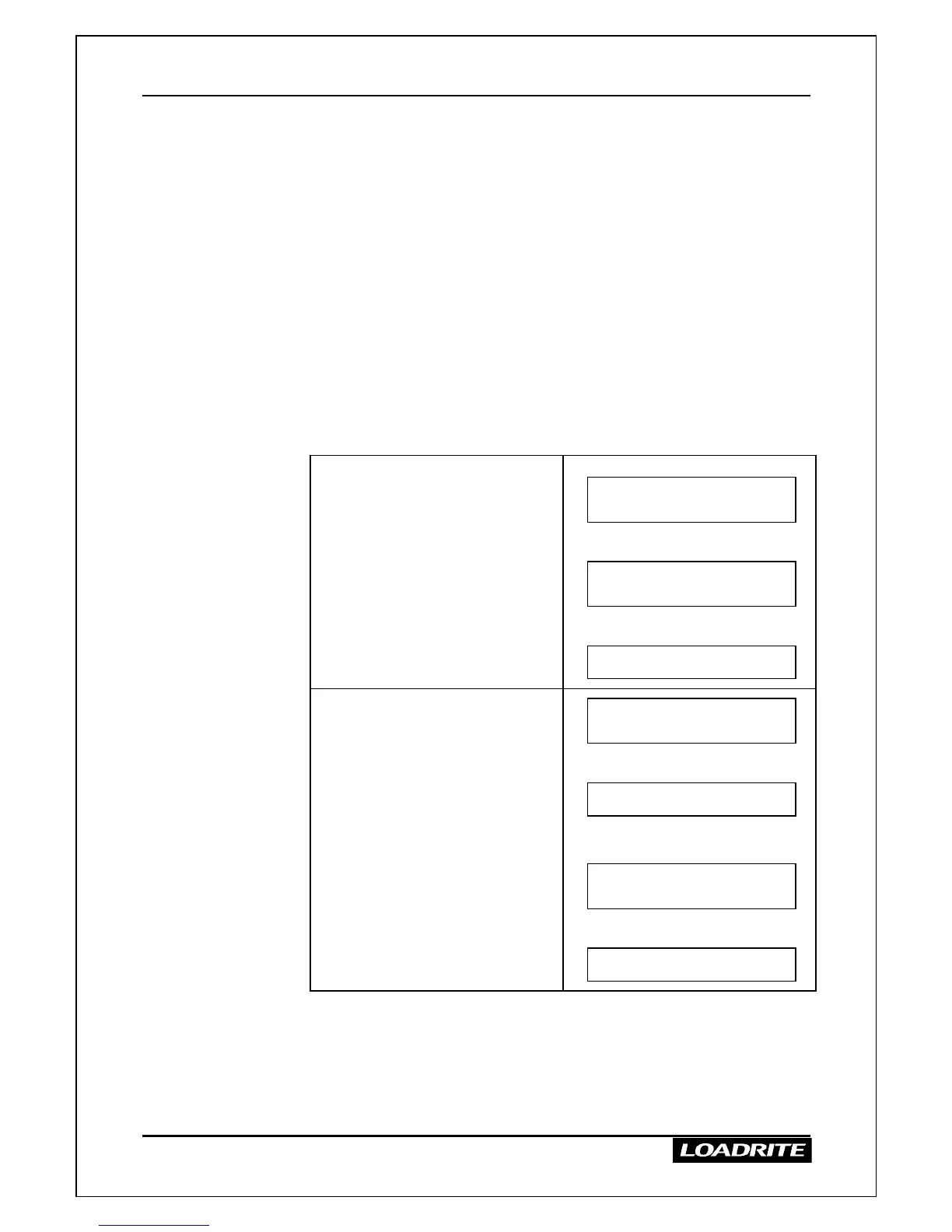
The displays depend on whether you are in Total mode or Target mode
as shown below.
Total mode
When the weight is added the
upper display briefly shows the
number of lifts and then the short
total for the product.
Lifted Weight 1000
Sand 1500 kg
Then
2 Added
Sand 2500 kg
Then
Ready
Sand 4000 kg
Target mode
The upper display briefly shows
“Reduced amount” and then the
amount still required to reach the
target.
Ready
To Load 12000 kg
Then
Lifted Weight 2500
To Load 12000 kg
Then
Reduced Amount
To Load 9500 kg
Then
Ready
To Load 9500 kg
The lower display shows the current short total or the amount to reach
the target according to the mode selected.



 To Next Page