2 The Loadrite LR810 Weighing System
3
Weight Measurement
The LR810 measures the hydraulic pressure in the lift cylinders as the
machine raises the load. The indicator converts pressure into a weight
reading and displays the value.
An electronic trigger device mounted on the lift arms ensures that the
pressure readings are always taken at the same position on every lift.
The weight of the bucket or forks and associated structures is zeroed out
when the system is calibrated so that only the weight of the payload is
displayed.
When a weight is displayed, the driver can add it to a total or use one of the
other functions described later in this manual.
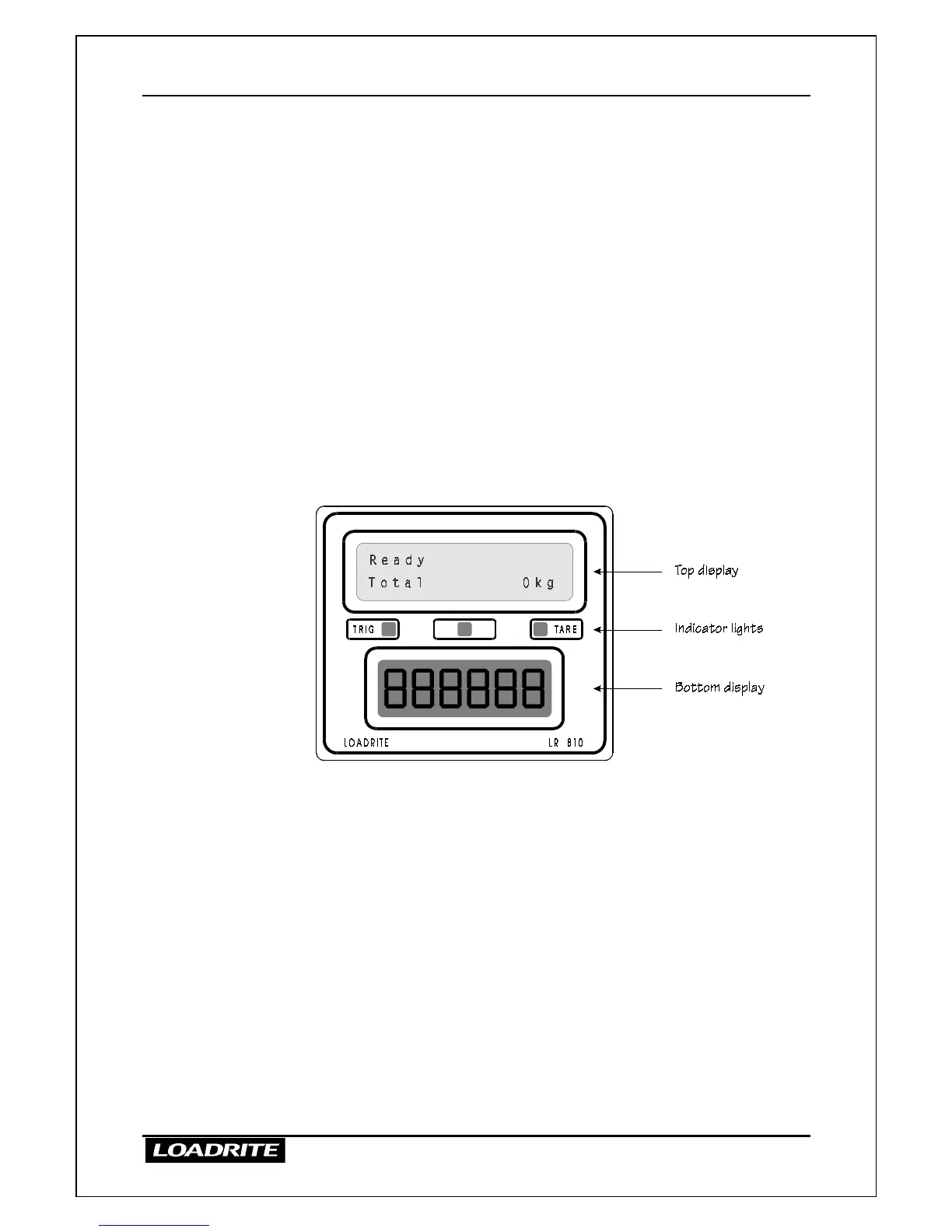
Displays
The LR810 provides two displays.
The top display gives instructions and information to the operator, including
product names and weight data.
The bottom display shows the current weight as it is lifted, then shows the
total weight loaded or weight required to reach a target, depending on the
mode of operation currently selected.
Both displays on the LR810 can be backlit for ease of operation in low light
conditions.
>
>>
>
To turn on or off the display lighting
• Press the LIGHT key.



 To Next Page