12 Weighing with Tare
23
12 Weighing with Tare
A tare is a weight that is lifted but is not part of the payload. (For example,
the weight of a wooden pallet). If only the weight of the product is required,
the weight of the pallet can be automatically subtracted from the total
weight. This is performed by the tare function.
The tare function is an optional feature which can be enabled when the
LR810 is installed.
The LR810 provides two methods of entering a tare:
1. Push button tare
The LR810 is used to weigh the unwanted weight (eg. pallet)
separately. The LR810 then automatically subtracts this tare weight
from all subsequently measured weights.
2. Keyboard tare
The unwanted weight is already known and is entered using the
keyboard. The LR810 then automatically subtracts this tare weight
from all subsequently measured weights.
>
>>
>
To enter a push button tare
(Use this method if you do not know the tare weight.)
1. Lift the empty container or pallet until the LR810 beeps and the TRIG
light comes on.
2. Press TARE.
3. To accept the tare weight, press ENT.
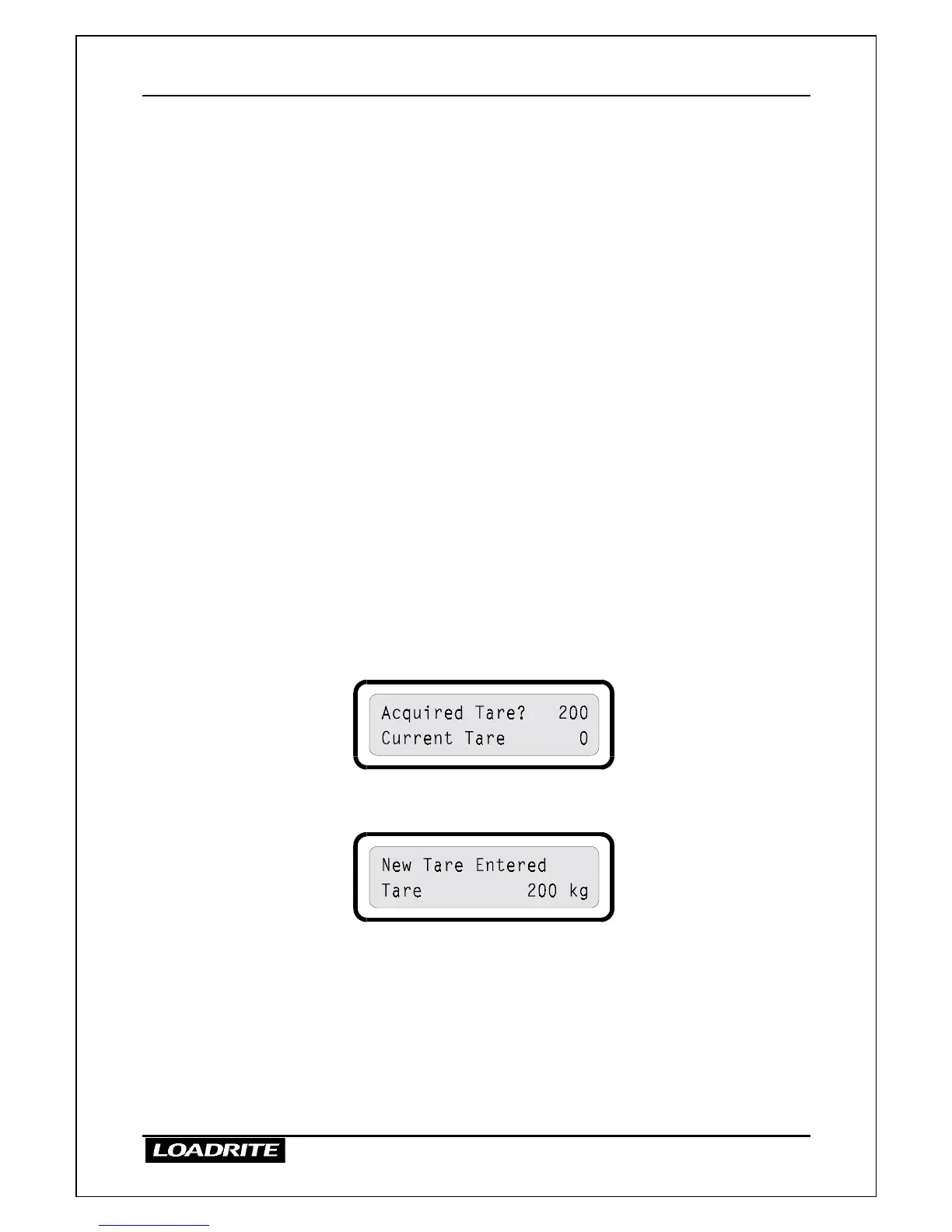
The LR810 briefly displays the following
4. The TARE light comes on and the LR810 returns to Ready.
You can now commence weighing with the tare applied to all lifted weights.



 To Next Page