5 Total Mode
9
5 Total Mode
In total mode the LR810 displays each weight lifted and the running total as
you add weights.
Total mode provides two running totals for each product:
• Short total
• Long total
•
When a load is added, both the short and long totals are updated.
The short and long totals are independent and are individually cleared and
restarted as necessary.
Selecting Total Mode
The LR810 starts up in Total mode when switched on.
You can return to total mode from Target mode by pressing TOTAL.
Short Total
The short total is typically used to display the total weight lifted onto a
truck.
As you add successive loads, the LR810 displays the weight of the current
load and the updated short total (sum of the loads so far).
The LR810 displays short totals on the second line of the top display and on
the lower (large) display.
>
>>
>
To clear the short total
Press CLEAR.
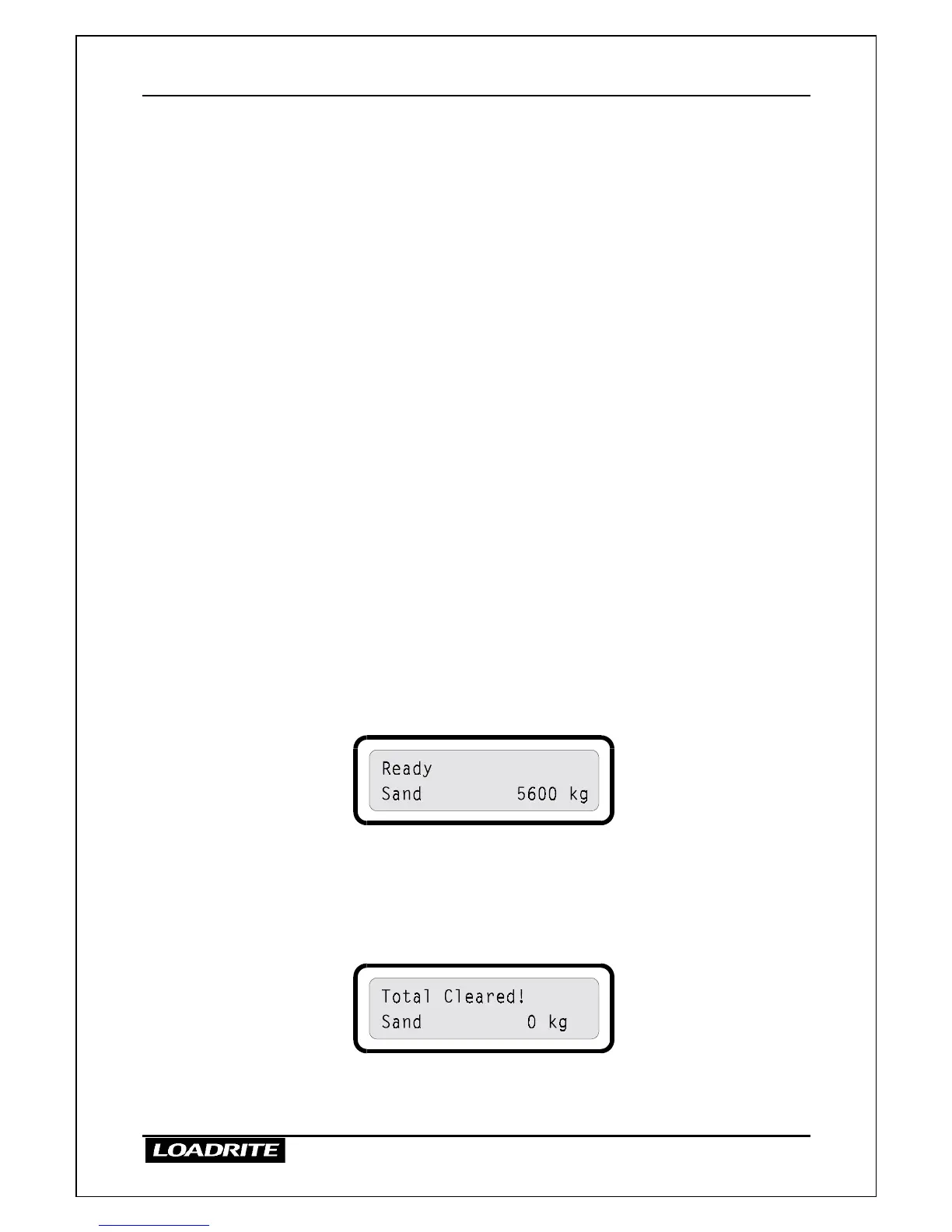
The indicator clears the short total for the current product and then displays
the following message.
The next ADD operation starts a new short total for this product.



 To Next Page