19 Span Calibration Correction
38
19 Span Calibration Correction
This function allows small changes to be made to the LR810 calibration if
the bucket or forks of the loader are modified or if no accurate test weight is
available when the LR810 is calibrated at installation time.
The adjustment is carried out by entering the total of weights recorded at a
weighbridge (scale house) over a period of time and the corresponding
LR810 total.
If your LR810 is set up to use two measuring scales, both Scale 1 and Scale
2 calibration must be adjusted.
To perform the adjustment you need to obtain a security access code from
your Loadrite installer.
WARNING
The LR810 alters its calibration every time this function is used. It is
important that you only use this function once with a given set of data. If
the same weights are entered again, the LR810 will over correct and its
accuracy will be seriously impaired.
The method is explained below using an example.
Suppose a bucket loader loads aggregate onto trucks which then proceed to a
weighbridge (scale house). The figures of the loads are as follows:
LR810 26.000 tonnes
Weighbridge 26.600 tonnes
>
>>
>
To correct the calibration of the LR810
1. Select the scale to be corrected (see Change Scale on page 28)
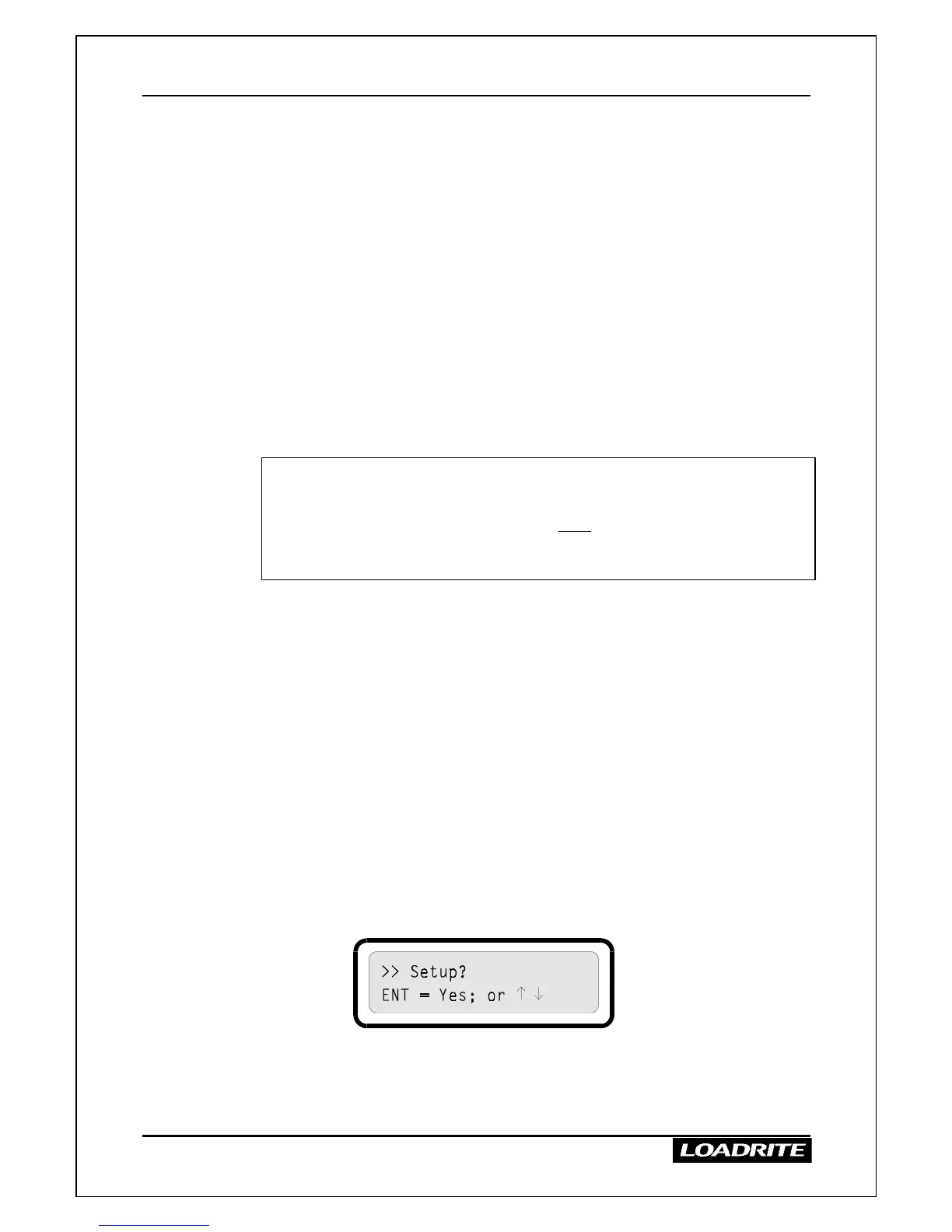
2. Press MENU.
3. Press
≤
or
to reach the Setup option.
4. Press ENT. The LR810 prompts you to enter the security access code.



 To Next Page