19 Span Calibration Correction
39
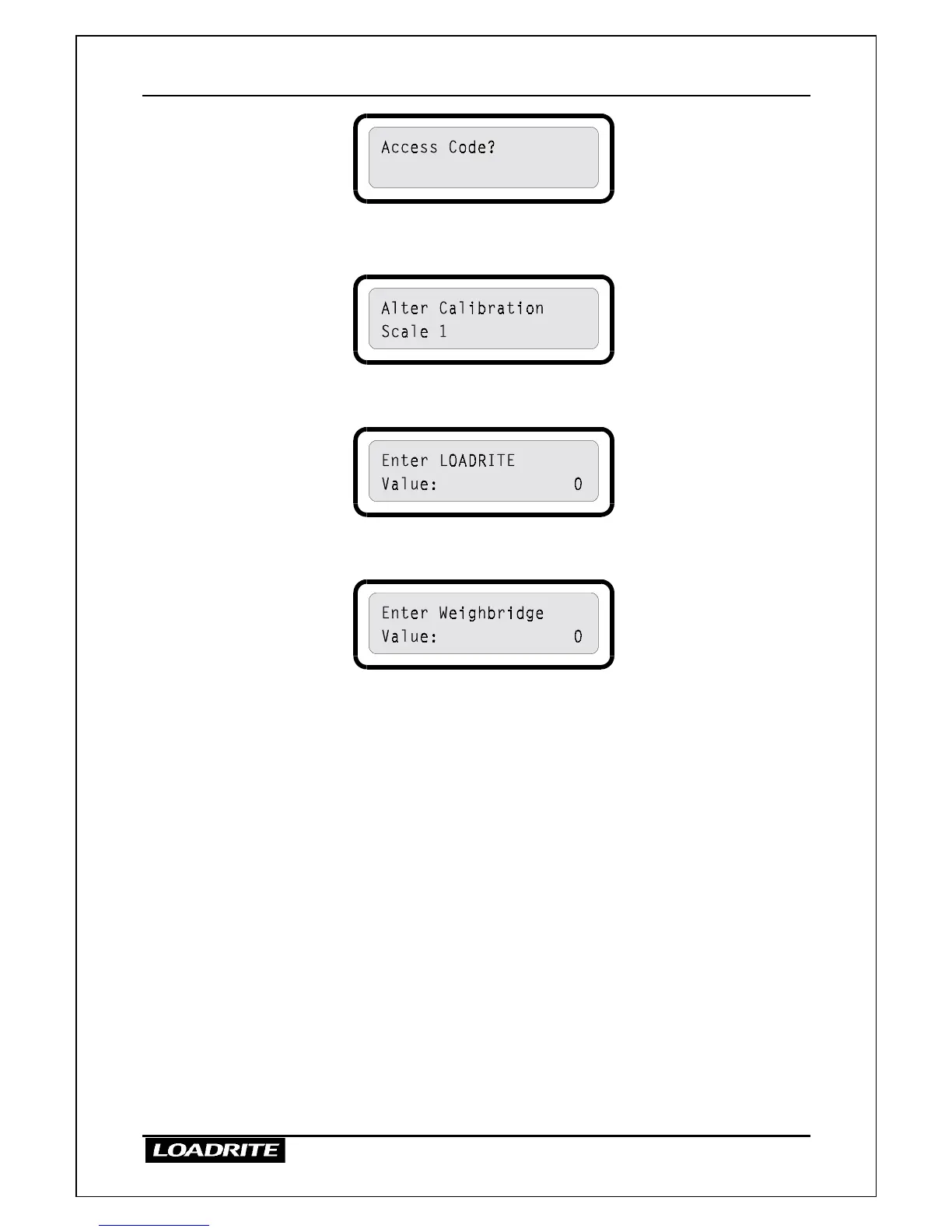
5. Enter the access code and press ENT.
6. Press
≤
or
to reach the Alter Span option.
7. Press ENT. The LR810 prompts you to enter the Loadrite value for
the weight.
8. Enter the Loadrite weight (26.000 in this example) and press ENT.
The LR810 prompts you to enter the weighbridge value.
9. Enter the weighbridge weight (26.600 in this example) and press
ENT.
10. If the adjustment is within limits, the LR810 alters its calibration,
briefly displays a value of scale factor and then returns to the ready
state.
If the required adjustment is too large, the LR810 displays an error
message and does not change its calibration.
Checking the Adjustment
You can check the calibration adjustment by obtaining and comparing new
Loadrite and weighbridge totals. If necessary, the calibration adjustment can
be performed again using the new data.
Notes to remember:
All trucks and trailers should have tare weights checked for all loads to be
checked. This ensures that a true weight can be established. Avoid split
weighing.



 To Next Page