15 Operator Menu Options
29
3. To change the scale, press ENT.
The LR810 displays the new scale for a few seconds and then returns
to the Ready state with the new scale selected.
The LR810 then prompts you to check zero.
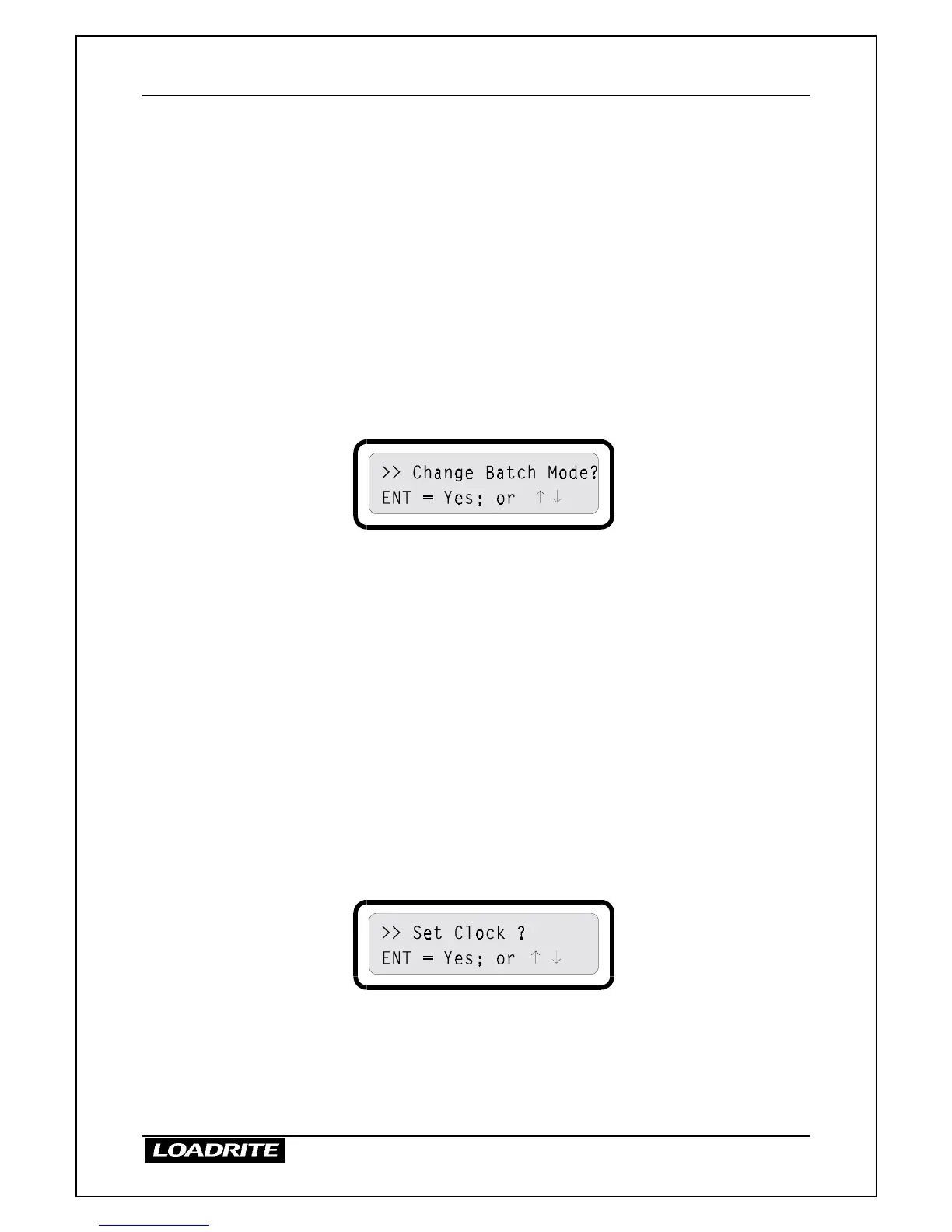
Batch Mode On / Off
If batch mode is enabled in the LR810, you can switch batch mode on or off.
Operating with batch mode is described on page 22.
>
>>
>
To switch batch mode on / off
1. When the LR810 is Ready, press MENU.
2. Press
≤
or
to reach the Change Batch Mode option.
3. To change the mode, press ENT.
The LR810 displays the new setting of batch mode for a few seconds
and then returns to the Ready state.
Setting the Time and Date
The LR810 has an internal clock which can used for inserting the time and
date into recorded and printed data. You can also display the time and date
on the upper display by pressing the TIME key.
The LR810 has a backup battery which maintains the clock and memory
when main power is off.
>
>>
>
To set the time and date
1. When the LR810 is Ready, press MENU.
2. Press
≤
or
to reach the Set Clock option.
3. To set the clock, press ENT.
4. The display shows the current time and prompts you to enter the
minutes.



 To Next Page