20 Changing the Backup Battery
40
20 Changing the Backup Battery
The LR810 has a backup battery which maintains the clock and memory
when main power is off.
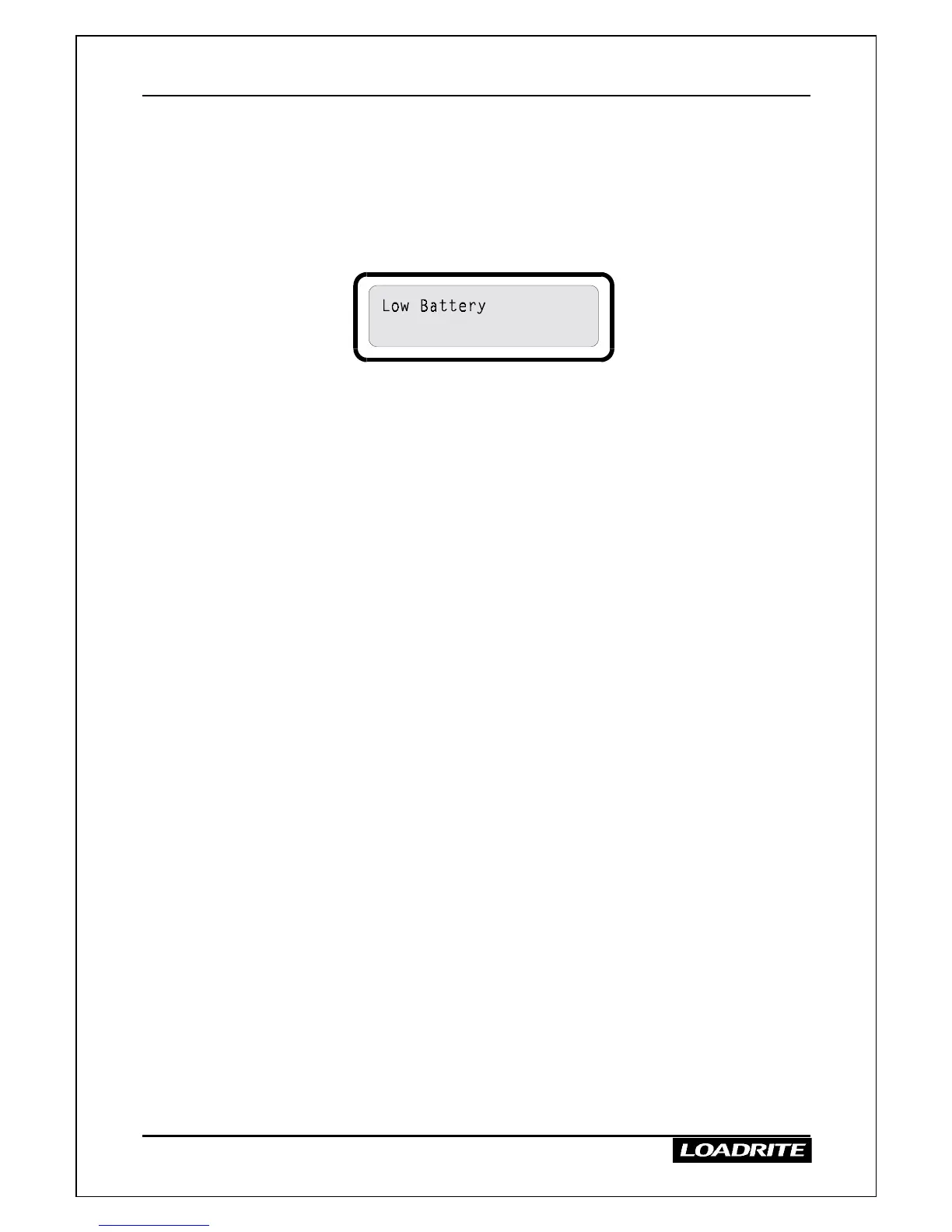
When the battery requires changing, the LR810 displays a “Low Battery”
message each time the unit is switched on.
When this message appears, you should install a new battery as soon as
possible.
The battery compartment is at the top of the rear of the LR810 indicator.
All totals + time/date.
WARNING - memory lost if power off and battery out for 30 seconds
>
>>
>
To replace the battery
1. Make sure the LR810 is switched on to prevent loss of data.
2. Remove the battery cover which is held in place by four screws.
3. Unplug the old battery.
4. Plug in a new 9V alkaline battery (6LR61).
5. Replace the battery cover.



 To Next Page