16 Using the LD640 Data Logger
33
16 Using the LD640 Data Logger
The LD640 Data Logger is an optional accessory to the LR810 weighing
system. The LD640 consists of a portable capsule which stores the data and
a base unit which is connected to the LR810.
The LD640 records weight data as you operate the LR810. The data can
later be transferred to a computer for analysis. Data is recorded whenever a
weight is added, subtracted, zeroed or tared, or when a total is cleared.
Once installed, the LD640 operates automatically as you weigh loads, it
does not require any action by the operator.
Displays
The LD640 causes the LR810 to display the following messages at certain
times.
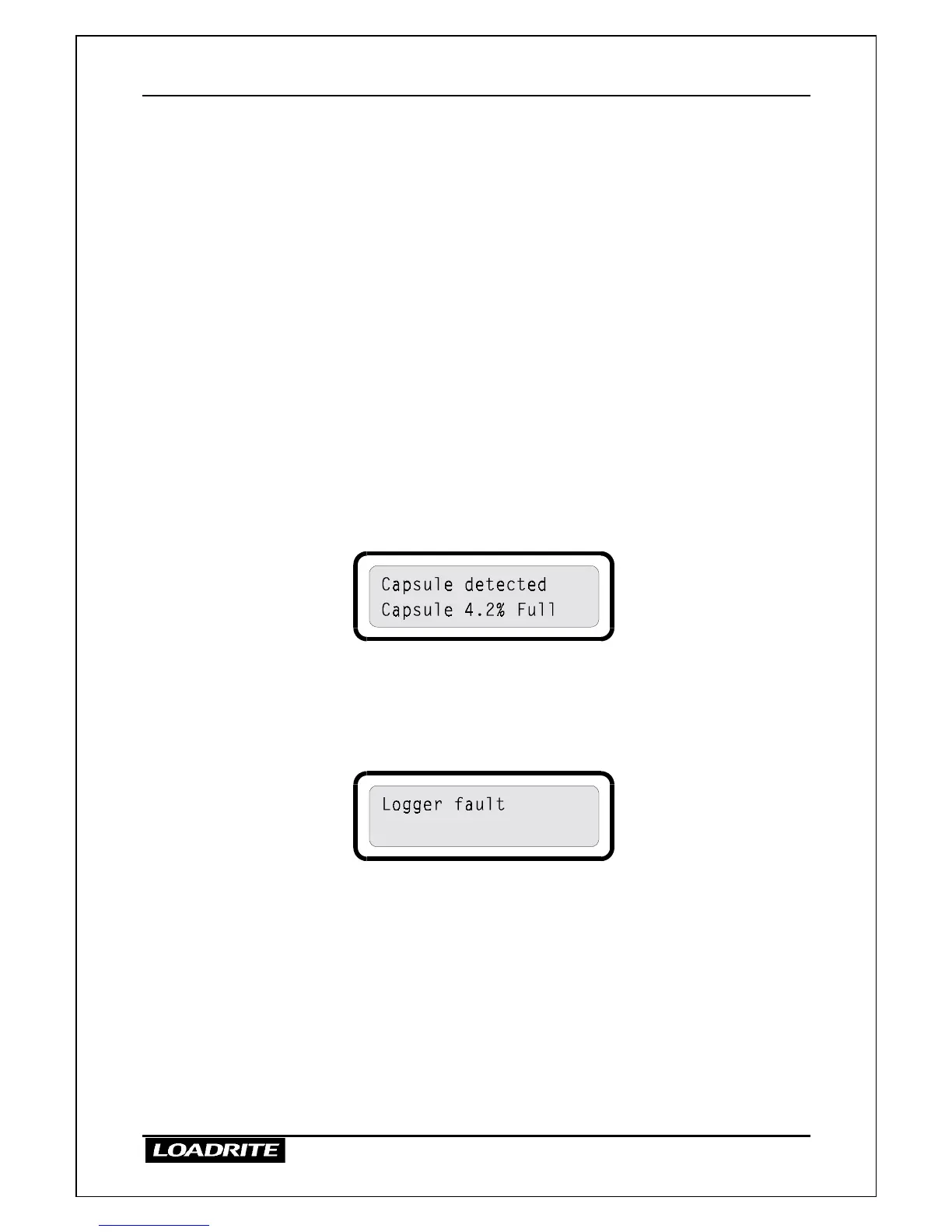
When data capsule inserted
When a data capsule is inserted into the base, the LR810 briefly displays the
following message.
(4.2% is replaced by the actual amount of data in the capsule)
When data capsule removed
If the data capsule has been removed from the base and the LR810 attempts
to send data to it, the LR810 briefly displays the following message.
Operation of the LR810 is unaffected.
A warning is also given as the capsule reaches 95% full.
When data capsule is full
When the data capsule has stored data up to its capacity, the LR810 briefly
displays a message to that effect.
You can continue to operate the LR810, but if you want to record the data,
you must insert another data capsule.



 To Next Page