7 Product Names
14
>
>>
>
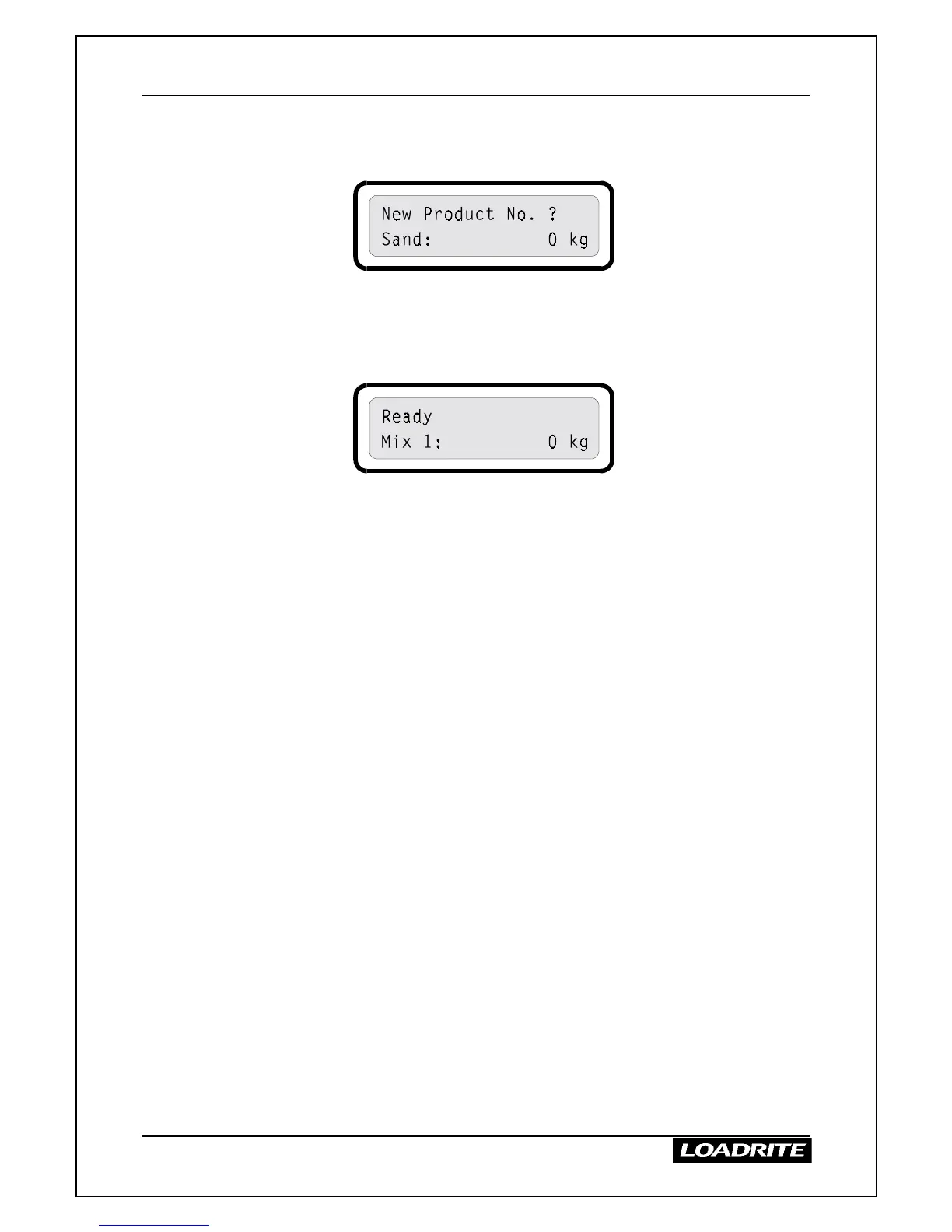
To select a different product
1. Press PROD.
2. Enter the number or press
≤
or
to display the product required.
3. When the required product is displayed, press ENT.
The LR810 displays the product name corresponding to the number
you entered and is ready to weigh.
Notes
• If you do not select a new product within a few seconds, the LR810
reverts to the original product.
• You can select a different product in the middle of a total or target
operation and return to the original at any time without losing the data.



 To Next Page