- 102
english
MediaNetwork
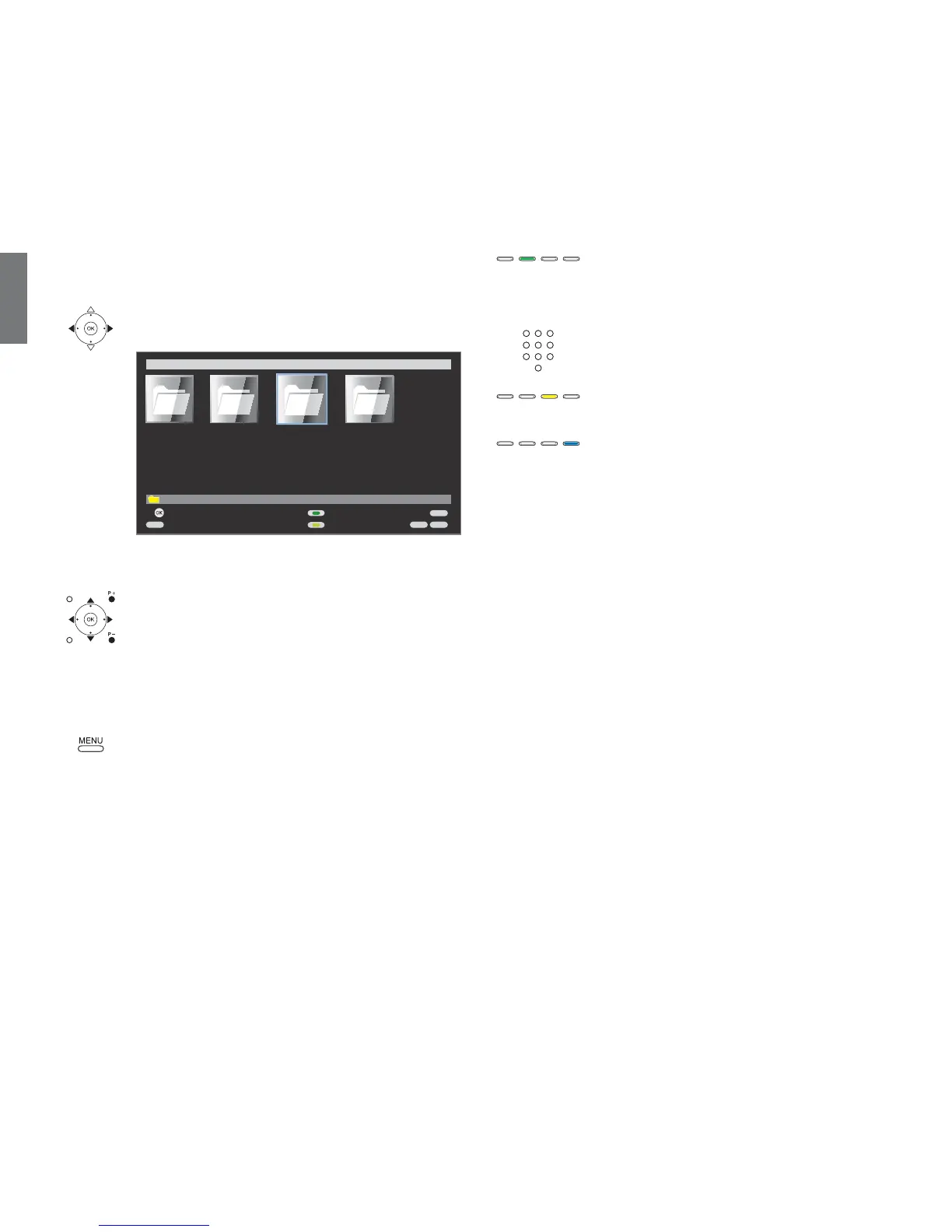
Media overview – video operation
➠ Media selection is shown (page 98).
Select folder with videos,
OK open folder.
➠ The name of the folder depends on your media server
setting (in example picture: Video).
Select required sub-folder,
OK open folder. If required, repeat.
P+/P- Page up / down.
➠ Only available when there are more items in the
current folder than can be displayed on one screen
page.
OK Play marked video (see next page).
MENU: Open MediaNetwork-Menu (see page 99).
Green button: Order by ...
Change order objects displayed (folders or files).
➠ The sorting options available depend on the media server
that you are using.
➠ With alphabetical sorting, the search can be carried out
with the number buttons of the remote control by initial
letter (depending on the media server).
Yellow button: Change view
Switches between preview and list view.
Blue button: Go to page ...
Alternatively to going through pages you can also go
directly to the individual pages on the overview. On the
Go to page ... overview the first title on each page respec-
tively is shown.
➠ Only available when there are more items than can be
displayed on one screen page.
➠ The number of pages depends on the view selected
(preview or list). You can see the number at the bottom
on the left.
Notes on high definition films
High definition film material (HD films) from format 720p upwards
(resolution 1280 x 720 or higher) should be played back via a wired
connection. If there is a wireless connection, then technical limitations
(e.g. fault liability, bandwidth limitations) can cause disruptions in the
playback right up to a complete breakdown of the playback.
END
INFO
MENU
EPG
Order by ...
Change view
Open folder
Select source / media server
MediaNetwork Media-Server 1
OK
\Video 4 element(s)
Photo
Music Internet radio
Video













 To Next Page