- 22
english
Daily operation
Adjusting the sound
Switching sound off/on
Sound off;
Sound on: Press button again or set volume V+.
Setting the volume
V+/V– Volume louder / quieter.
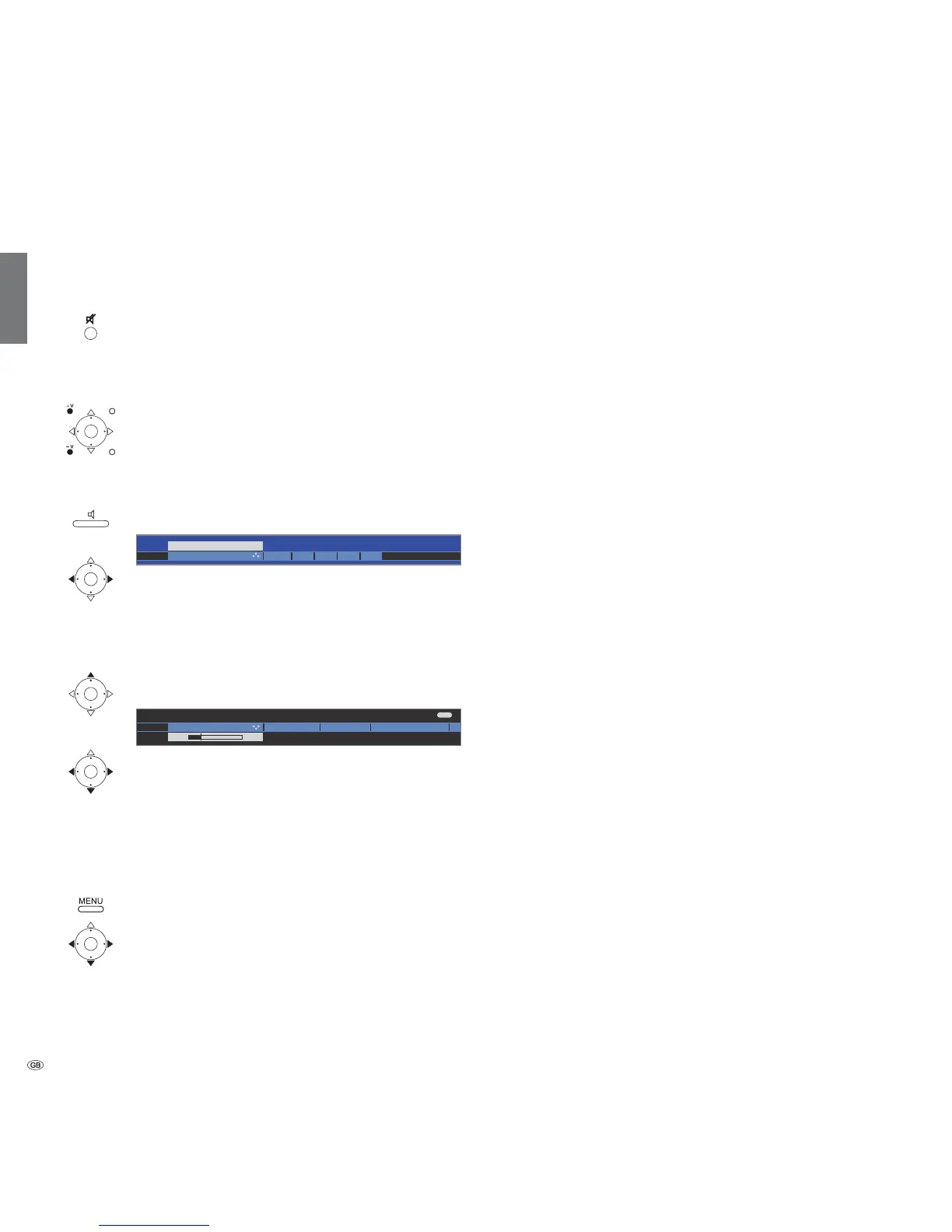
The volume bar will be shown briefly if no other menu
is displayed.
Setting the Sound mode
Call Sound mode.
Select the number of speakers you want to hear.
Additional sound settings for volume adjustment and for Sound mode:
➠ As long as you can still see the volume bar or the
selection of speakers for sound mode:
Call additional sound settings.
Select sound setting,
go to the menu line below.
Make changes.
Sound settings via the TV menu
➠ In normal TV mode, without other displays.
Call TV menu.
Select Sound,
go to the menu line below.
Select desired sound setting,
go to the menu line below.
Make changes.
Explanations of the sound settings:
Select the number of speakers you want to hear. The
selection depends on the connected sound components
(from page 56) and on the transmitted audio signal.
➠ If the number of speakers appears in brackets, the
sound of missing speakers is transmitted by the existing
speakers (virtual).
The momentarily reproduced audio signal is output with
the ideal number of speakers.
Play centre sound or mono (left/right).
Play front sound (L/R stereo).
Play front and centre sound.
Play front and surround sound.
Play front, surround and centre sound.
Play via an external HiFi amplifier. Selection is only possible
if an amplifier has been selected in the sound components
wizard (see page 61).
Here you can make Dolby Pro Logic II sound settings for
movie, music, matrix and personal settings. Menu item
only appears with certain sound mode settings.
Speech, Classical, Pop, Custom music, and Custom film
sound.
Adjust the headphones volume.
Proper boost of bass and treble tones at low volume.
If the sound does not exactly match the picture, you
can correct it here. If you move to the left in the bar you
delay the sound in relation to the picture. If you move to
the right you accelerate it in relation to the picture. The
sound is adapted in time steps of 10ms each.
The Sound-picture synchronisation menu item only ap-
pears for DVB stations.
Call with OK (see next page).
Sound mode
optimal
Amplifier
Dolby PLII
mode
Sound
adjustment
Headphone vol.
Loudness
Sound-picture
synchronisation
more ...
END
Sound adjustmentVolume
Sound mode DPLII mode
24
H













 To Next Page