107 -
english
MediaNetwork
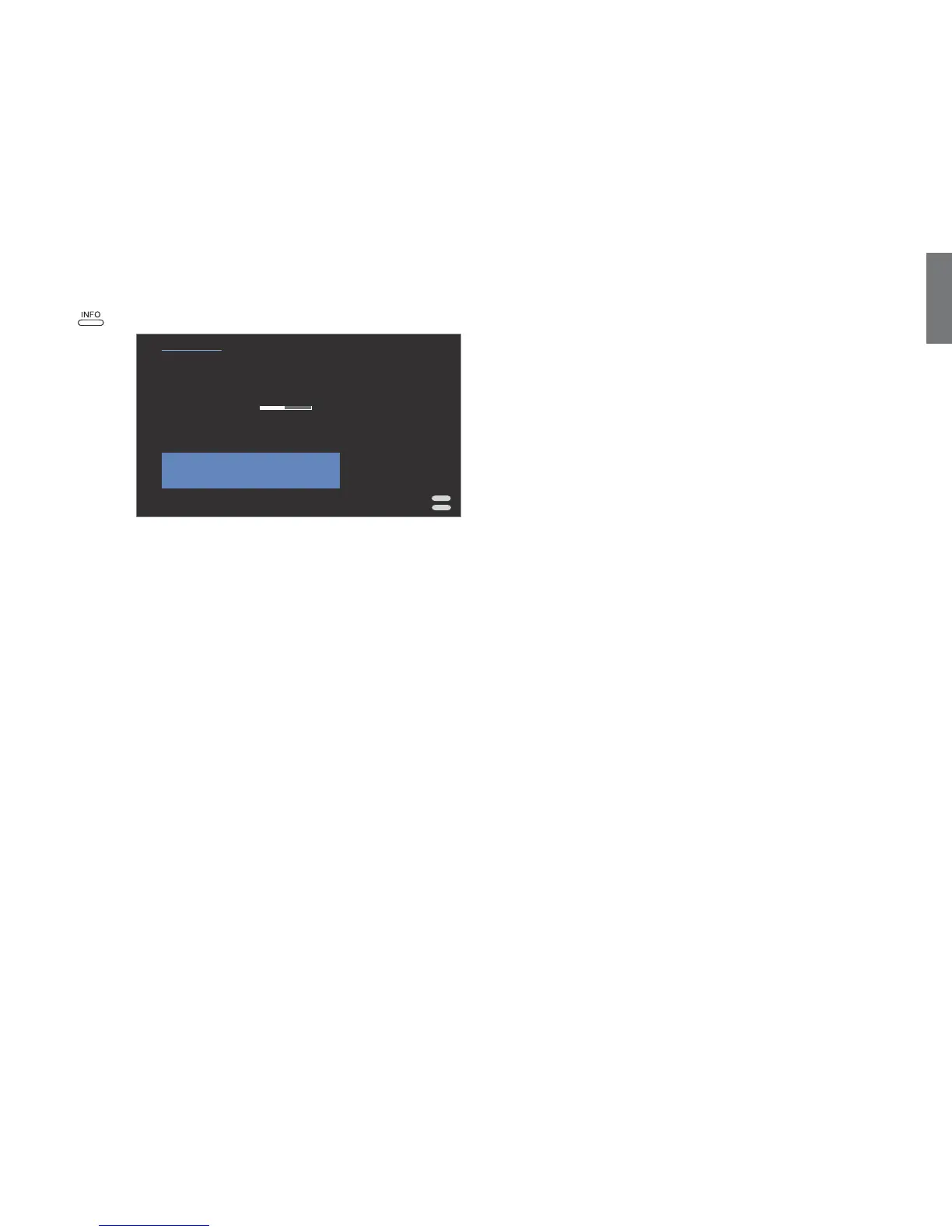
Device Information
➠ MediaNetwork menu is open (page 99).
Open Device Information.
This window provides you all information about your network connection
that is currently active.
Explanation of display items
The currently installed software version of your Network
Mediaplayer.
Shows the type of connection (wired or wireless).
Your current IP address.
Your current subnet mask.
(only appears with wireless connection)
The name of your network.
(only appears with wireless connection)
Display of current reception strength: The more solid the
bar, the better the reception.
(only appears with wireless connection)
Shows you the maximum amount of data can be
transmitted wirelessly per second.
(only appears with wireless connection)
Shows you which of the total of 13 WLAN channels is being
used for radio transmission between TV set and router.
(only appears with wireless connection)
Provides the MAC address of the WLAN component of
your TV set that is secured in the hardware.
The name of the currently selected media server.
Media server software
To play multimedia contents from devices in your home network, you
require media server software which makes the relevant files available
to you. Handling of individual files depends on the technical properties
and also on the media server software used.
On our homepage at www.loewe-int.de you can download a test version of
the TwonkyMedia Media server. With your TV set you have simultaneously
acquired the option if obtaining a free license for this media server.
Alternatively to that, you can also use other media software such as the
Windows Media Player (WMP) as of version 11.
For communication with your PC, certain port addresses of the network
connection are required. They may not be blocked by a firewall if there
is one, otherwise this could cause serious connection errors.
Windows Media Player 11 requires the port addresses 1900 and the block
of 10280 up to and including 10284 (all for UDP) as well as 2869 and
10243 (both for TCP). For TwonkyMedia the port addresses 1030, 1900
and 9080 (all for UDP) and 9000 (for TCP) must be available.
Other ports to be kept free depend on the operating system you are using.
Contact your network administrator about configuring the firewall.
MediaNetwork-Menu
END
INFO
No
Select source/media server
Change network
Background play
MediaNetwork LED
Photo info
Slide Show interval
Picture transitions
Software update
Yes
On
Off
3 sec.
Device Information
Software version
Network mode
Device IP address
Subnet mask
SSID
WLAN signal level
max. WLAN transfer rate
active WLAN channel
WLAN Mac address
Server name
2.0.0.810070
Wireless
192.168.1.123
255.255.255.0
WLAN-Router_1
54.0 Mbit/sec.
1
00:0f:65:02:81:19
Media-Server 1
Software
version
Network
mode
Device IP
address
Subnet mask
SSID
WLAN signal
level
max. WLAN
transfer rate
active WLAN
channel
WLAN Mac
address
Server name













 To Next Page