91 -
english
Formatting the hard disk
You can format the integrated hard disk of the TV set, e.g. if hard disk
problems occur or if you want to delete the hard disk data quickly and
without complications.
Attention!
Formatting of the hard disk deletes all the data saved on it!
Call TV menu.
Select Settings,
switch to the menu line below
.
Select Miscellaneous,
switch to the menu line below
.
Select Format integrated hard disk,
OKactivate.
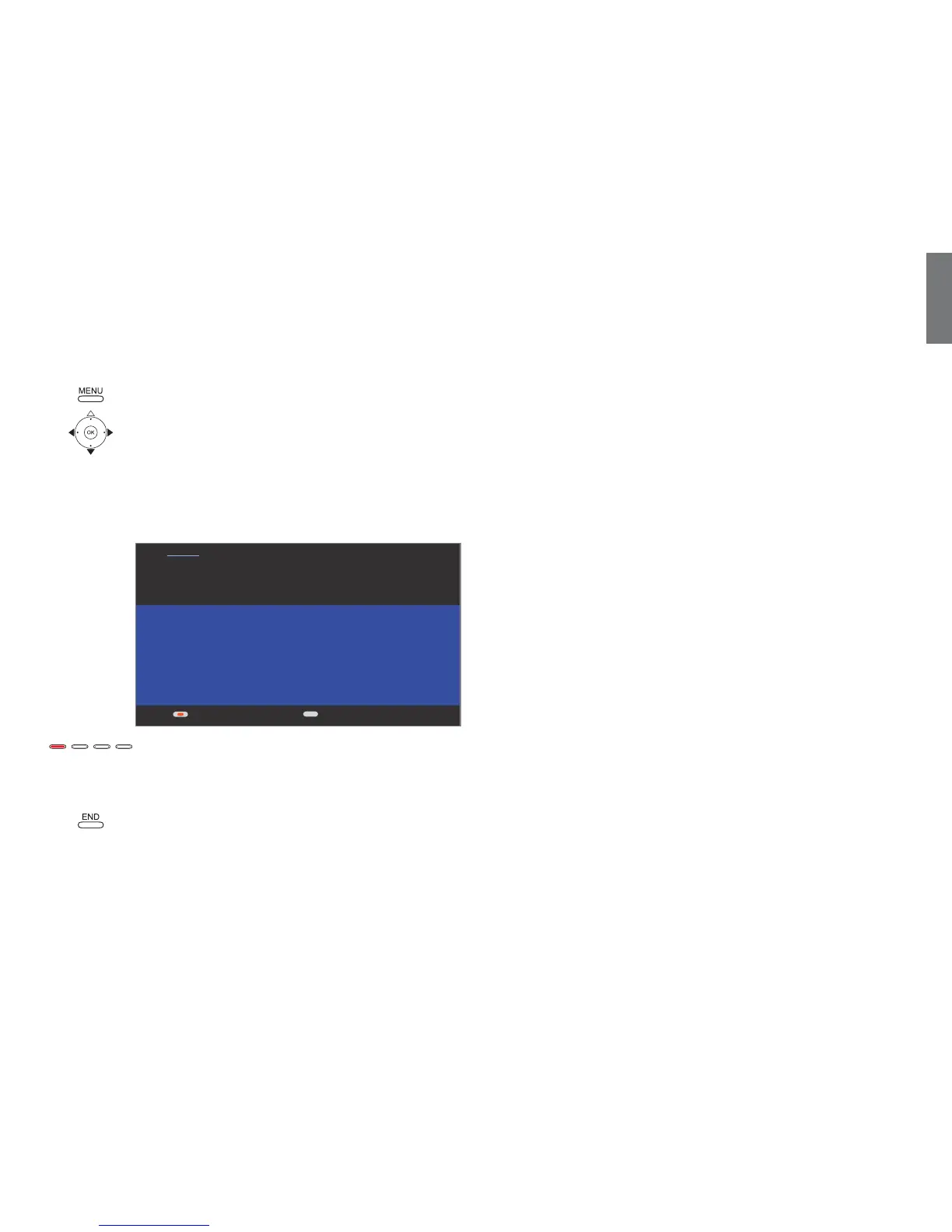
Red button: Start formatting.
➠ First, the TV set is restarted. Then, formatting is carried
out.
END: Cancel the operation.
Digital Recorder
+
END
Attention
The TV set turns itself off and on again by itself after you have pressed the
key to confirm formatting of the hard disc; hard disc formatting then starts
automatically. Note! This procedure deletes all data stored on the hard disc.
Do you really want to format the hard disc?
Start formatting No, cancel the operation













 To Next Page