75 -
english
Digital Recorder
+
Digital Recorder menu
You can make a few settings in the Digital Recorder menu to adapt the Digital
Recorder to your requirements.
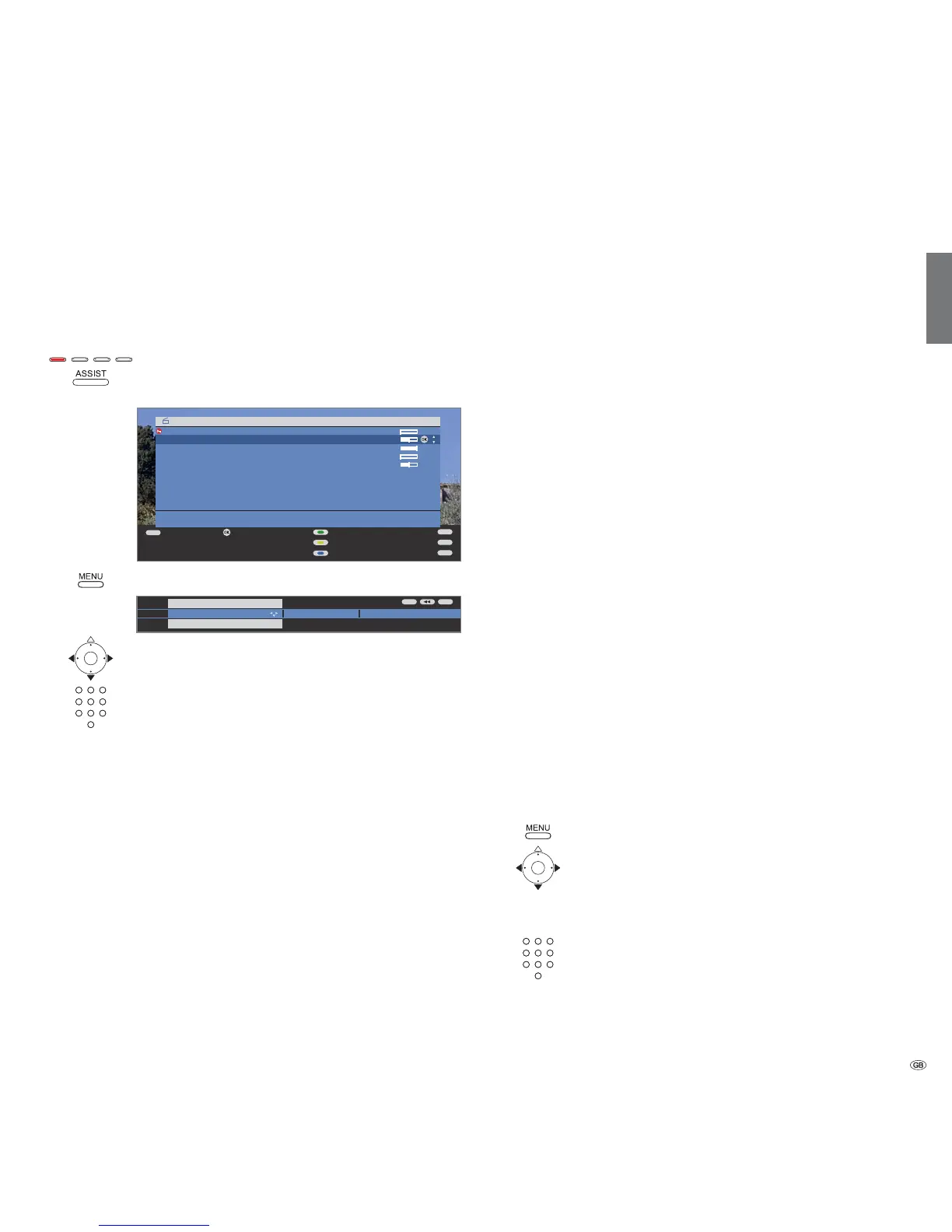
Call Digital Recorder menu
Red button: Call DR archive.
With MHEG-5 software: Press ASSIST button to call Assist
+
menu, select DR archive and call with OK.
Call Digital Recorder menu.
Choose a setting,
switch to the menu line below.
Set or enter using the
numeric buttons of the remote control.
Explanation of the setting facilities:
If DR continuous mode is switched on, the programme being
watched is recorded permanently in the background.
Factory setting: on.
Adjust the recording quality for recording analogue pro-
grammes. This results in a change in the recording capacity.
Factory setting: high.
If hiding has taken place during an existing archive recording you
can choose whether to be advised of this by a message or not.
Factory setting: yes.
For time shift viewing and for playing archive recordings you
can set a jump distance (in minutes), so that you can jump
forwards or backwards in the movie by pushing the buttons
or
on the remote control (always enter two digits for 01 to 15
minutes). Factory setting: 04 min.
➠ The jump range can only be set between 1 and 4 mi-
nutes when Smart Jump is activated (menu setting yes).
By using an intelligent jump function, you can quickly and
or in the archive). Every time the direction is reversed, when
jumping, using the buttons or , the jump distance is cut
in half. See page
76
for more information on this application.
Factory setting: yes.
To avoid recording a serial episode more than once when it is
shown several times a day, a tolerance time must be entered.
The serial is then only recorded when it starts within the start
time ± serial recording tolerance. Enter the time with the
numeric buttons on the remote control (always enter two
digits for 01 to 60 minutes).
Factory setting: +-30 min.
➠ Serial recording tolerance is ignored when recording a
programme with auto time control (see page 82) in TV
sets with activated MHEG-5 software.
Select here whether subtitles are to be recorded in continuous
operation for DVB stations. Not possible in devices with
activated MHEG-5 software.
Factory setting: no
(1
.
(not with MHEG-5 software)
The TV set can possibly already record decoded programmes
in DR continuous operation that have been watched as time-
shifted encoded programmes. Recording the programme
directly into the DR archive saves you having to descramble
it later.
Factory setting: no.
Setting the pre-record and post-record time
You can set a pre-record and post-record time for timer recordings made
without VPS (analogue) or auto time control (DVB and MHEG-5). This reduces
the risk of parts of the programme not being recorded because it starts earlier
Call TV menu.
Choose Recording,
switch to the menu line below.
Set pre-record or post-record time,
switch to the menu line below.
Enter the time with the numeric buttons (always enter two
digits for 01 to 15 minutes for the pre-record time and 01
to 60 minutes for the post-record time). Factory setting: pre-
record: 00 min, post-record: 05 min.
DR continuous
operation
Recording
quality
Inform about
hidden
sections
Jump distance
Smart jump
Serial
recording
tolerance
Record
subtitles at DR
continous
operation
Descrambling at
DR continuous
operation
(1
for location of TV set DK, FIN, N or S: yes.
END
INFO
MENU
TEXT
OK
OK
DR archive free capacity 48:42 hrs
14.09 Phoenix Bon(n) jour Berlin
31.08 Das Erste da capo
29.07 3sat tagesschau
Kultur pur
Edit/protect
Delete/copy
Sort alphabetically
Detail View
END
INFO
Recording quality Inform about hidden secti













 To Next Page