- 12
english
Installing the TV set
First prepare the chosen installation solution for your TV set. For further
installation possibilities, see Accessories (page 115).
Preparing the remote control unit
For start-up and use of the remote control, see operating instructions
for Assist Media.
Adjusting the remote control for operating the TV set
Press the TV button.
You can find out how to operate other Loewe appli-
ances in the operating instructions of the remote control.
Initial installation
Connecting the TV set
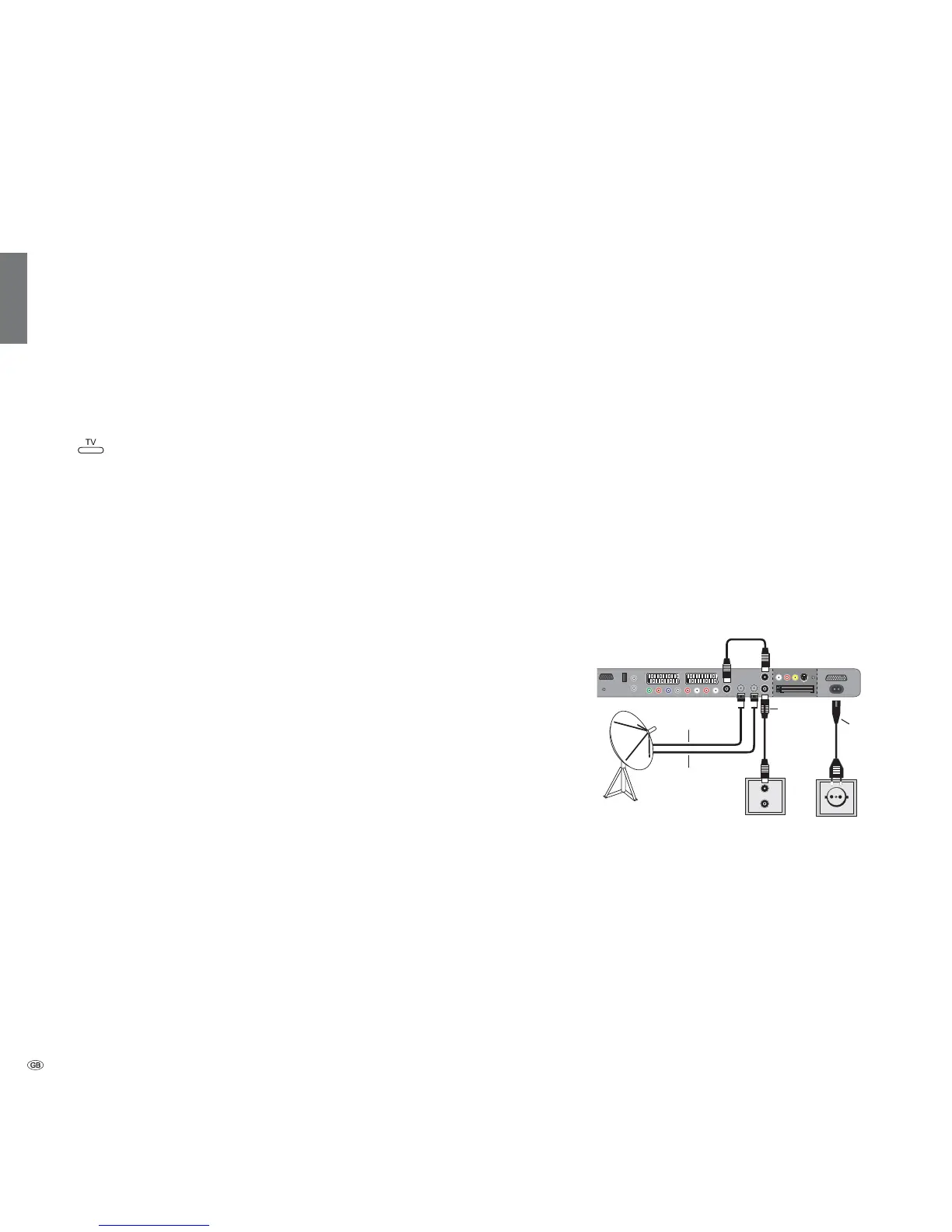
Connecting to the mains
Remove the cover for the connections.
Connect the TV set to a 220-240V outlet:
First plug the small plug of the mains cable into the
mains connection on the rear of the TV, then plug the
large plug into a mains power outlet.
Connecting the antenna
Analogue / DVB-C / DVB-T antenna:
Plug the antenna plug of antenna system, cable system,
or room antenna into the ANT2 socket.
The connecting cable between ANT-TV – ANT OUT is
plugged at the factory.
Satellite antenna:
Connect an antenna plug, e.g. from the antenna change-
over switch or from the twin-LNC of the satellite system
to the sockets ANT-SAT resp. ANT-SAT2.
When connecting only one SAT antenna cable, connect
it to ANT-SAT.
Replace the cover over the connections.
Receiving coded stations
When using a CA module and a Smart-Card to receive
coded stations, please observe the handling of the CA
module (see page 42).
Connections on the back of the set (see also page 5).
TV
R
ANT
SAT
ANT2
ANT
SAT2
220-240V~
50/60Hz













 To Next Page