99 -
english
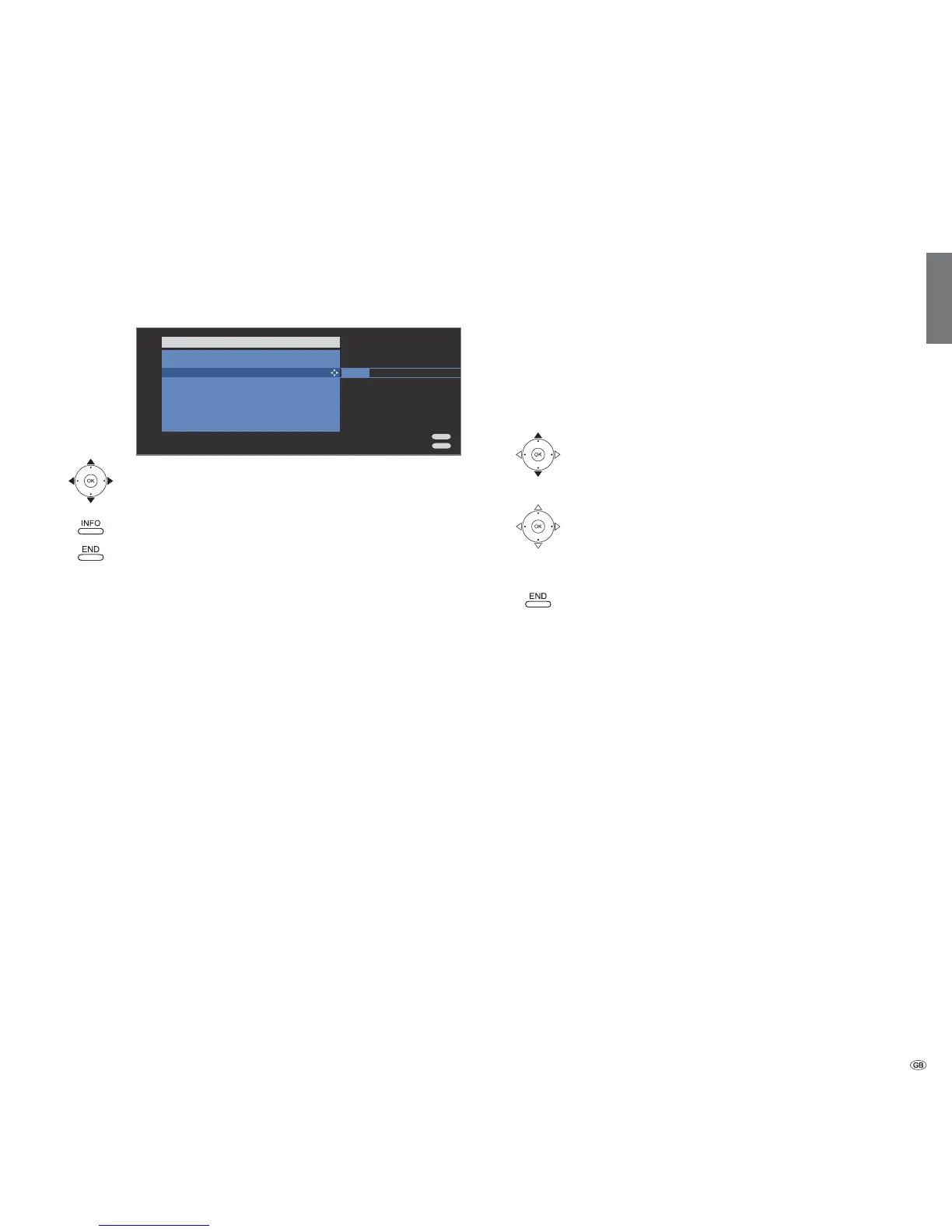
MediaNetwork-Menu
You can make a few settings in the MediaNetwork-Menu to adapt
MediaNetwork to your requirements.
Select menu item.
or
OK Adopt settings.
Call Device Information (see page 107).
Leave MediaNetwork-Menu and adopt settings.
Explanation of setting options in the MediaNetwork-Menu
You can select your desired media server in the current
network, e.g. if several servers are active in the network,
or change to internet radio.
Here you can designate a new network, e.g. change from
wired to wireless.
Select Yes to continue to play back music files that were
being played back even if you are no longer in the music
view (e.g. as background music for a slide show in photo
operation).
Select whether the Connectivity display on the left
of the TV set is to light up when there is a connection.
Select On, to always have the photo information (file
name and number of files in folder) shown with Full
screen display or Slide show (photo operation see
page 100).
Select how long each picture is to be shown for during
a slide show. The display time can be 2, 3, 5, 10, 30 and
60 seconds.
There is a choice of three different photo transitions for
changing slides. You can also have the photo transitions
run in sequence.
Vertical photos (with corresponding Exif entry) can be
displayed automatically rotated.
See right hand column.
MediaNetwork
Software update
It is possible to update the MediaNetwork software on your TV set. A
software update can be installed on your set over the internet.
➠ The TV set must have a working internet connection with designated
gateway and DNS server (see page 97 and glossary page 117).
The web address for the software update over the internet is preset in
the set.
Start software update
Select Software update,
OK start update.
If a new software version is available:
OK Load software.
➠ The TV set must not be switched off while the software
is loading!
End update dialogue.
MediaNetwork-Menu
END
INFO
No
Select source/media server
Change network
Background play
MediaNetwork LED
Photo info
Slide Show interval
Picture transitions
Rotate photos automatically
Software update
Yes
On
Off
3 sec.
Yes
Select source/
media server
Change
network
Background
play
MediaNetwork
LED
Photo info
Slide Show
interval
Picture
transitions
Rotate photos
automatically
Software
update













 To Next Page