- 84
english
Digital Recorder
+
Smart Jump
Smart Jump allows you to search quickly for certain scenes of a recording.
The jump width is halved every time you change the jump direction. The jump
width is doubled if you jump more than three times in the same direction.
76.
Fast forward and rewind
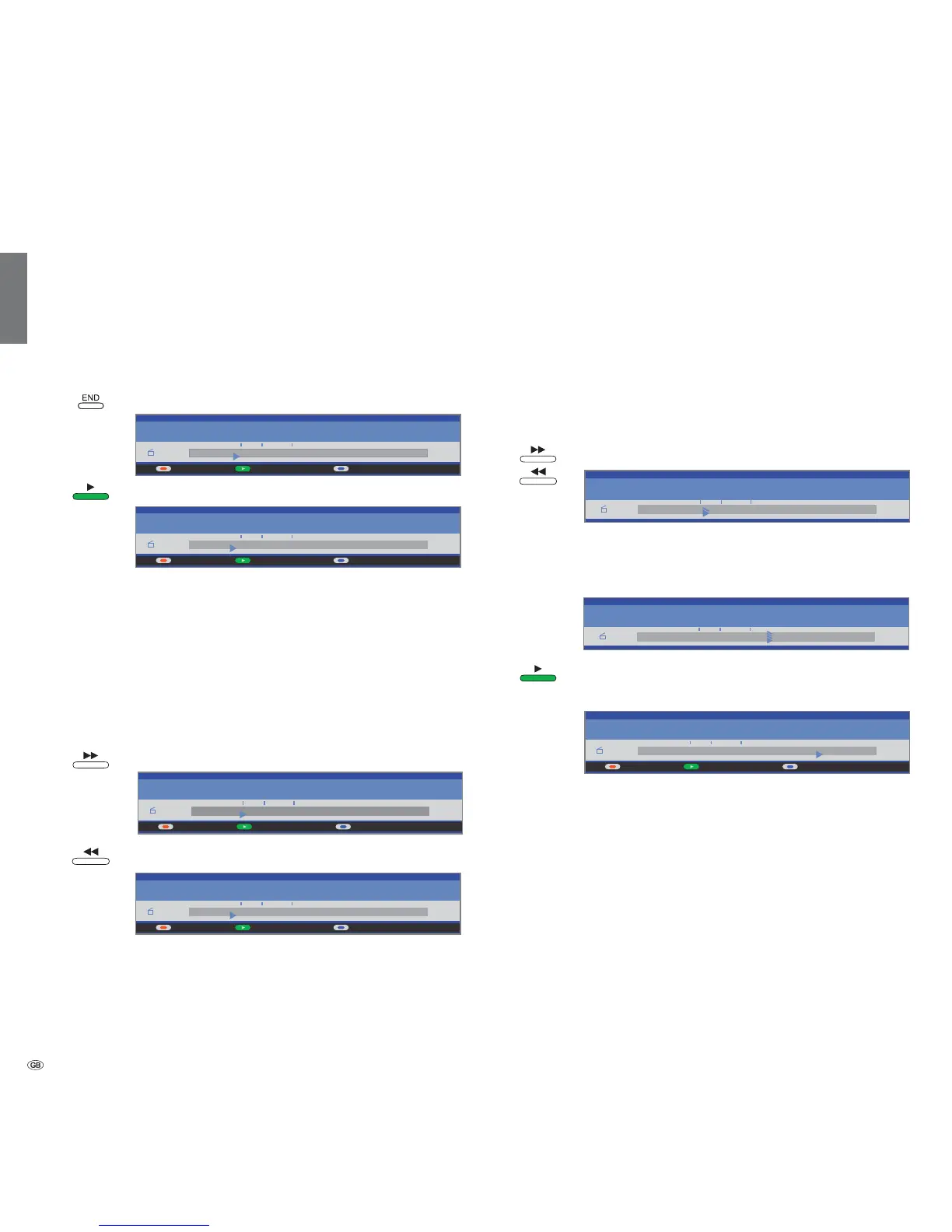
During time shift viewing you can fast forward and rewind at three different
speeds (when viewing HDTV rewind is not possible). Sound is not audible
during winding.
Press the button or a little longer.
The speed increases every time you press the button until
eventually switching back to the initial speed.
Press the PLAY button, when you have reached the position
where you want to continue viewing.
You will see a freeze frame when the start or end of the
recording is reached during winding.
➠ When playing coded recordings, some of the following functions are
restricted.
Playing highlights
If there are manually set bookmarks in the current playback, they can be played
as highlights. 30 seconds before and after the set bookmark are played. The
highlights are numbered consecutively and shown continuously.
The playing of highlights can be terminated by pressing the STOP button.
END: Show status display.
Press the PLAY button for Highlights.
Start playing highlights. As long as this drive display is shown, you jump to the
next highlight with the blue button and the red button jumps to the previous
highlight. You can also jump to the next highlight by pressing the PLAY button
again. This function is also available if no drive display is shown. The playing
of highlights can be terminated by pressing the STOP button.
Further information concerning highlight playback can be found on page 88.
Jumping
buttons or .
Jump forwards.
Jump backwards.
➠ Setting the jump distance: see page 75.
00:00 01:0300:11
Highlights
Archive 31.08 Stereo
da capo
00:00 01:0300:11
Highlights
Archive 31.08 Stereo
da capo
00:00 01:0300:13
Highlights
Archive 31.08 Stereo
da capo
00:00 01:0300:11
Highlights
Archive 31.08 Stereo
da capo
00:15
00:00 01:03
Archive 31.08 Stereo
da capo
00:38
00:00 01:03
Archive 31.08 Stereo
da capo
00:00 01:0300:51
Highlights
Archive 31.08 Stereo
da capo













 To Next Page