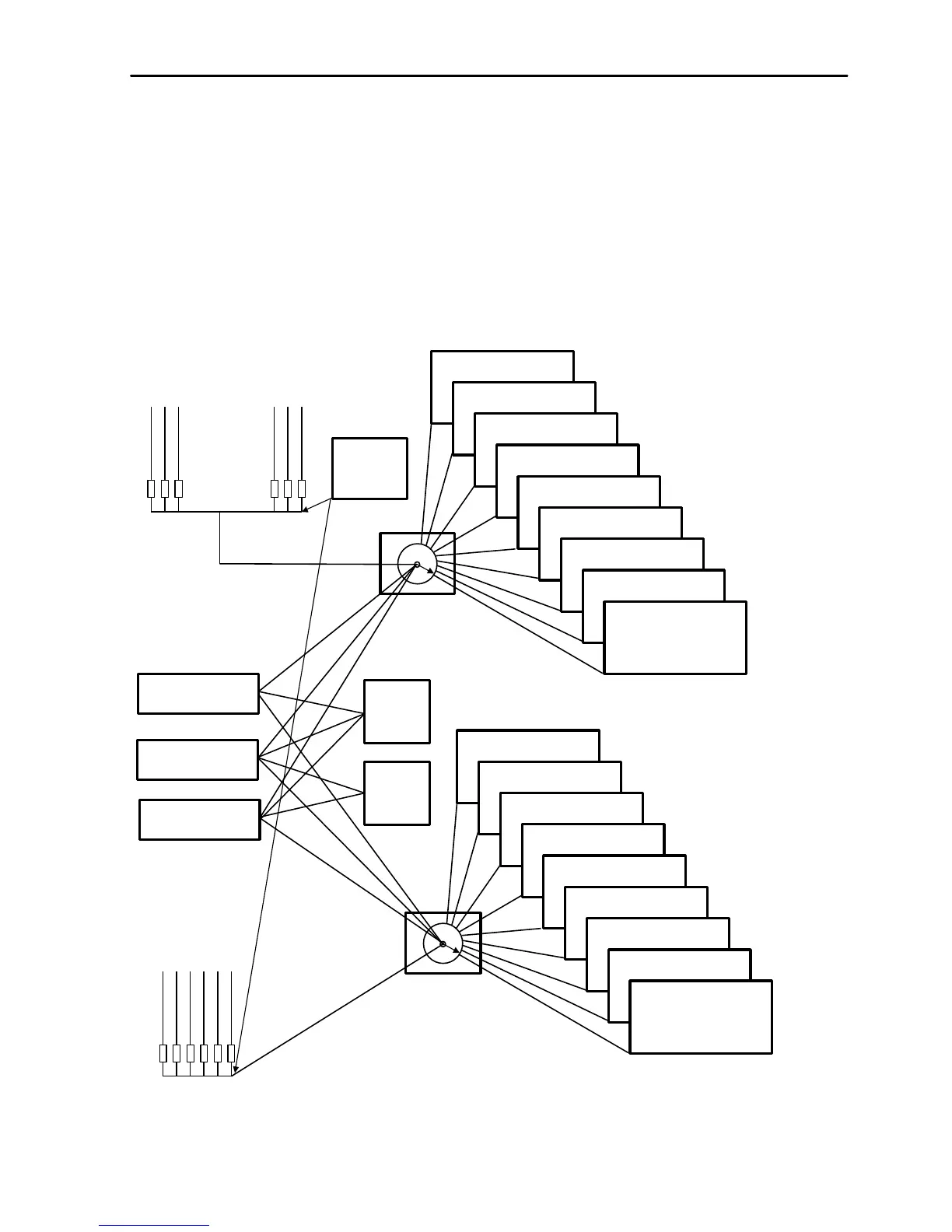
maXim Operator Manual Memory Structure
LSC Lighting Systems (Aust) Pty. Ltd. Page 21 of 66
• In Scene mode, any one of the 9 red pages may be selected as the current page and the scenes
or chases in that page are assigned, in order, to their respective red Playbacks, 1 to 12.
• When a [record] button is pressed, a Scene, Stack or Chase may be recorded into any number
in any red page or into the Grab Master.
• When the [edit] button is pressed, the contents of any number in any page or the grab or stack
master may be edited.
• When the [assign/copy] button is pressed, the contents of any number in any page may also be
copied to or from any number in any page including the Grab master. If a memory contains a
stack, then it may also be assigned/copied to the stack master.
• When the [select] button is pressed, the parameters in a playback can be varied without
affecting the memory. When [select] is deselected, the changes are retained in the playback and
can be copied to the memory if required.
Blue Page Key
Blue PAGE 2



 To Next Page