maXim Operator Manual Stacks
LSC Lighting Systems (Aust) Pty. Ltd. Page 42 of 66
• LINK None
• SNAPSHOT Time faders
(You can change the default times with the “Setup Preferences” function).
See REPLAYNG STACKS below for more details on fade and link times.
Pressing [function] again shows the current step number and allows you to record the next step.
COMPLETING THE STACK
When all steps have been recorded, complete the stack by pressing;
[record stack].
The display briefly displays the recorded Bank/Page/Stack number.
NAMING A STACK
Each stack is by default given its bank, page and F/A number as a name. For example, b1:01 (blue
bank, page 1, scene 1).
To enter or change a name;
Press and hold [function], tap [F/A] (name), a yellow bank function button.
The display says “Pick Object to Name”.
Press:
[page] (optional)
[F/A] (stack number)
The default name is automatically deleted or the existing name is shown and the blinking cursor on
the display is ready for you to enter characters. Either rotate the edit wheel or press the yellow bank
[F/A] buttons for the desired characters as labelled below the buttons. On the S & M models where
several characters are printed below each button, multiple presses select the next character in a
similar fashion to mobile telephone buttonpad. Press [<] or [>] to move the cursor and press
[remove] or [add] to remove or add characters or spaces. Names may be up to 15 characters long.
When finished, press [ok].
NAMING EACH STEP IN A STACK
See “EDITING A STACK” below.
11.3 STACK PLAYBACK
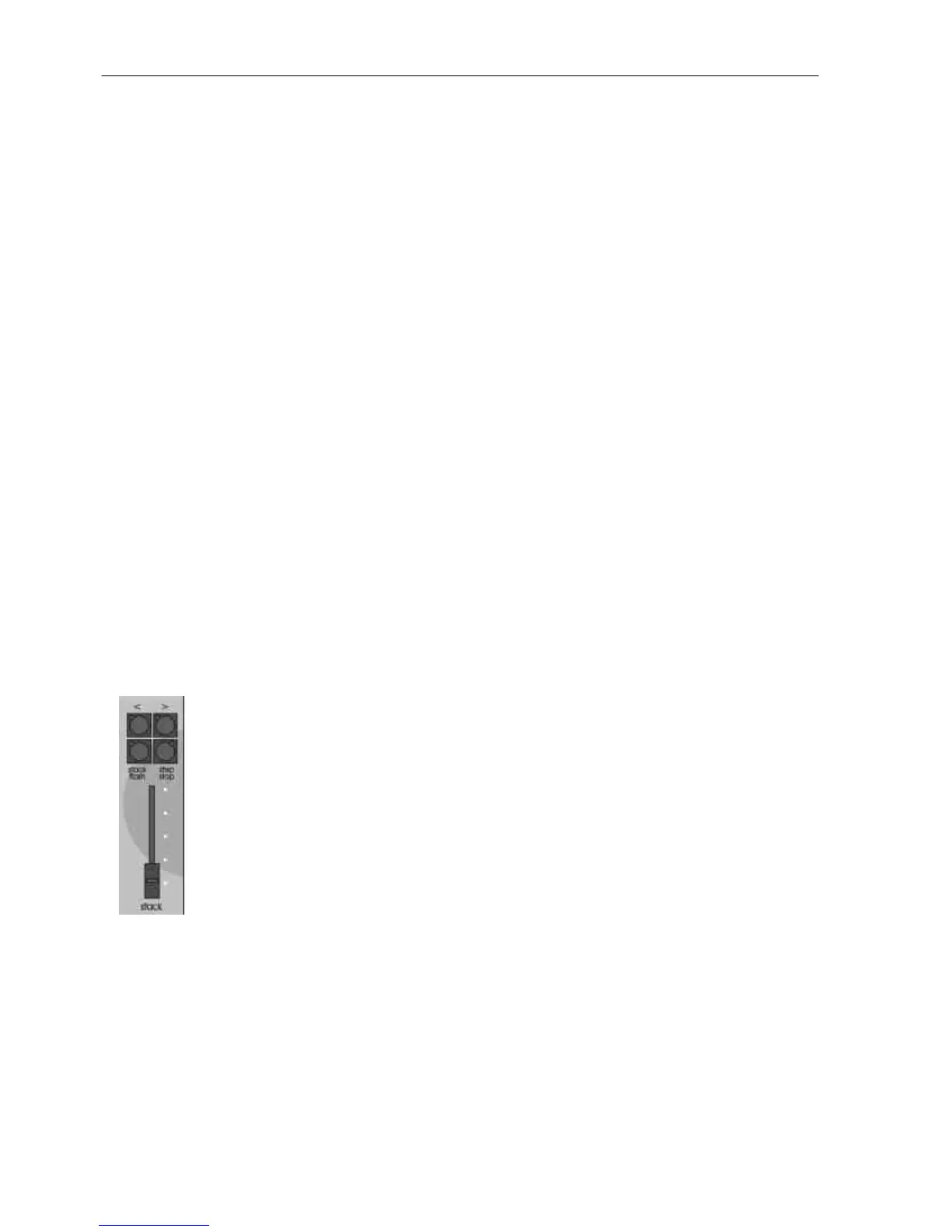
Stacks can only be replayed on the stack master.
ASSIGNING A STACK
To assign a stack to the stack master, press
[assign/copy]
[page] (optional) (select a page in either the red or blue banks)
[F/A] (stack number) (red or blue banks)
[stack flash]
Fade up the stack master to reveal the first step.
STACK LEVEL
The OVERALL output level of a stack is controlled by the stack master. The stack
can be manually faded in or out as required or the stack may be flashed via its
[flash/assign] button.
STACK PLAYBACK
When a stack is idle, its output comes from the current step.
The step that will follow this step is called the next step.
When a crossfade is initiated, the stack master performs a Dipless Crossfade from the current step
to the next step.
When the stack reaches the end, it will wrap around to the start.
INITIATING A CROSSFADE
To crossfade from the current step to the next step, press
[ >] (forward).



 To Next Page